

Tested WordPress code snippets – page 6
Copy-paste snippets for blocks, block themes, security, performance, Tailwind CSS, PHP and React. New snippets every Monday, Wednesday and Friday, each one run in a real WordPress before it is published.
-
Hide cookie banner for a year
Use JavaScript to hide element for one year. It’s perfect for banners such as cookie. You can easily change parameters and change it from 365 days to what ever you need. Your element need to have class of “element-dismiss” and you need to place button element inside
Category: JavaScript -
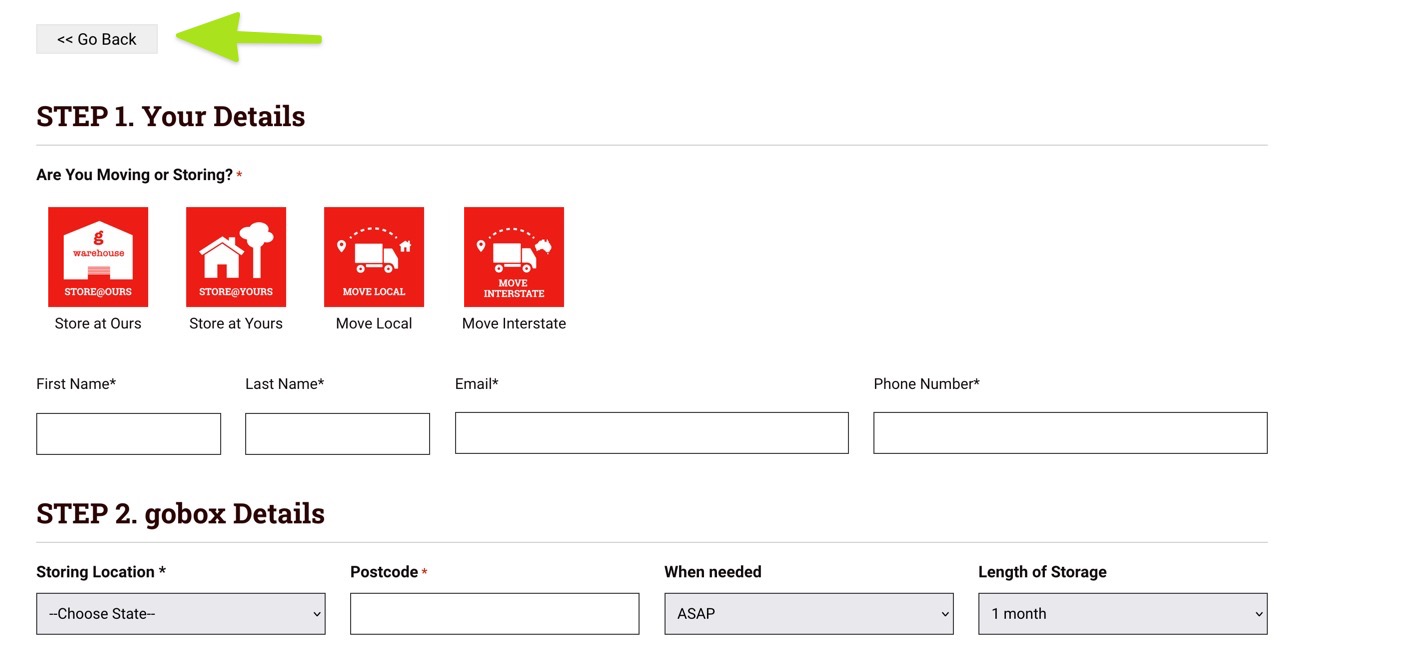
Go Back Button
This will allow you to create a button that uses the history states to go back with pure HTML. You will then have to style it to make it look as required. It is useful if you end up on checkout pages or forms that have no headers or footers and wish to give the…
Category: OxygenTags: HTML -

Display Most Popular Post Without Using Plugin in WordPress
There are numerous plugins available on the WordPress plugin directory for most popular posts. We are going to display the most popular post using the simple post query based on post views. We will be using post Meta to store the views count and we’ll fetch the posts according to the views count using the…
Category: WordPress -
Hide Ruller in Oxygen Builder
This allows you to hide that ruler on the bottom of the builder that often gets in the way of doing mobile responsive work. Set as CSS custom code
Category: WordPress -
Add an Add Media Link to the WordPress Admin Bar
Put an Add Media upload link on the WordPress admin bar, in wp-admin and on the front end, for users who can upload files.
Category: WordPressTags: WP Admin -
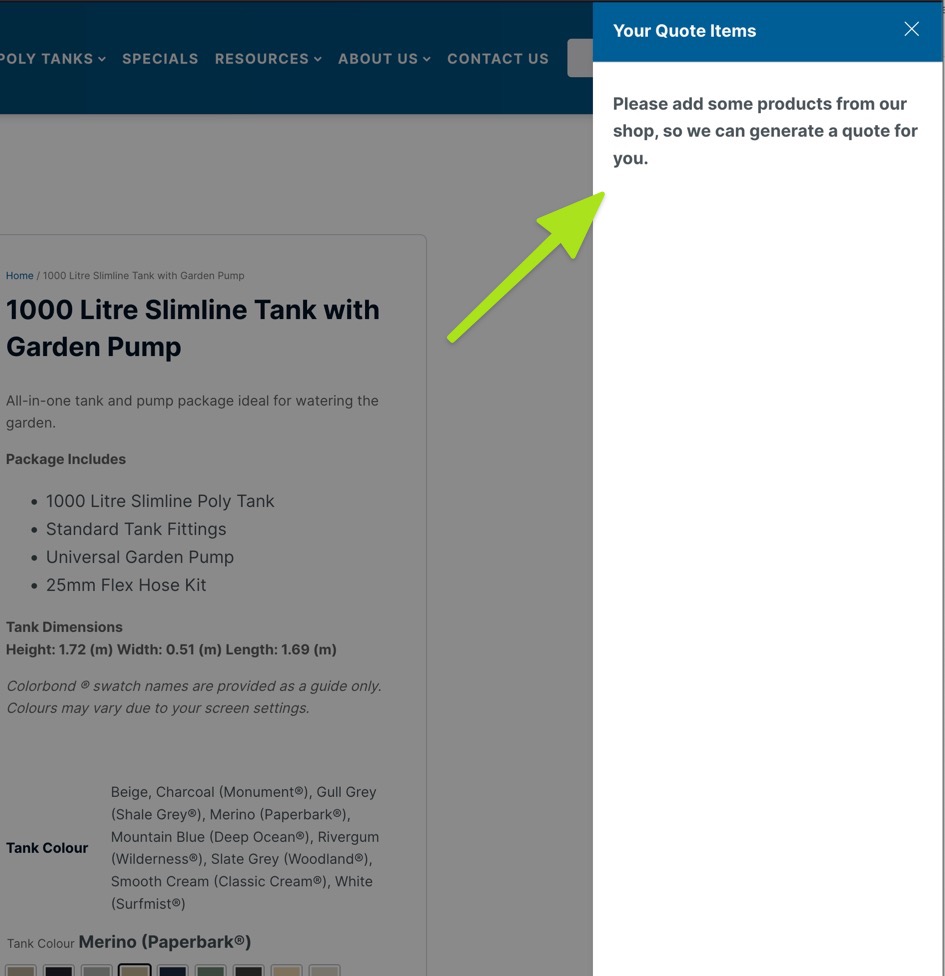
Woo: Change the No Product in cart text on the Oxy Ultimate Woo plugin
This is a snippet for Oxy Ultimate Woo plugin that allows you to change the default “No product in cart” to anything you like. Credit to the Developer, you can see the original code here
Category: WordPress -
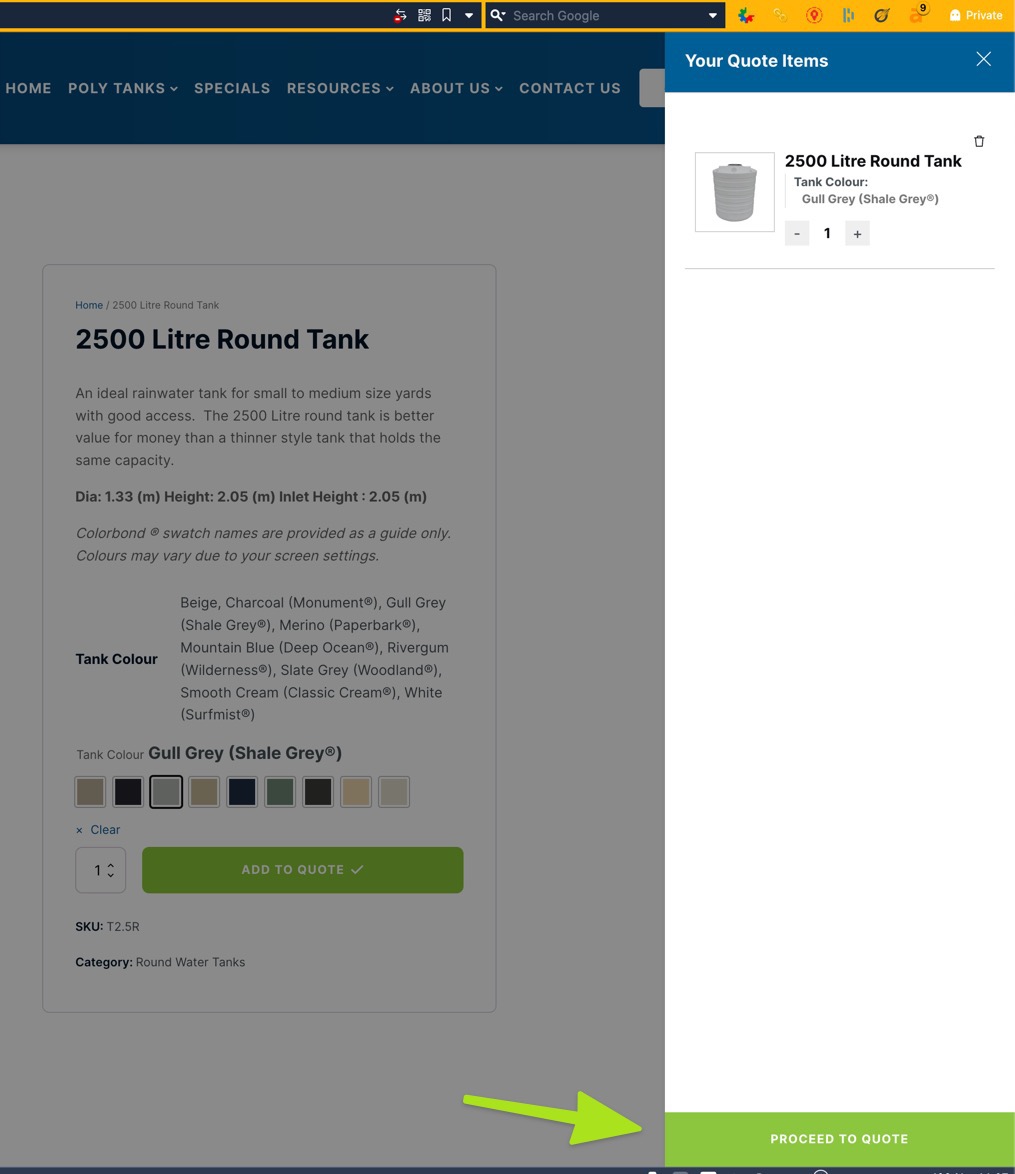
Woo: How to change CHECKOUT text button on Oxy Ultimate Woo Cart
Fo those using Oxy Ultimate Woo Cart component, this is a snippet to change the text on the checkout button to anything you need. This is courtesy of the developer and work perfectly, see original here
Category: WordPress -
Remove Gutenberg Block Library CSS in WordPress
Remove the Gutenberg block library CSS and global styles from the WordPress front end on classic sites, with a config for what to keep.
Category: WordPress -
EDD Restricted content. Present excerpt instead of content
This can be placed in Oxygen code block or you can make it as short-code. It will display excerpt if user is not logged in or didn’t purchased specific product. Replace XXXXX with your product ID on line 9
Category: EDD -
Find all functions hooked to a WordPress action / filter
Quite simply add this near the apply_filters or do_action.
Category: WordPressTags: hook -
Disable WooCommerce Marketing Menu in WordPress Admin
Remove the WooCommerce Marketing menu from the WordPress admin and keep Coupons under the WooCommerce menu.
Category: WooCommerce -
Lowercase Uploaded File Names in WordPress
Make WordPress save every uploaded file with a lowercase file name, or only images, so URLs stay consistent on case-sensitive servers.
Category: WordPress -
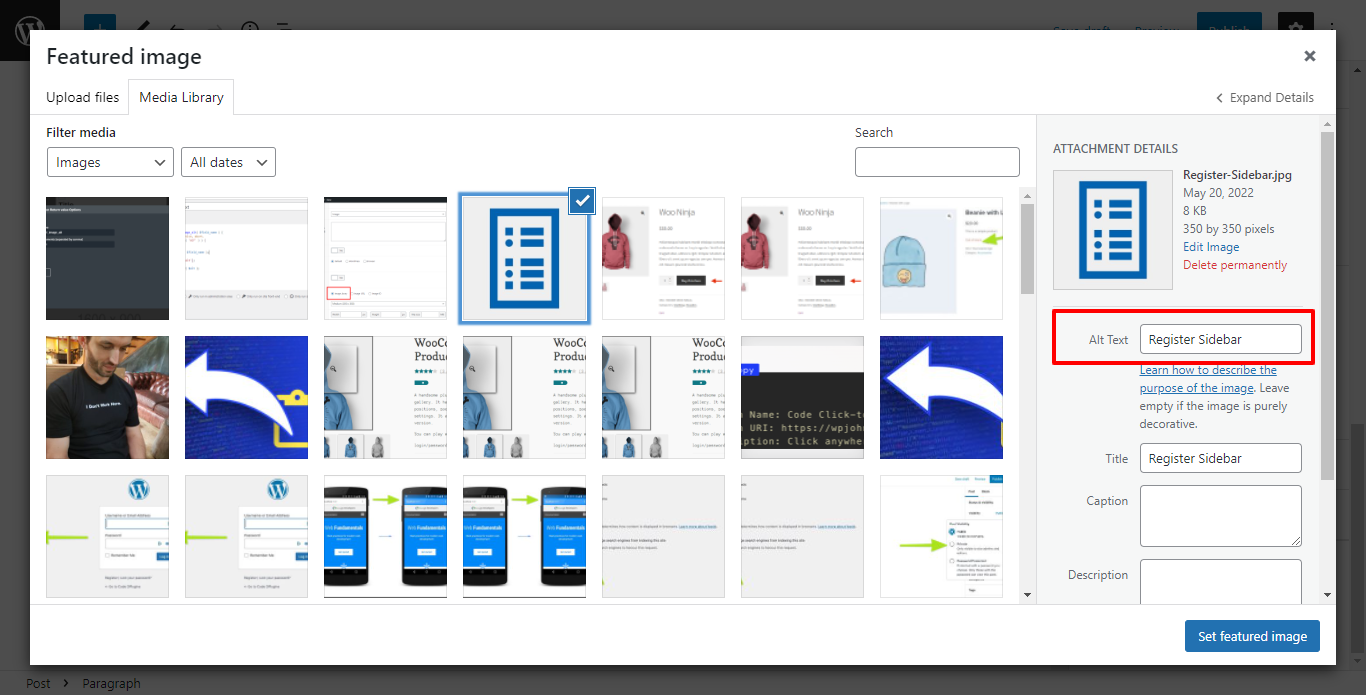
How to add dynamic ACF Image Alt Text with in Oxygen
Oxygen page builder Image element does provide the feature to insert an Image-type custom field’s Alt text using the dynamic data. but if you need overwrite then see 2nd option. Step for show alt tag for image. Ensure that your Image field’s Return Format is set to Image Array in your ACF field group. Step 2 Option 1 Option…
-
Register a WordPress Sidebar for Oxygen Builder
Register a WordPress sidebar (widget area) so clients on Oxygen Builder sites can manage widgets under Appearance → Widgets without opening the builder.
Category: OxygenTags: Tips -
Change Add to Cart Button Text in WooCommerce
Change the WooCommerce Add to cart button text on product pages and shop lists, without renaming Select options or out of stock buttons.
Category: WooCommerceTags: WooCommerce -
Change WooCommerce Out of Stock Text to Sold Out
Change the WooCommerce Out of stock notice and the shop button of unavailable products to Sold out, without touching products on backorder.
Category: WooCommerceTags: WooCommerce -
Limit WordPress Search to Post Title Only
Make the WordPress search match the post title only, not the content, on the front-end search page; wp-admin and other queries keep the normal search.
Category: WordPressTags: search -
Change WooCommerce Add to Cart Text if Product in Cart
Change the WooCommerce Add to cart button to Add again? when the product is already in the cart, on product pages and in shop loops.
Category: WooCommerce -
Remove the Added to Cart Message in WooCommerce
Remove the WooCommerce “has been added to your cart” notice and its View cart button with one filter, while other store notices keep working.
Category: WooCommerceTags: WooCommerce



3rd party plugins actions admin archive block-themes block editor Blocks block theme build capabilities Category core CPT CSS Custom Post custom post types development filters full site editing gutenberg hook Image img load styles maintenance media mu-plugin Must Have npm Oxygen performance php plugins scripts organizer security settings api single product Taxonomy theme.json Tips updates WooCommerce wordpress wp-cli WP Admin