

Tested WordPress code snippets
Copy-paste snippets for blocks, block themes, security, performance, Tailwind CSS, PHP and React. New snippets every Monday, Wednesday and Friday, each one run in a real WordPress before it is published.
-
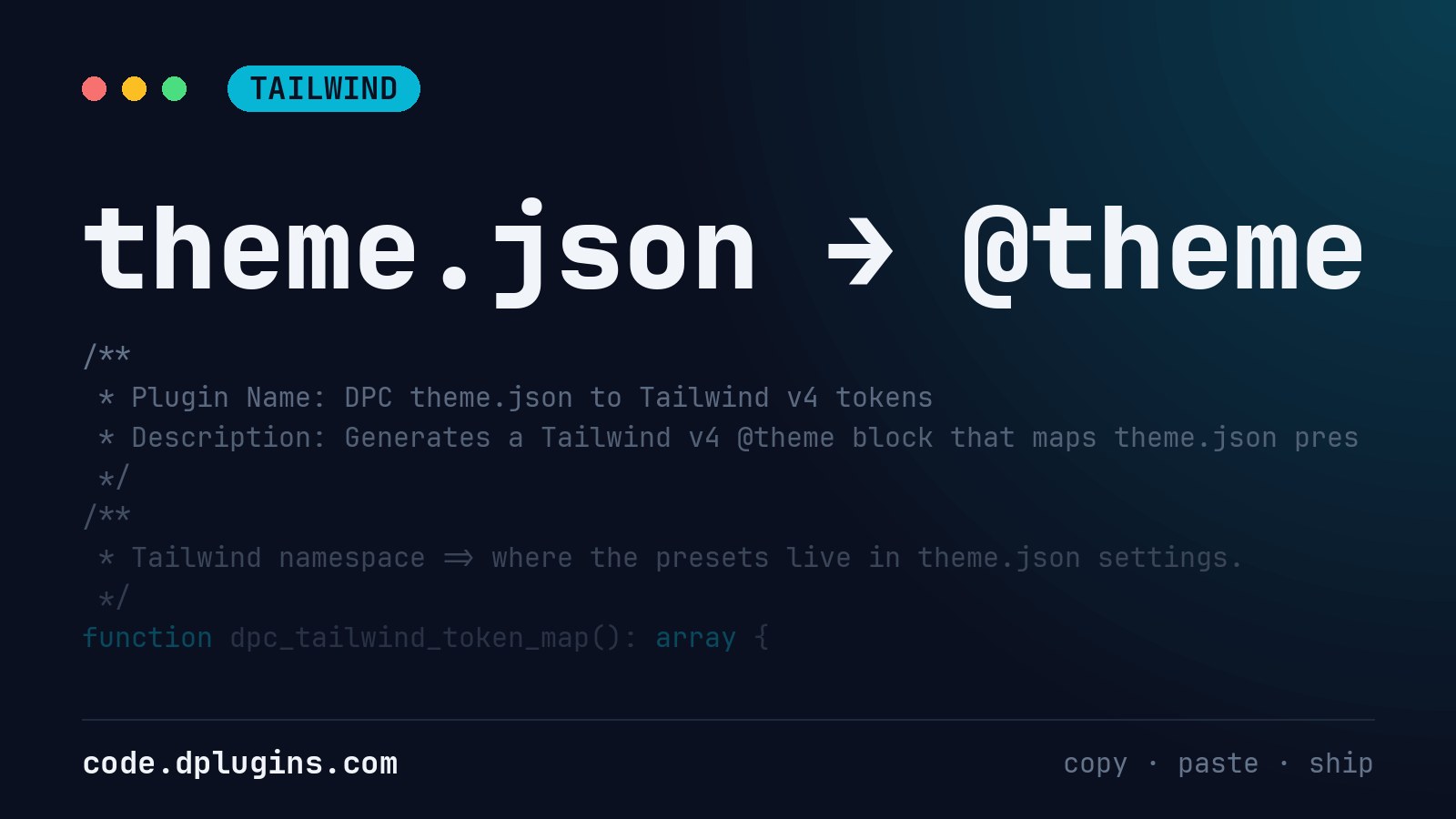
Tailwind v4 Design Tokens From WordPress theme.json
Generate Tailwind v4 design tokens from WordPress theme.json presets, so bg-primary and text-large use the same CSS variables as the block editor.
-
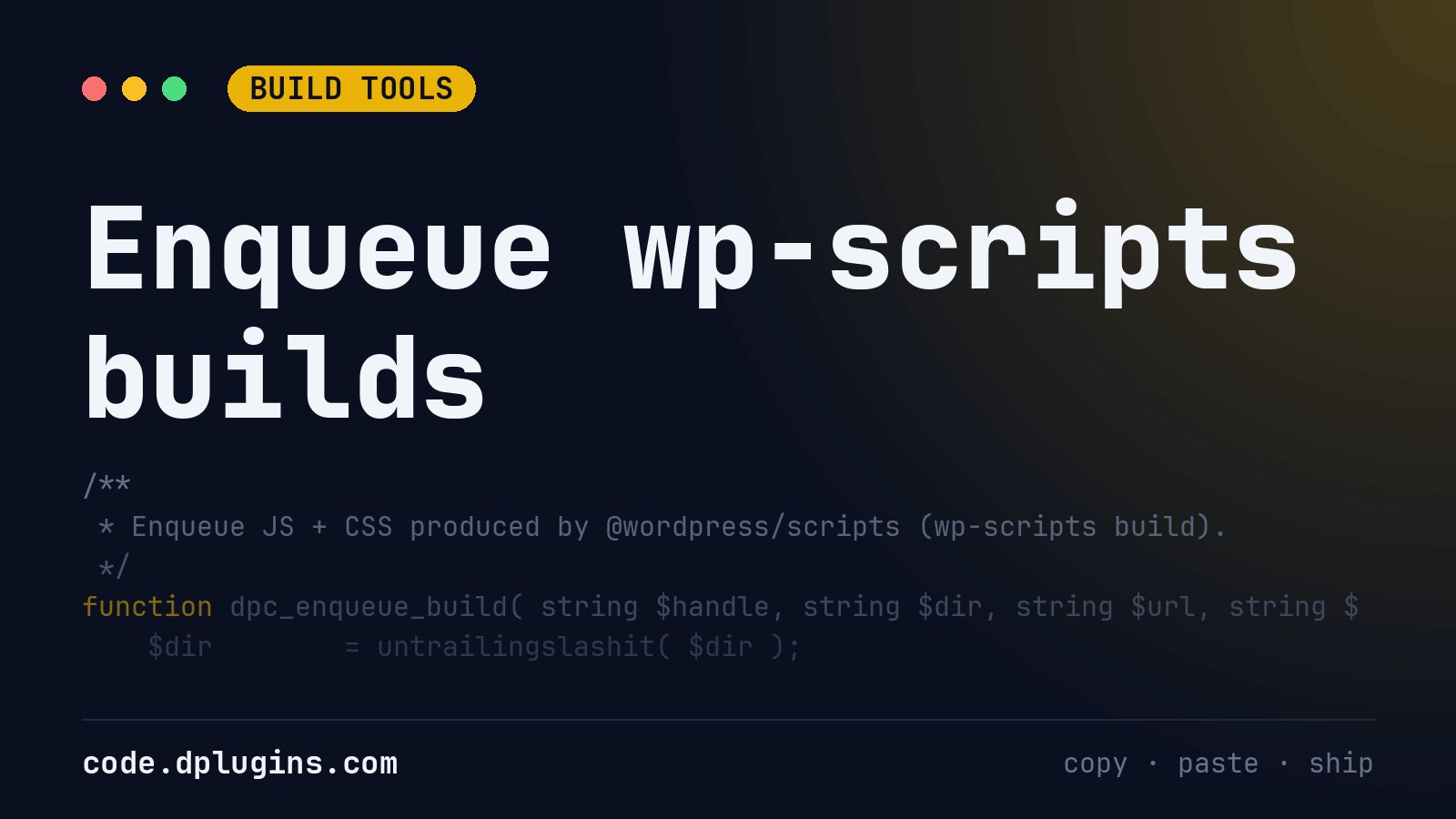
WordPress Enqueue Script Example for wp-scripts Builds
A WordPress enqueue script example for @wordpress/scripts builds: reads index.asset.php for dependencies and version, loads CSS, RTL and JS translations.
-
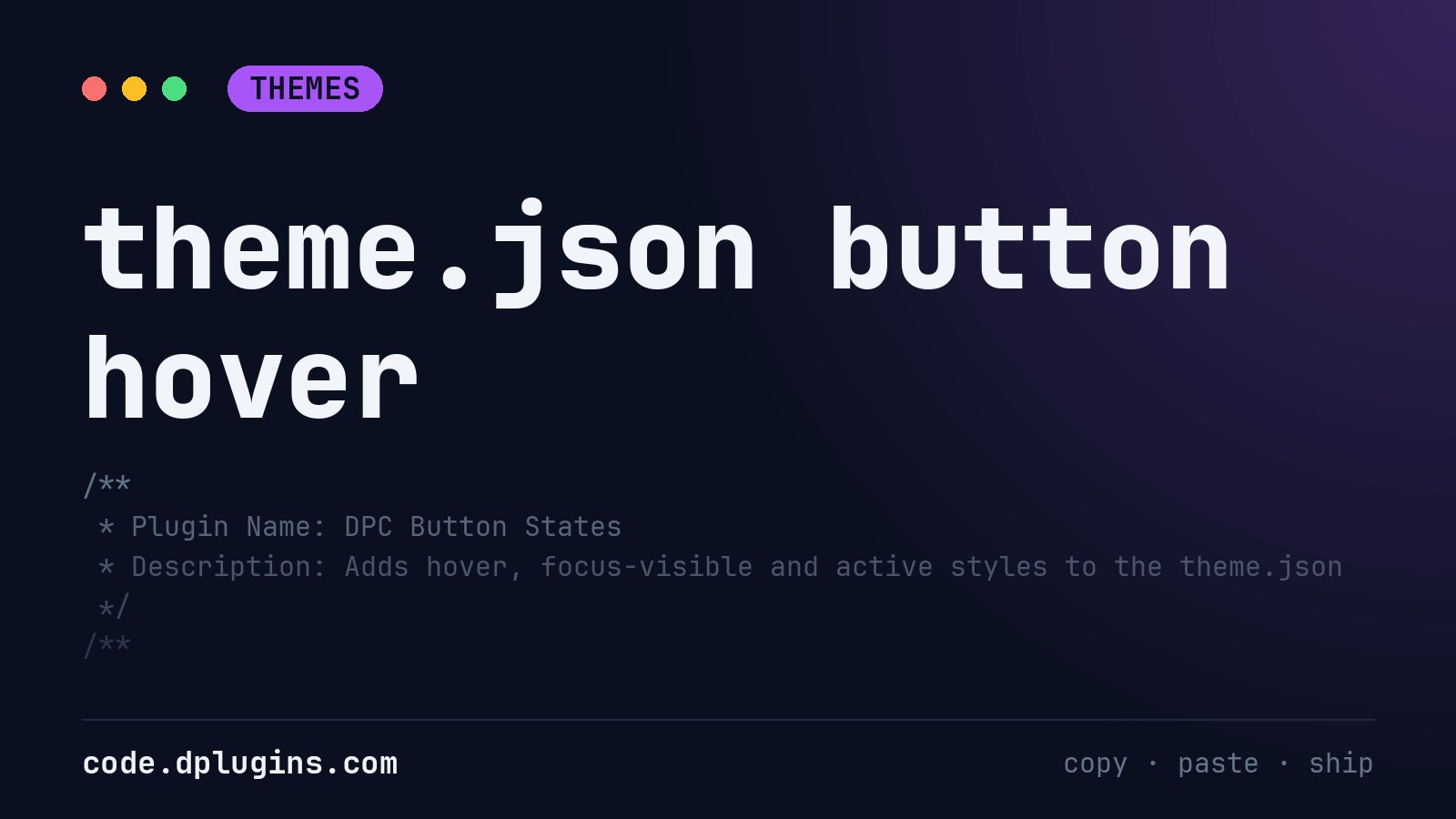
WordPress theme.json Button Hover, Focus and Active Styles
Add hover, focus-visible and active states to every WordPress block theme button through theme.json data, without editing the theme’s files.
-
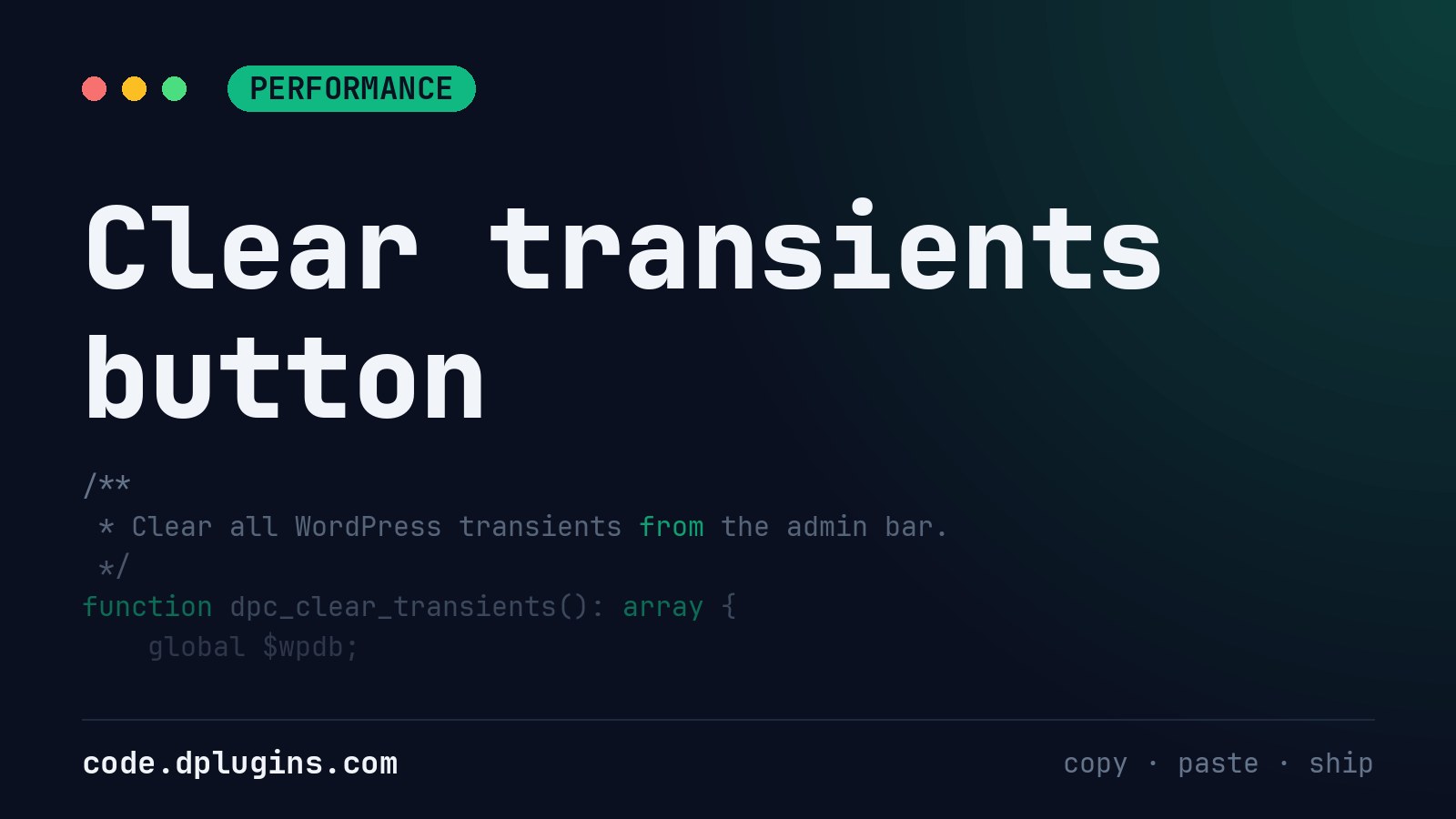
WordPress Clear Transients With One Admin Bar Button
Clear all WordPress transients from the admin bar with one click: nonce-checked, admin-only, safe with or without a persistent object cache.
-
WP CLI List Cron Jobs in WordPress With Overdue Events
A WP-CLI command that lists WordPress cron jobs and flags overdue events and hooks with no callback. Add –strict and it can fail a deploy check.
-
WordPress REST API Restricted to Authenticated Users
Restrict the WordPress REST API to logged-in users with one filter. Keep an allowlist of public routes such as oEmbed or the WooCommerce Store API.
Category: WordPress -
Show WordPress Navigation Sub-Menus Expanded by Default
Show WordPress Navigation block sub-menus expanded by default on desktop with one block style, no JavaScript. Pick it in the editor’s Styles panel.
-
Change the Billing Field Title in WooCommerce Checkout
Rename WooCommerce billing field labels in WordPress on checkout and My Account so they stay renamed after AJAX updates and country changes.
-
WordPress React Settings Page With @wordpress/components
Build a WordPress admin settings page in React with @wordpress/components and apiFetch, saved through the REST settings endpoint with sanitized values.
-
PHP Enum tryFrom Example: Validate WordPress Settings
A PHP 8.1 backed enum with tryFrom() that validates a WordPress select setting, labels its options and gives the rest of your plugin typed values.
-
Add Tailwind v4 to a WordPress Block Theme Without a Plugin
Integrate Tailwind v4 with a WordPress block theme without a plugin: theme.json colors as Tailwind classes, scanned templates, styles in the editor.
-
Build Gutenberg Block Styles for WordPress Headings
Register and style your own Gutenberg block styles for the WordPress Heading block, so editors get extra headline looks in the Styles panel.
-
Add a Copy Button to Every Code Block in WordPress
Add a Copy button to every core Code block in a WordPress block theme. Vanilla JS, top-right corner, shows Copied! for two seconds, loads only when needed.
-
Add a Prefix or Suffix to WooCommerce Product Prices
Add text before or after WooCommerce product prices, like “From:” or “incl. VAT”, with an escaped, translatable WordPress snippet.
-

Change the Related Products Heading in WooCommerce
Change the WooCommerce “Related products” heading on single product pages to your own translatable text with one WordPress filter.
-
Simple WordPress Maintenance Mode Without a Plugin
Put WordPress into maintenance mode without a plugin: visitors get a 503 page with Retry-After, administrators keep using the site.
-
Disable Comments in WordPress Completely Without a Plugin
Disable comments in WordPress completely without a plugin: close forms, hide old comments, empty comment blocks and remove the admin screens.
Category: WordPress -
Restore Classic Widgets in WordPress Without a Plugin
Restore the classic widgets screen in WordPress without the Classic Widgets plugin: one filter turns off the block-based widget editor.
-
Disable WordPress Automatic Updates but Keep Security Fixes
Disable WordPress automatic updates for major core versions, plugins and themes, while minor security releases keep installing on their own.

3rd party plugins actions admin admin bar archive block-themes block editor Blocks block theme build caching capabilities core CSS custom post types development filters gutenberg hook hooks Image img javascript load styles maintenance media Must Have npm Oxygen performance php plugins rest api scripts organizer security single product tailwind theme.json Tips transients updates WooCommerce wordpress wp-cli WP Admin