

Oxygen snippets
Oxygen Builder snippets: conditions, repeaters, dynamic data, menus and Tailwind with Oxygen.
-
Oxygen Template Condition in Scripts Organizer
One of our customer requested a code snippet to write a function which will check that if current post or page has a specific Oxygen template assigned.
-
Custom language link WPML
Here’s a PHP snippet that you can use to return a custom link to a specific language for the current page using WPML. This will output the custom link for the specified language code and can be used on any page. Example 1: This will output a link that says “Switch to French” and links…
Tags: WPML -
Extend Block page with category and screenshoot
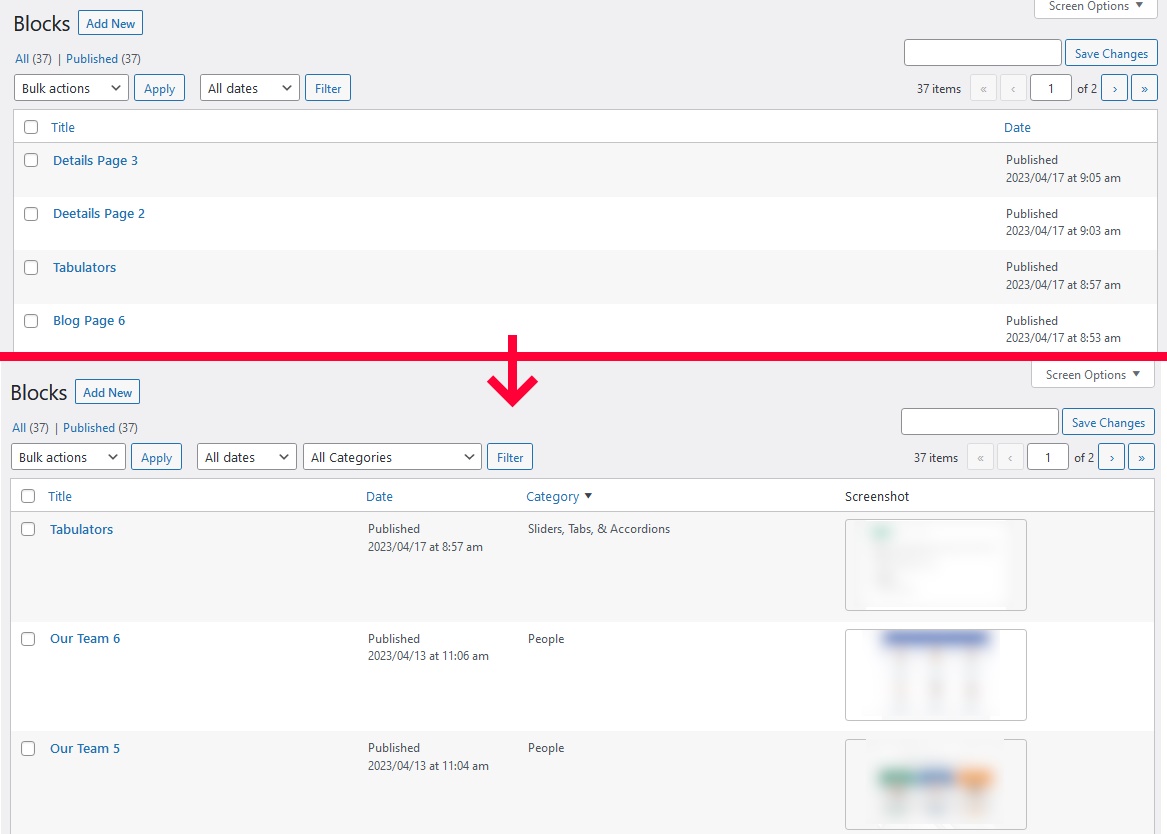
This php snippet will provide you with a more efficient way of organizing and keeping track of your blocks in Oxygen builder.
-
Prevent Specific Javascript/jQuery script to run in Oxygen
Note : The use-cases for this are below : 1. Using Swiper Slider and want to edit all the slides in Oxygen and show slider view only on front-end. 2. Using Scripts that runs only on front-end or load after the page-load. In Oxygen builder they displays an error like ‘SCRIPTNAME’ is not defined or…
Category: OxygenTags: Tips -
Custom Block Library Categories
This code will add additional categories into oxygen block library
-
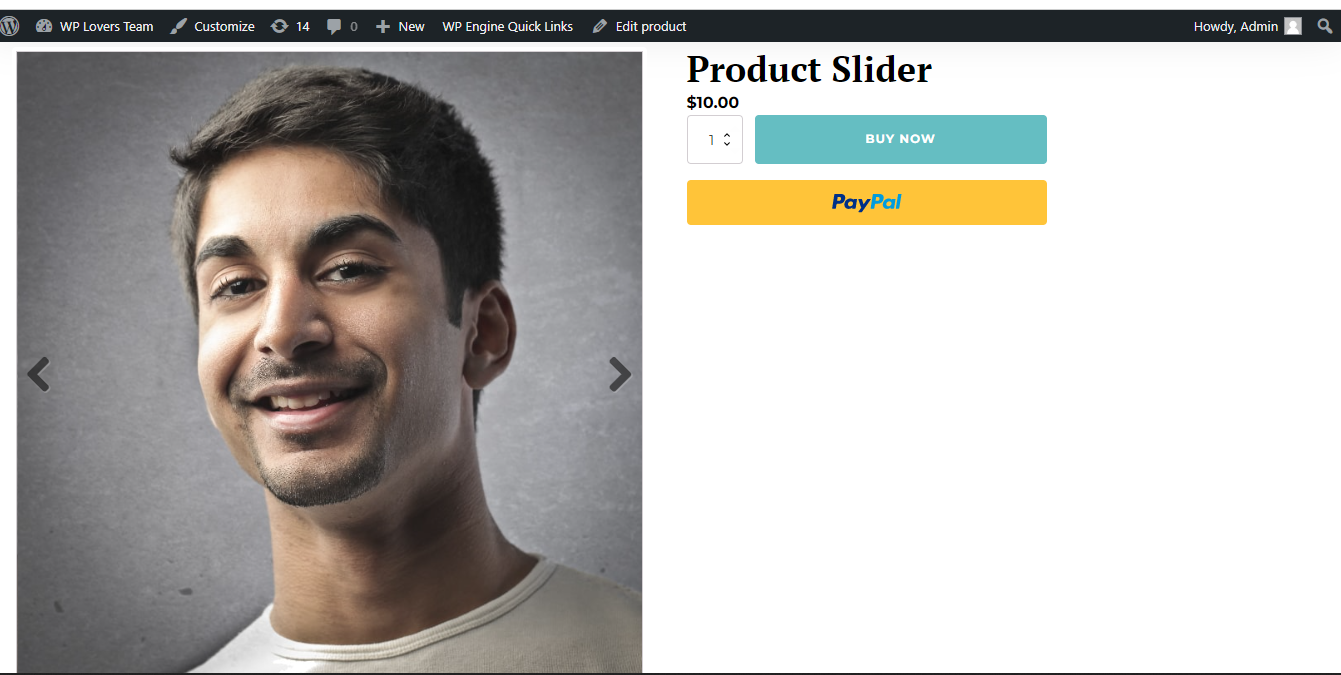
WooCommerce Product Slider with flexslider js in Oxygen
Create template that applies to Singular Products with Oxygen or if you have already created then edit. Add a Code Block where you want to display the product slider. Advanced > Size & Spacing > Width: 100%. PHP & HTML: I have added flexslider js and css CDN live link. So you can do on…
-
Style Oxygen Menu Element with Tailwind
Video Tutorial Basic oxygen structure with:div.container > list wrapper (with image inside) + menu element Front end preview Front end preview for mobile
-
Pause Oxygen Slider on Hover
If you need to pause the Oxygen Slider Element on hover, it is not there by default. Just use the below Javascript (jQuery) in a code-block on the and add the below code to JS section. Note : Just comment the PHP/HTML content middle Line.
Category: OxygenTags: Tips -
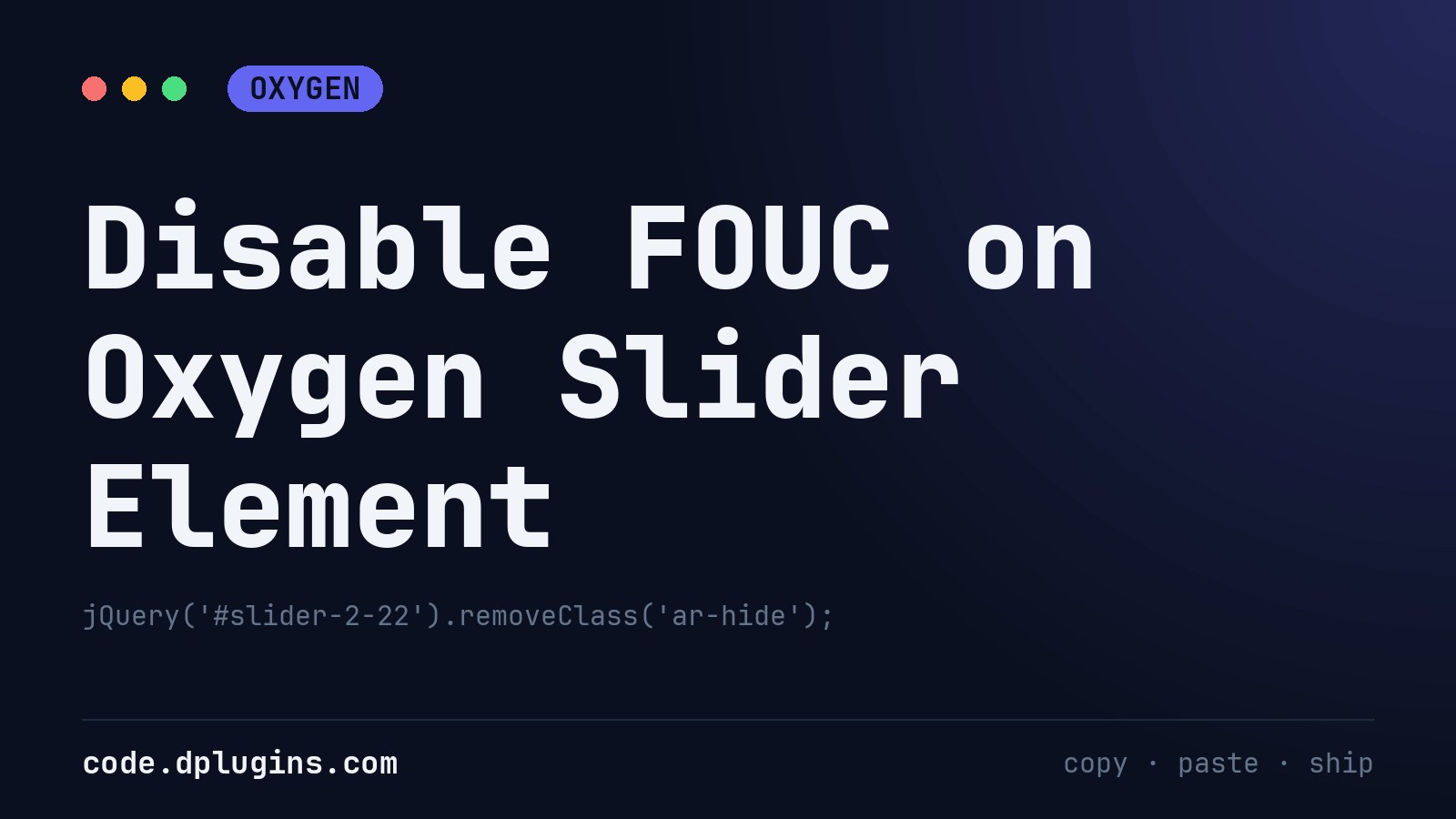
Disable FOUC on Oxygen Slider Element
The Oxygen slider element shows all slides once in a flash on page load then go correct styling. This is called FOUC (Flash Of Unstyled Content). If you are facing the same issue, here is the solution. Just follow steps. Copy your slider element ID in somewhere like notepad and add an extra class to…
Category: OxygenTags: Tips -
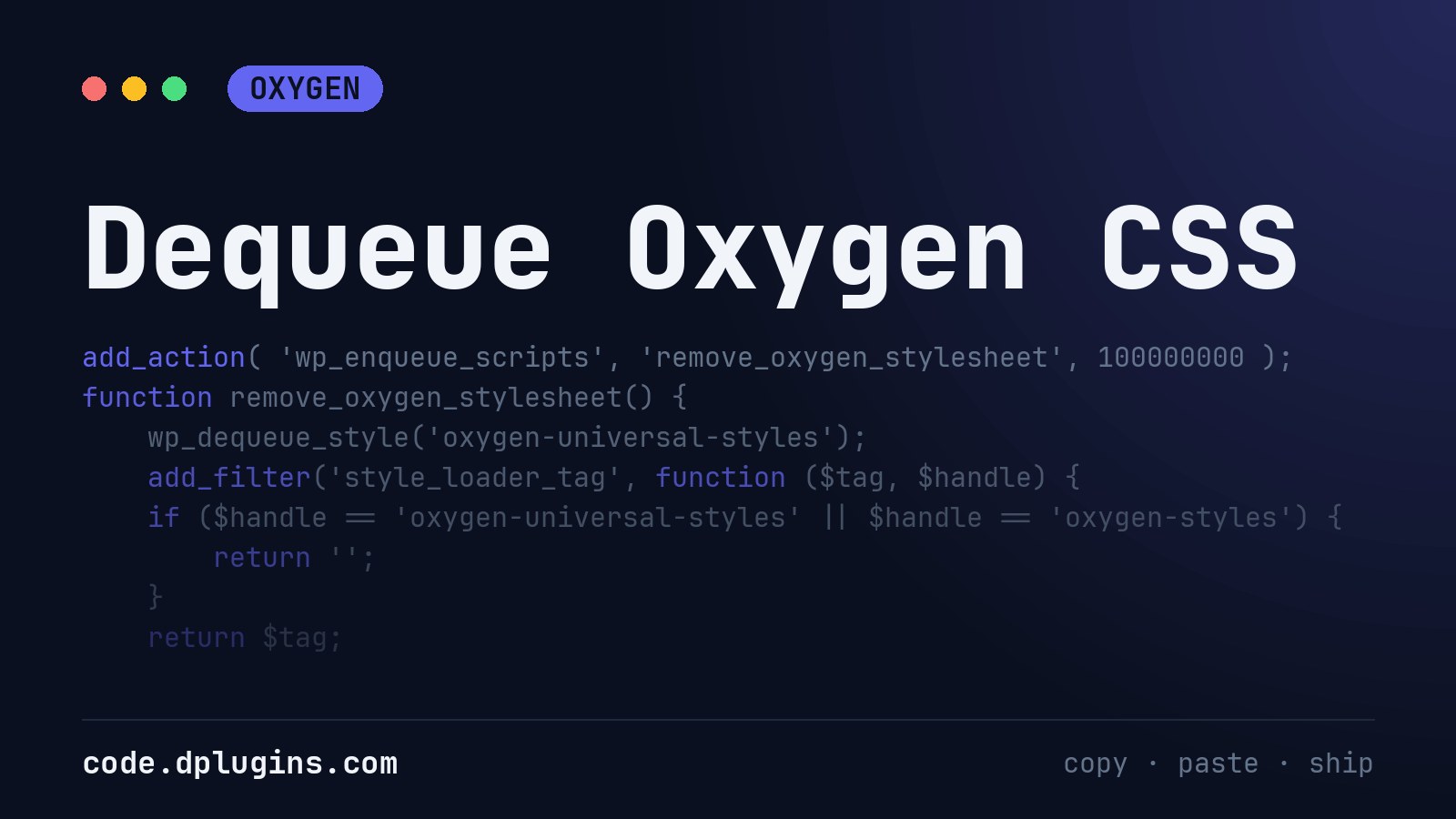
Dequeue Oxygen CSS
If you are importing frameworks such as Bootstrap, Tailwind CSS, Bulma, Materialize … you may not want that Oxygen Builder defaults overwrite some of frameworks styles. Thats why we offering solution do remove Oxygen CSS. Keep in mind that if you disable Oxygen CSS non of Oxygen CSS’s will be added on the website: Oxygen…
Category: OxygenTags: CSS -
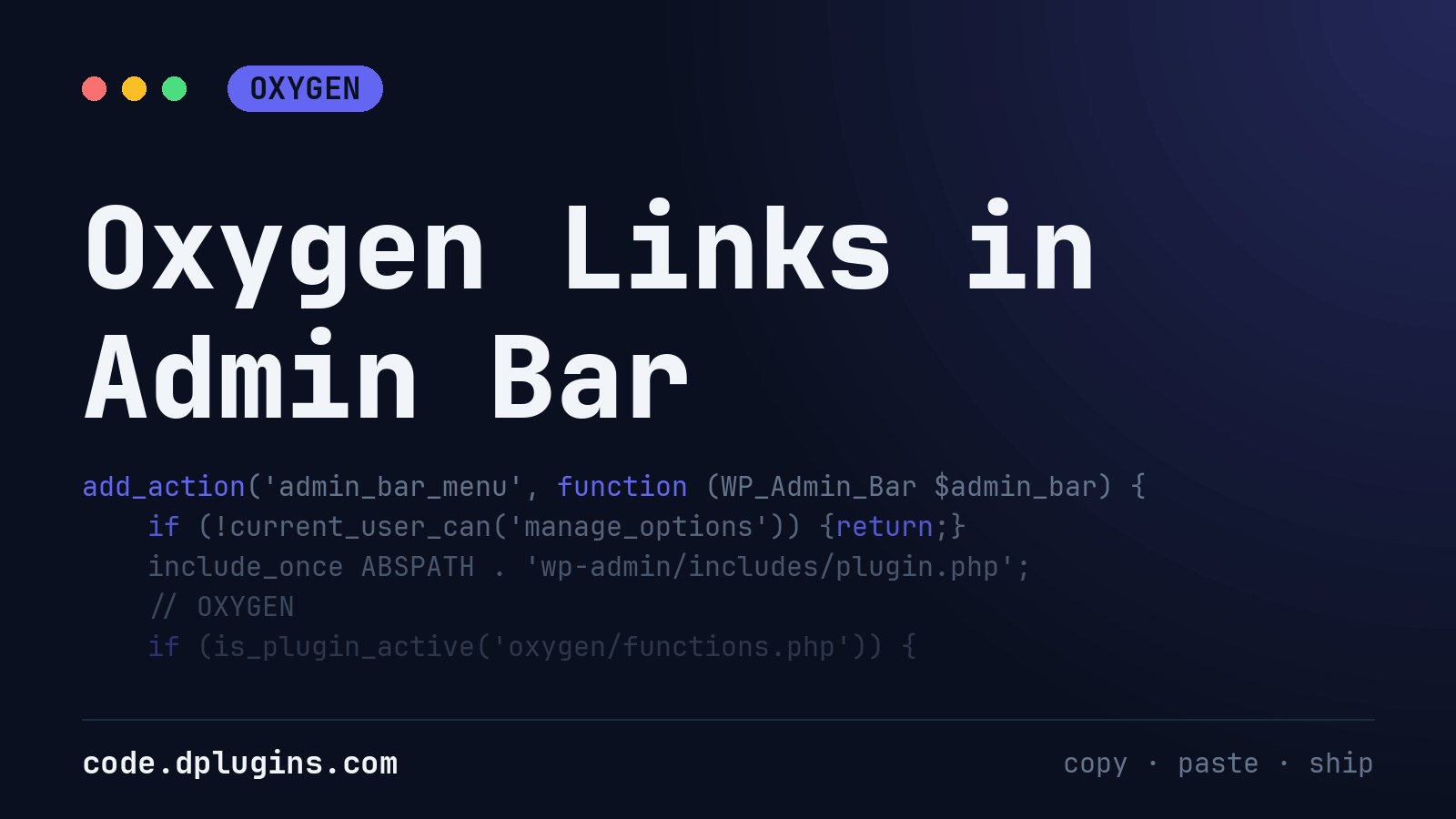
Oxygen Links in Admin Bar
I put this code-snippet to every Oxygen site i develop, because it is faster to go to the settings by admin bar,I use Scripts Organizer to use this as below : Add a code-block with Trigger location set to EVERYWHERE put the code and you are done.
Category: Oxygen -
Adding Extra Required Classes To Oxywind Worker
Use the following code to add extra required classes during Oxywind worker compiling / cache generation when you are ready for production. You may want to do this if you want to use tailwind classes in your HTML code outside of oxygen elsewhere in wordpress or a 3rd party / custom plugin. This will save…
-
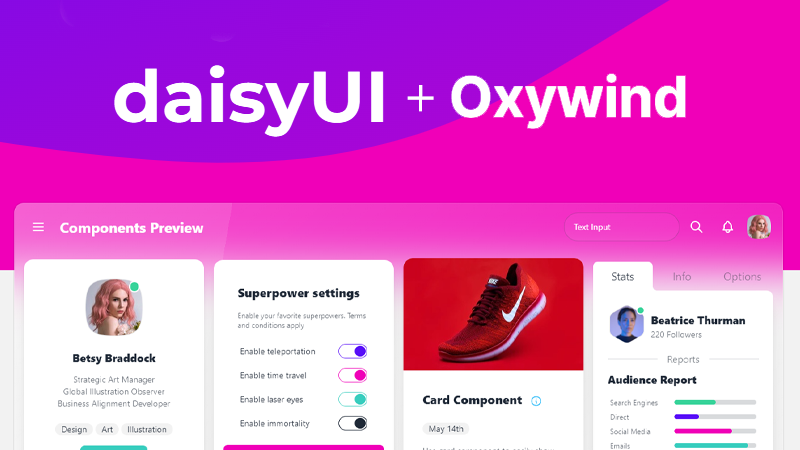
Add daisyUI to Oxywind
Setup daisyUI CDN Ready For Development Add the following code to use the full daisyUI CDN while developing, this includes all daisyUI elements. These will be later purged by the Oxywind worker so only the elements you use will be included in your production site. Add daisyUI To Oxywind Worker Configuration In the Oxywind settings…
-
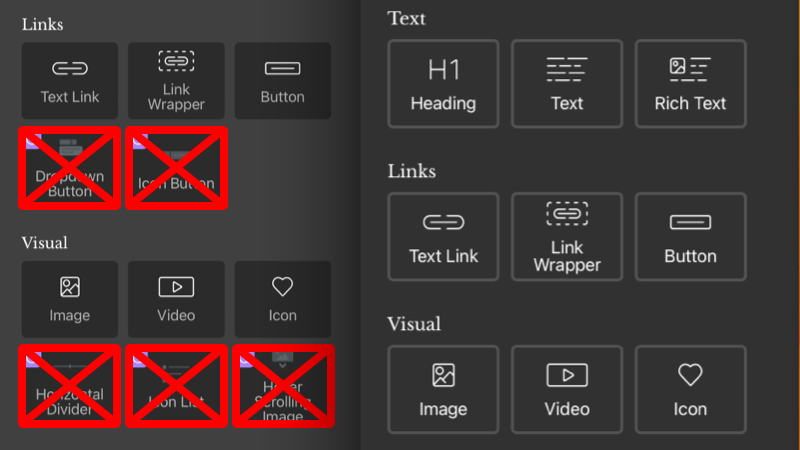
Hide Oxygen Composite Elements
if you do not use it. Keep add elements sidebar clean. Solution to hide If you are using Scripts Organizer download code snippet Solution to Disabled Thanks to Suppa Mike for providing second solution.
Category: OxygenTags: composite elemenets -
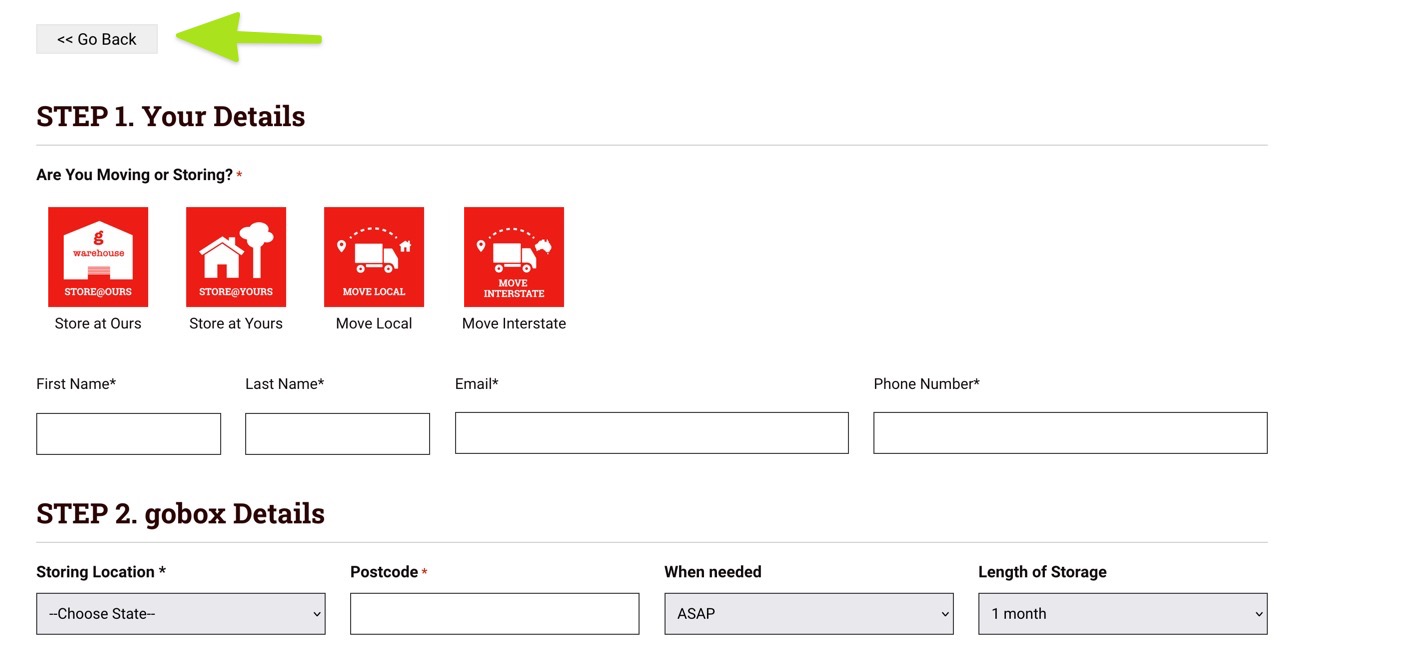
Go Back Button
This will allow you to create a button that uses the history states to go back with pure HTML. You will then have to style it to make it look as required. It is useful if you end up on checkout pages or forms that have no headers or footers and wish to give the…
Category: OxygenTags: HTML -
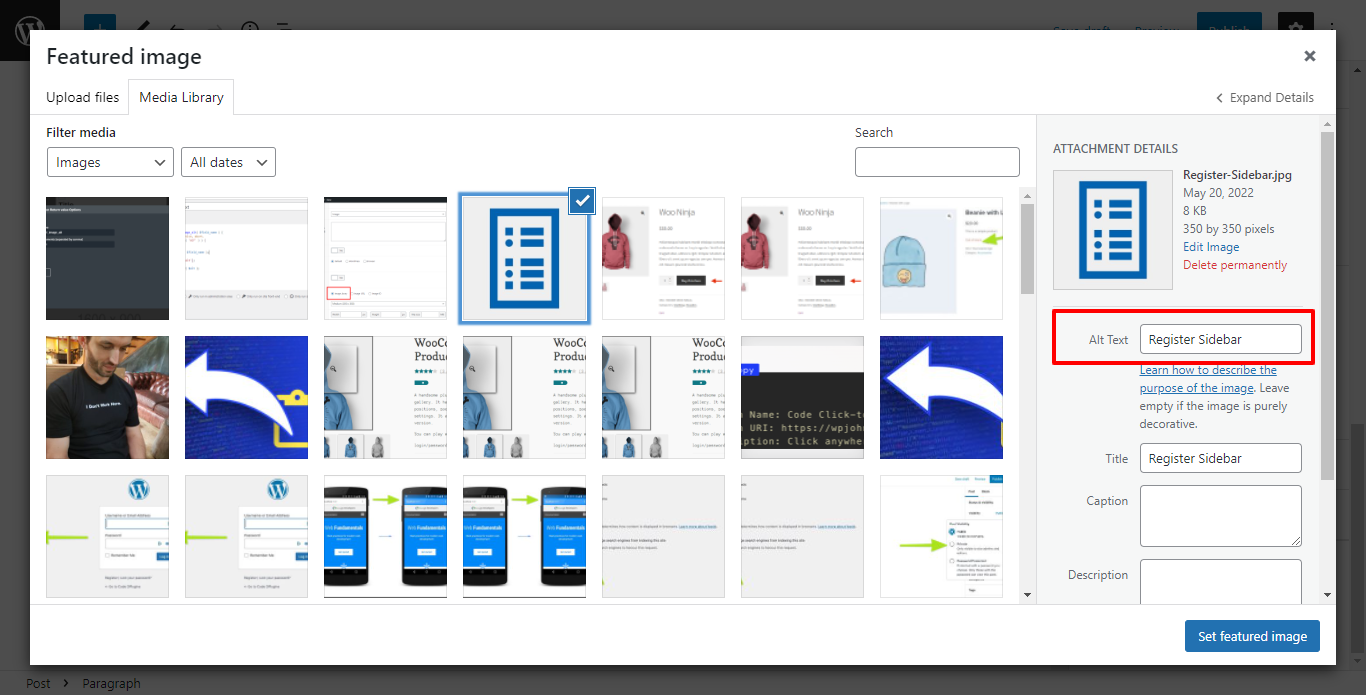
How to add dynamic ACF Image Alt Text with in Oxygen
Oxygen page builder Image element does provide the feature to insert an Image-type custom field’s Alt text using the dynamic data. but if you need overwrite then see 2nd option. Step for show alt tag for image. Ensure that your Image field’s Return Format is set to Image Array in your ACF field group. Step 2 Option 1 Option…
-
Register a WordPress Sidebar for Oxygen Builder
Register a WordPress sidebar (widget area) so clients on Oxygen Builder sites can manage widgets under Appearance → Widgets without opening the builder.
Category: OxygenTags: Tips -
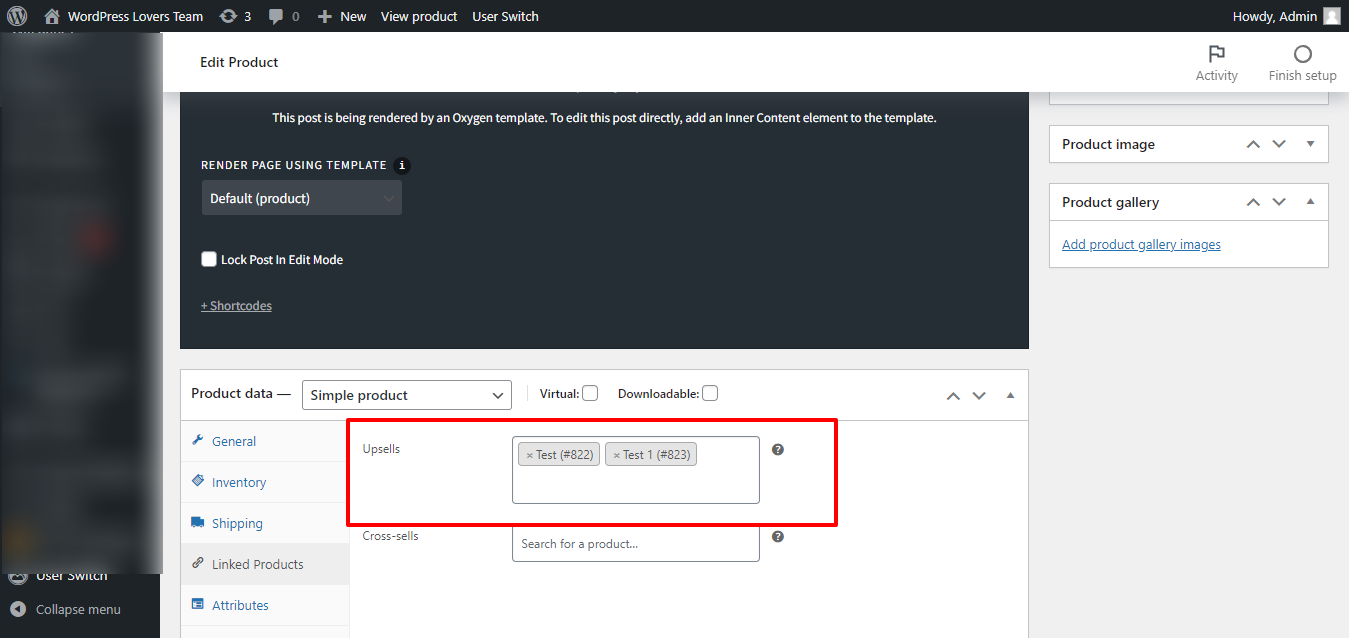
Show/hide section based on Number of WooCommerce Upsells in Oxygen on single product
1st Step Install and activate Code Snippets plugin. Add below code in code snippets: 2nd Step Edit the Oxygen Template that applies to woo single products. For the element you want to apply the “minimum 1 upsell” condition, click on Conditions icon then Set Conditions. Click “Add Condition” icon. Choose Dynamic Data condition. Under Advanced click PHP Function Return value. Function Name: wpl_check_upsell_product…
-
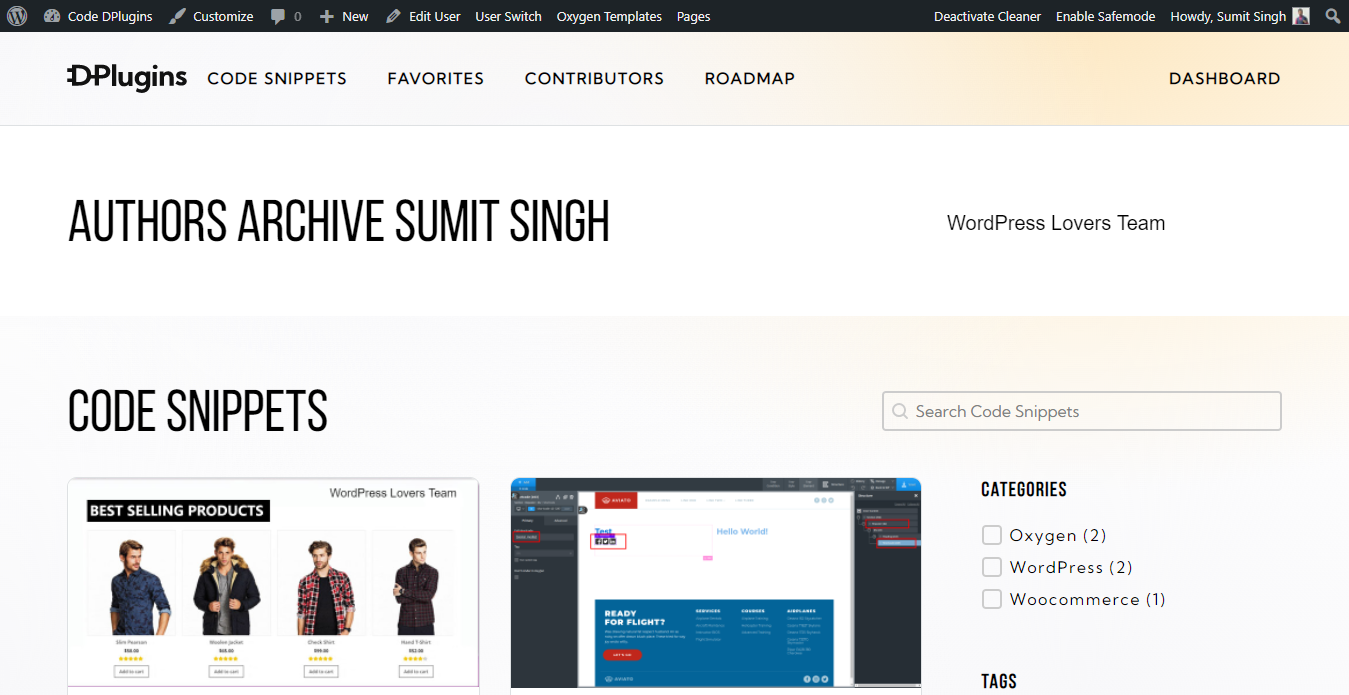
How to add condition is author archive on oxygen archive page
Control the output of elements on archive pages based on the author archive Here’s How Install and activate Code Snippets plugin. Go to Snippets > Add New. Title: Condition Author Archive Type Code Screenshot and code: Condition Screenshot in Archive page If you can any query feel free connect on my FB page https://www.facebook.com/wploversteam/




3rd party plugins admin archive block-themes block editor Blocks block styles block theme build capabilities Category core CPT CSS Custom Post custom post types development filters full site editing gutenberg hook hooks Image img load styles maintenance media Must Have npm Oxygen php plugins repeater scripts organizer security SEO single product Taxonomy theme.json Tips updates WooCommerce wordpress wp-cli WP Admin