

Must Have snippets
-
Hide a WordPress Widget Title With an Exclamation Mark
Hide the title of any classic WordPress widget by starting it with an exclamation mark, and keep the title in the widget admin.
Category: WordPress -
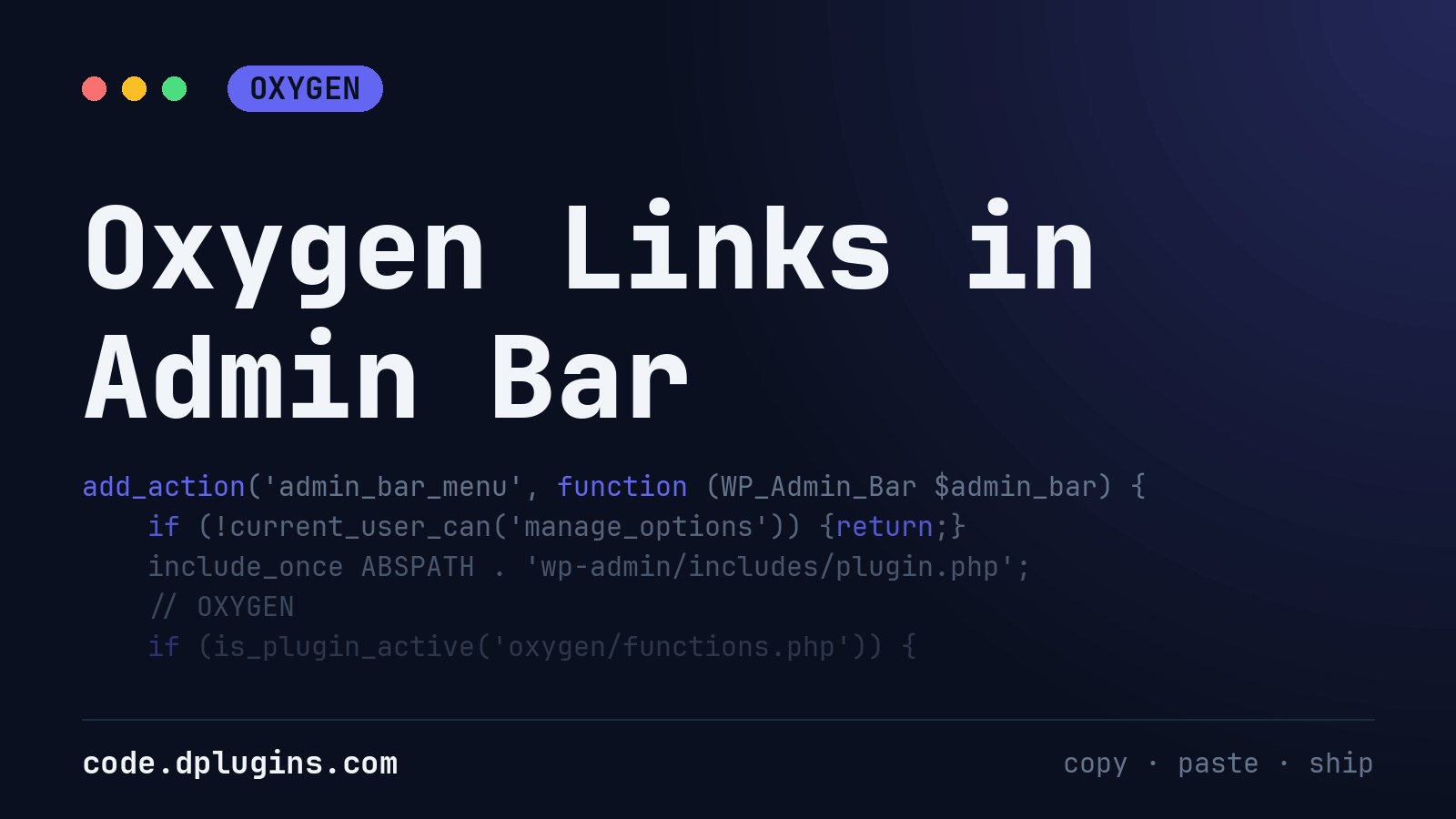
Oxygen Links in Admin Bar
I put this code-snippet to every Oxygen site i develop, because it is faster to go to the settings by admin bar,I use Scripts Organizer to use this as below : Add a code-block with Trigger location set to EVERYWHERE put the code and you are done.
Category: Oxygen -
Disable WooCommerce Product Image Zoom
Disable the hover zoom on WooCommerce product images and keep the gallery and lightbox, with a short PHP snippet.
Category: WooCommerce -
Redirect to the Home Page After Logout in WordPress
Send WordPress users to the home page after they log out, instead of the login screen, with the logout_redirect filter.
Category: WordPress -
Set the Mobile Browser Theme Color in WordPress
Set the theme-color meta tag in WordPress so mobile browsers paint their address bar and top of the screen in your brand colour.
Category: WordPress -
WordPress Admin Warning When Search Engines Are Blocked
Show a red WordPress admin notice on every screen while “Discourage search engines from indexing this site” is ticked, so a live site is not left hidden.
Category: WordPress


3rd party plugins actions admin archive block-themes block editor Blocks block theme build capabilities core CSS Custom Post custom post types Developer development filters full site editing gutenberg hook hooks Image img load styles maintenance media mu-plugin Must Have npm Oxygen performance php plugins rest api scripts organizer security single product theme.json Tips updates users WooCommerce wordpress wp-cli WP Admin