

Tested WordPress code snippets – page 7
Copy-paste snippets for blocks, block themes, security, performance, Tailwind CSS, PHP and React. New snippets every Monday, Wednesday and Friday, each one run in a real WordPress before it is published.
-
Show Out of Stock Products Last in WooCommerce
Move out of stock products to the end of the WooCommerce shop and category pages, and keep the sorting your customer picked.
Category: WooCommerceTags: WooCommerce -
Disable WooCommerce Product Image Zoom
Disable the hover zoom on WooCommerce product images and keep the gallery and lightbox, with a short PHP snippet.
Category: WooCommerce -
Redirect wordpress back to referring page after login
Sometimes you have a situation where you want the customer to log in, like a donation page, but you don’t want them to end up at /my-account/ but rather be taken back to the page where they were when they started. This code is useful for donation sites, as well as refer a friend scenarios.
Category: WordPress -
Add a Copy to Clipboard Button to WordPress Code Blocks
Add a Copy button to every code block on your WordPress site with plain CSS and JavaScript: Clipboard API, http fallback, keyboard accessible.
Category: WordPress -
Redirect to the Home Page After Logout in WordPress
Send WordPress users to the home page after they log out, instead of the login screen, with the logout_redirect filter.
Category: WordPress -
Set the Mobile Browser Theme Color in WordPress
Set the theme-color meta tag in WordPress so mobile browsers paint their address bar and top of the screen in your brand colour.
Category: WordPress -
WordPress Admin Warning When Search Engines Are Blocked
Show a red WordPress admin notice on every screen while “Discourage search engines from indexing this site” is ticked, so a live site is not left hidden.
Category: WordPress -
Set a WordPress Post Type to Private by Default
Make every published post of a WordPress custom post type private automatically, while drafts, trash and other post types work as usual.
Category: WordPress -
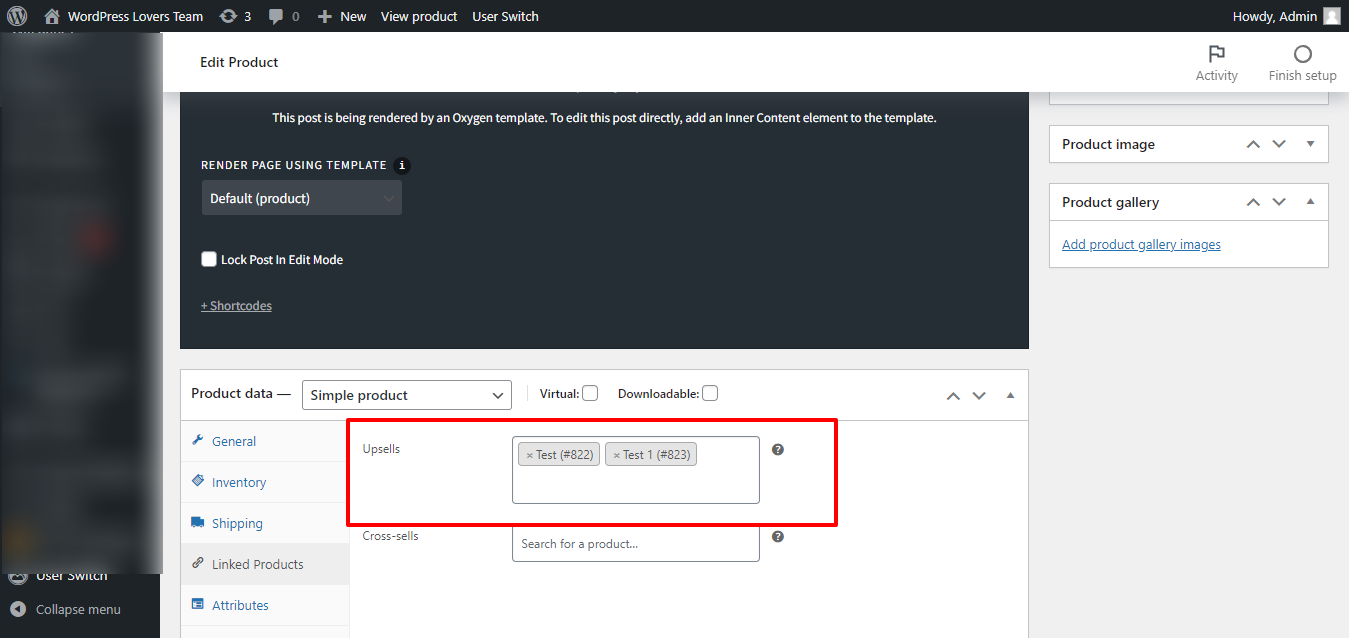
Show/hide section based on Number of WooCommerce Upsells in Oxygen on single product
1st Step Install and activate Code Snippets plugin. Add below code in code snippets: 2nd Step Edit the Oxygen Template that applies to woo single products. For the element you want to apply the “minimum 1 upsell” condition, click on Conditions icon then Set Conditions. Click “Add Condition” icon. Choose Dynamic Data condition. Under Advanced click PHP Function Return value. Function Name: wpl_check_upsell_product…
-
WordPress Post Reading Time Shortcode
A WordPress reading time shortcode that counts the raw post words, skips blocks and shortcodes, and works in content and templates.
Category: WordPress -
Show Featured Image Column in WordPress Admin Posts List
Add an Image column with the featured image to the WordPress admin lists of posts, pages and custom post types, without an extra image size.
Category: WordPressTags: WP Admin -
Show WooCommerce Cart Total and Item Count Anywhere
Two WooCommerce shortcodes that show the cart total or item count anywhere in WordPress and update without a reload when products are added.
-
Exclude Post Types From the Slim SEO Sitemap in WordPress
Exclude WordPress post types and taxonomies from the Slim SEO sitemap.xml with two filters, for helper post types nobody should find.
-
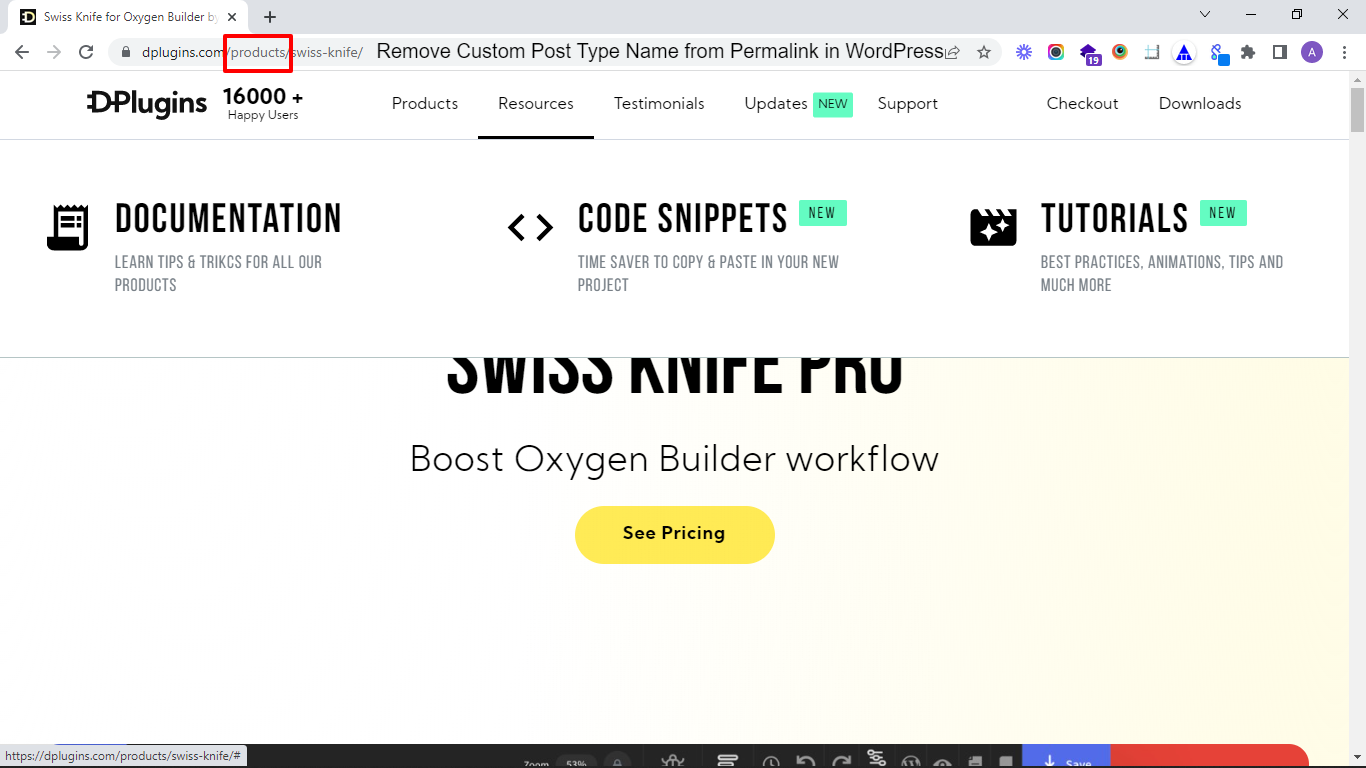
Remove Custom Post Type Name from Permalink in WordPress
Are you Curious how to remove the slug of a custom post type in WordPress? If you’re using CPT UI, there’s an option called With Front but that doesn’t always seem to work. Follow this tutorial, add these two simple functions and the slug will be removed from your custom post type URL. Note –…
Category: WordPress -
Remove Category: Prefix From WordPress Archive Titles
Remove the Category:, Tag:, Author: and Archives: prefix from WordPress archive titles with one filter, and keep it where you still want it.
Category: WordPress -
Add a WooCommerce Cart Icon With Item Count Shortcode
A WooCommerce cart icon shortcode with the item count that links to the cart, updates over AJAX and works in block themes and builders.
-
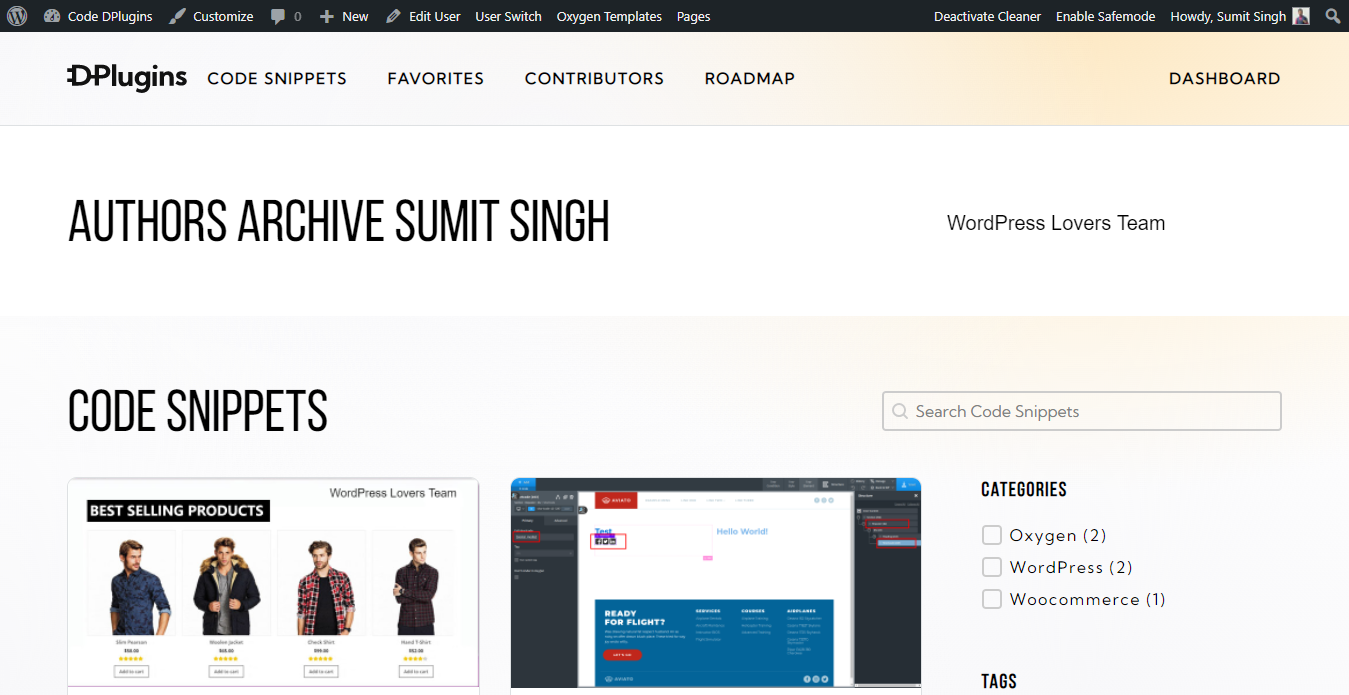
How to add condition is author archive on oxygen archive page
Control the output of elements on archive pages based on the author archive Here’s How Install and activate Code Snippets plugin. Go to Snippets > Add New. Title: Condition Author Archive Type Code Screenshot and code: Condition Screenshot in Archive page If you can any query feel free connect on my FB page https://www.facebook.com/wploversteam/
-
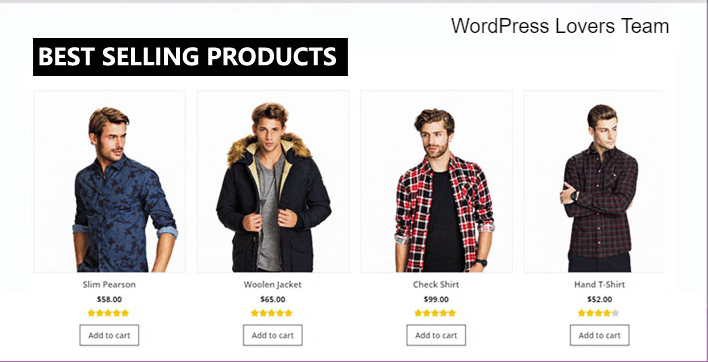
Fetch best seller of WooCommerce in oxygen repeater / Easy posts
For retrieving the best buying products in WooCommerce we are using wp_query manipulation with meta_key as “total_sales” and orderby “meta_value_num”. In short we are displaying products as per the total sales number. Here is Screenshot for repeater / easy posts Step 1 – Select Advance WP Query Step 2 – Setup Advance WP Query as…
-
Add Text After the Price in WooCommerce
Add a short text after the WooCommerce product price, for all products or chosen product IDs, on product pages and shop lists, escaped and valid HTML.
Tags: hook


3rd party plugins actions admin archive block-themes block editor Blocks block theme build capabilities Category core CPT CSS Custom Post custom post types development filters full site editing gutenberg hook Image img load styles maintenance media mu-plugin Must Have npm Oxygen performance php plugins scripts organizer security settings api single product Taxonomy theme.json Tips updates WooCommerce wordpress wp-cli WP Admin