

WooCommerce snippets
-
Change the Billing Field Title in WooCommerce Checkout
Rename WooCommerce billing field labels in WordPress on checkout and My Account so they stay renamed after AJAX updates and country changes.
-
Add a Prefix or Suffix to WooCommerce Product Prices
Add text before or after WooCommerce product prices, like “From:” or “incl. VAT”, with an escaped, translatable WordPress snippet.
-
Change the Related Products Heading in WooCommerce
Change the WooCommerce “Related products” heading on single product pages to your own translatable text with one WordPress filter.
-
Add WooCommerce Product Category Class to Body
Add a product_cat_{slug} class to the body tag on WooCommerce single product pages in WordPress, so you can style each product category with CSS.
-
Redirect WordPress Search to the Only Result Found
When a WordPress search finds exactly one post, page or product, send the visitor straight to it instead of a results page with one item.
Category: WordPress -
WooCommerce Product Gallery Slider Without jQuery
A WooCommerce product gallery slider with CSS scroll snap and plain JavaScript: no jQuery, no CDN, assets only where the slider renders.
Category: WooCommerce -
Email Admin When a WooCommerce Customer Account Is Created
Send the WordPress New User Registration email to the site admin whenever a customer creates a WooCommerce account at My Account or checkout.
-
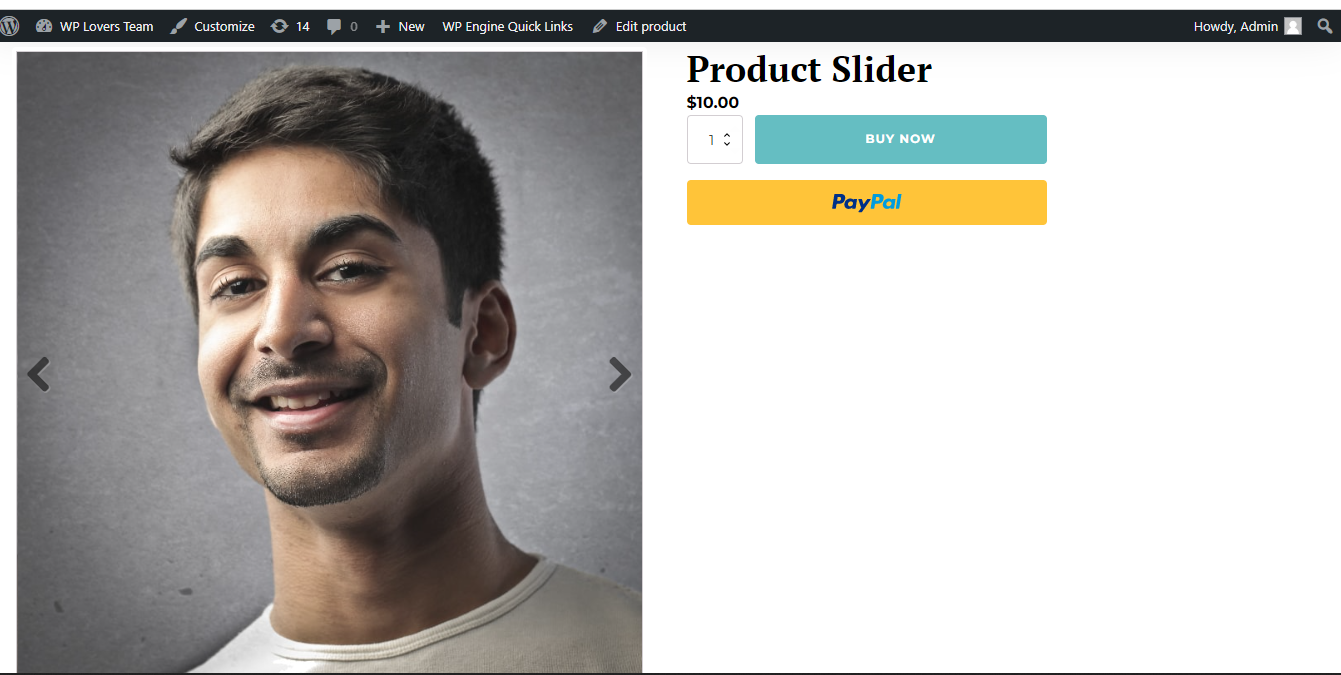
WooCommerce Product Slider with flexslider js in Oxygen
Create template that applies to Singular Products with Oxygen or if you have already created then edit. Add a Code Block where you want to display the product slider. Advanced > Size & Spacing > Width: 100%. PHP & HTML: I have added flexslider js and css CDN live link. So you can do on…
-
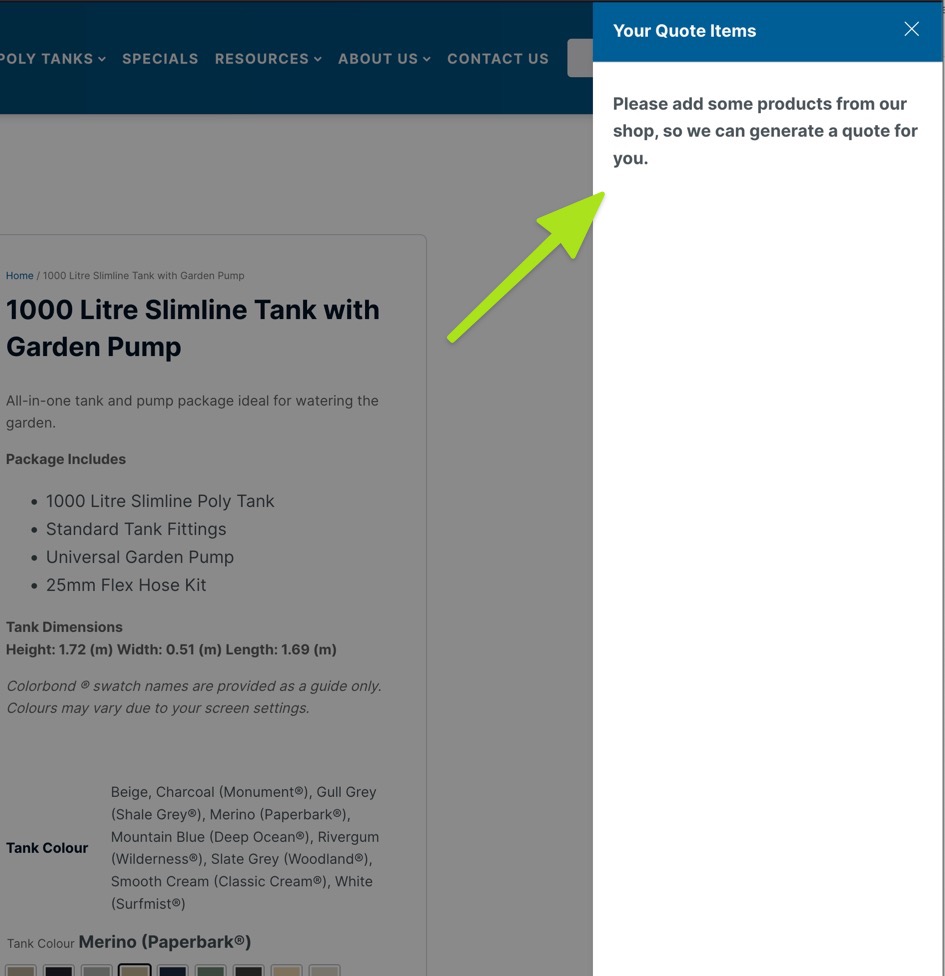
Woo: Change the No Product in cart text on the Oxy Ultimate Woo plugin
This is a snippet for Oxy Ultimate Woo plugin that allows you to change the default “No product in cart” to anything you like. Credit to the Developer, you can see the original code here
Category: WordPress -
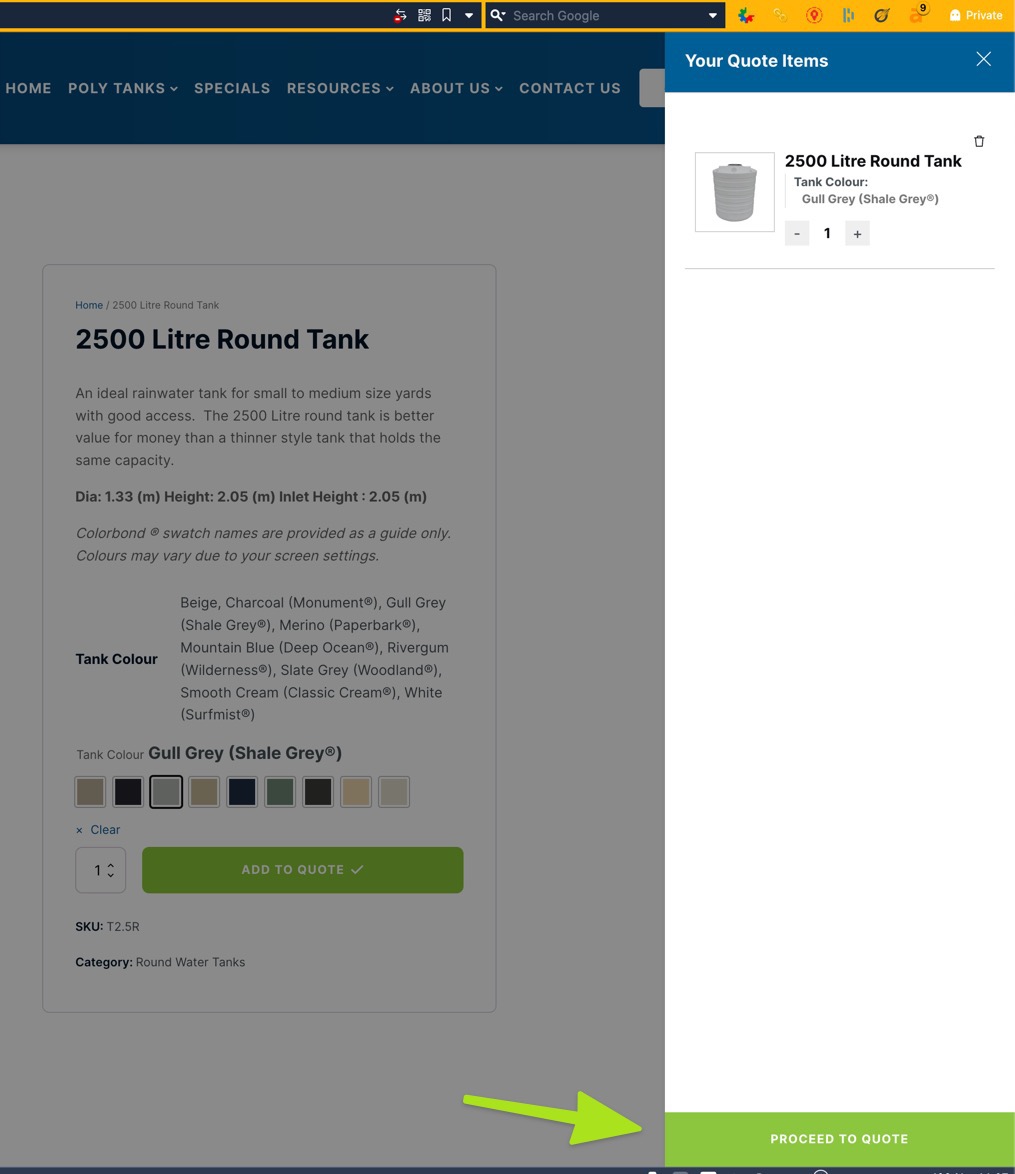
Woo: How to change CHECKOUT text button on Oxy Ultimate Woo Cart
Fo those using Oxy Ultimate Woo Cart component, this is a snippet to change the text on the checkout button to anything you need. This is courtesy of the developer and work perfectly, see original here
Category: WordPress -
Disable WooCommerce Marketing Menu in WordPress Admin
Remove the WooCommerce Marketing menu from the WordPress admin and keep Coupons under the WooCommerce menu.
Category: WooCommerce -
Change Add to Cart Button Text in WooCommerce
Change the WooCommerce Add to cart button text on product pages and shop lists, without renaming Select options or out of stock buttons.
Category: WooCommerceTags: WooCommerce -
Change WooCommerce Out of Stock Text to Sold Out
Change the WooCommerce Out of stock notice and the shop button of unavailable products to Sold out, without touching products on backorder.
Category: WooCommerceTags: WooCommerce -
Change WooCommerce Add to Cart Text if Product in Cart
Change the WooCommerce Add to cart button to Add again? when the product is already in the cart, on product pages and in shop loops.
Category: WooCommerce -
Remove the Added to Cart Message in WooCommerce
Remove the WooCommerce “has been added to your cart” notice and its View cart button with one filter, while other store notices keep working.
Category: WooCommerceTags: WooCommerce -
Show Out of Stock Products Last in WooCommerce
Move out of stock products to the end of the WooCommerce shop and category pages, and keep the sorting your customer picked.
Category: WooCommerceTags: WooCommerce -
Disable WooCommerce Product Image Zoom
Disable the hover zoom on WooCommerce product images and keep the gallery and lightbox, with a short PHP snippet.
Category: WooCommerce -
Redirect wordpress back to referring page after login
Sometimes you have a situation where you want the customer to log in, like a donation page, but you don’t want them to end up at /my-account/ but rather be taken back to the page where they were when they started. This code is useful for donation sites, as well as refer a friend scenarios.
Category: WordPress -
Redirect to the Home Page After Logout in WordPress
Send WordPress users to the home page after they log out, instead of the login screen, with the logout_redirect filter.
Category: WordPress -
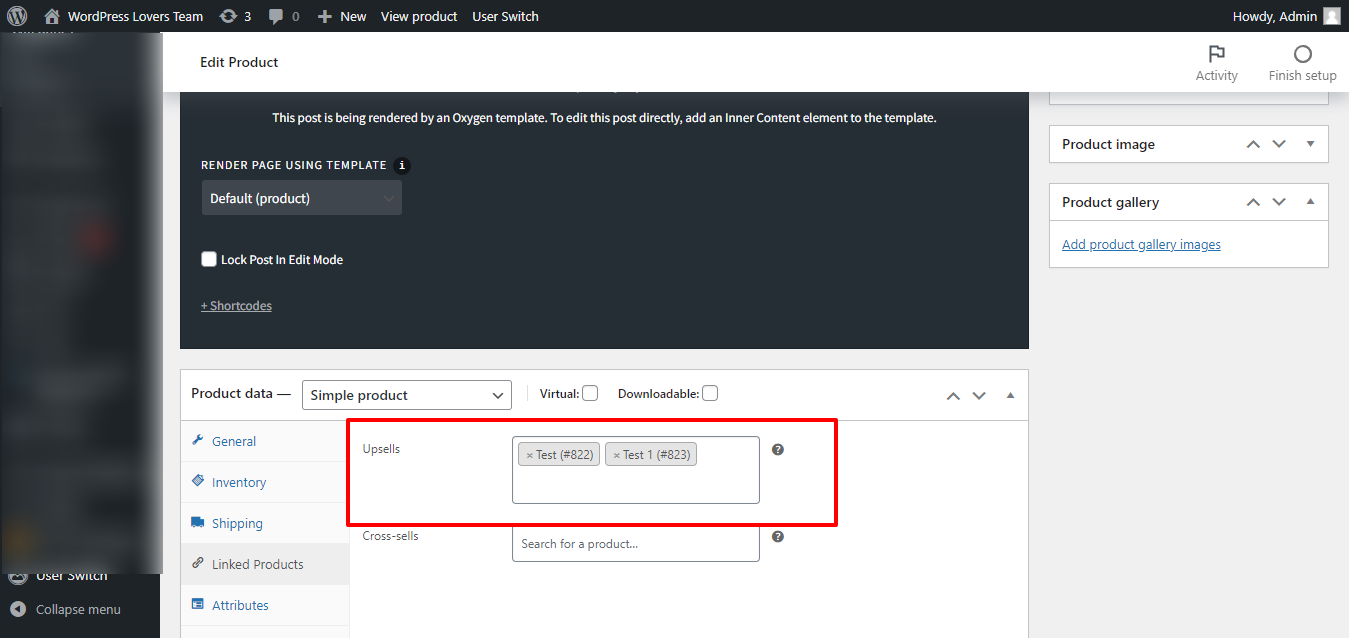
Show/hide section based on Number of WooCommerce Upsells in Oxygen on single product
1st Step Install and activate Code Snippets plugin. Add below code in code snippets: 2nd Step Edit the Oxygen Template that applies to woo single products. For the element you want to apply the “minimum 1 upsell” condition, click on Conditions icon then Set Conditions. Click “Add Condition” icon. Choose Dynamic Data condition. Under Advanced click PHP Function Return value. Function Name: wpl_check_upsell_product…


3rd party plugins actions admin admin bar archive block-themes block editor Blocks caching capabilities core CSS custom post types development filters full site editing gutenberg hook hooks Image img load styles maintenance media mu-plugin Must Have npm Oxygen performance php plugins rest api scripts organizer security single product theme.json Tips transients updates users WooCommerce wordpress wp-cli wp-cron WP Admin