

Tested WordPress code snippets – page 5
Copy-paste snippets for blocks, block themes, security, performance, Tailwind CSS, PHP and React. New snippets every Monday, Wednesday and Friday, each one run in a real WordPress before it is published.
-
Dequeue Gutenberg Block Inline Styles in WordPress
Remove the inline CSS WordPress prints for single Gutenberg blocks, like wp-block-group-inline-css, and keep the rest of the block styles.
Category: WordPress -
Toggle Between Two Elements in WordPress With a Button
Toggle between two elements in WordPress: one button switches between two content panels, for example monthly and yearly prices. No jQuery.
Category: JavaScript -
Tailwind Fluid Type Calculator for WordPress
A WordPress preview page for Tailwind fluid typography: every fluid-text class with its name and its real px size at the current screen width.
Category: Tailwind -
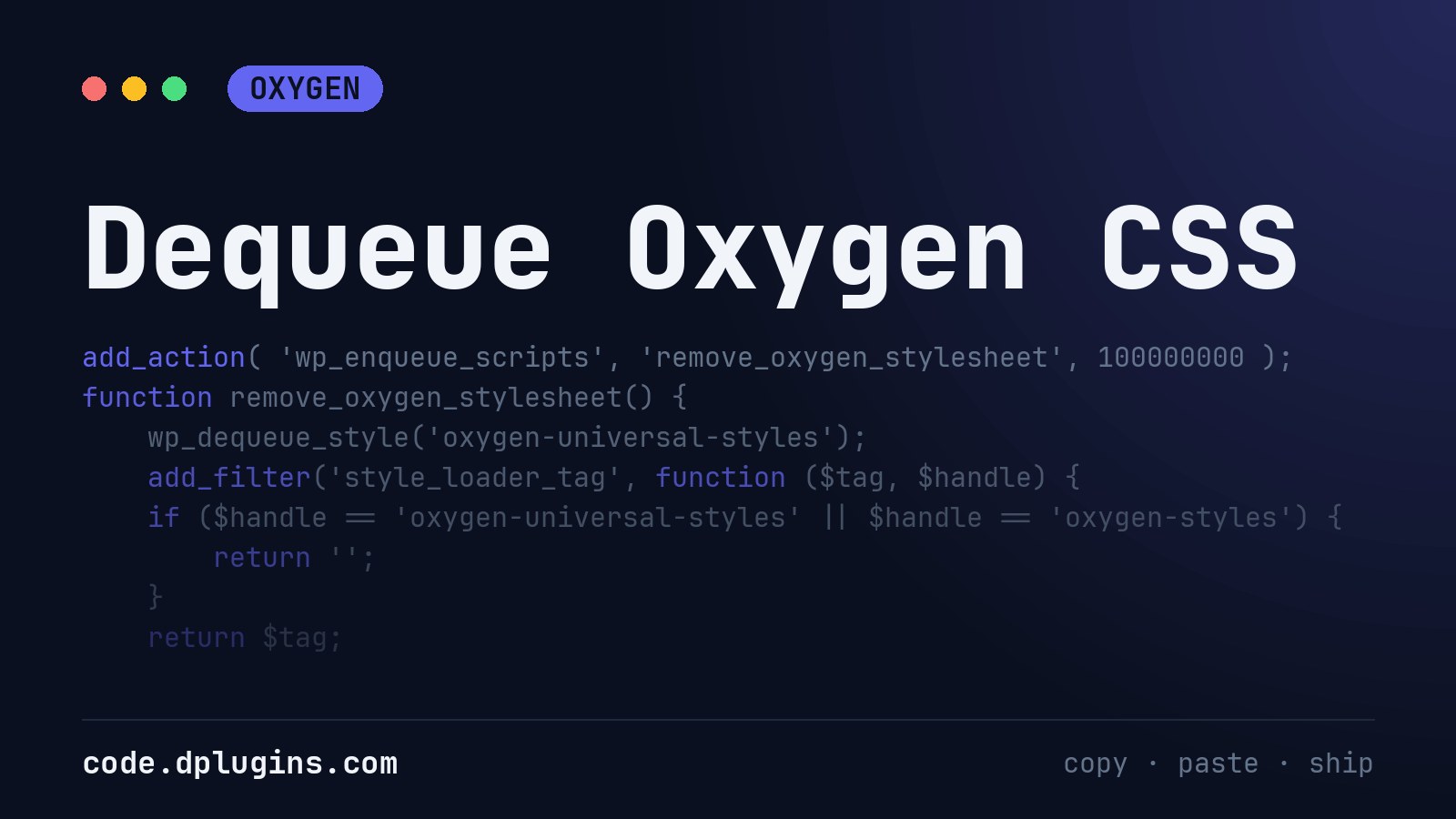
Dequeue Oxygen CSS
If you are importing frameworks such as Bootstrap, Tailwind CSS, Bulma, Materialize … you may not want that Oxygen Builder defaults overwrite some of frameworks styles. Thats why we offering solution do remove Oxygen CSS. Keep in mind that if you disable Oxygen CSS non of Oxygen CSS’s will be added on the website: Oxygen…
Category: OxygenTags: CSS -
Remove Gutenberg Duotone Filter
This is nice feature but in most of the cases you will not want to have it so the clients do not go off brand and mess up with styling. Also its loading on front end so it’s extra load.
Category: WordPress -
Preview the Tailwind Type Scale in WordPress
Preview your Tailwind type scale on a WordPress page: every text-* class with its class name and the real font size in px and rem.
Category: Tailwind -
Show the Screen Width in WordPress for Logged-in Users
Show the current screen width in a corner of your WordPress front end while you are logged in, to check breakpoints. Visitors never get the code.
Category: JavaScript -
Element color background in repeater with ACF
Create ACF field group and assign it to posts. Create field label and name it color and choose field type Color picker. Assign color to each post Create a repeater in Oxygen builder Select first child of Repeater Add class to that element “data-color-bg” Go to advanced > attributes > Add attribute. First field needs…
-
Add a Script After the Opening Body Tag in WordPress
Print Google Tag Manager or any other script right after the opening body tag in WordPress with the wp_body_open hook, no theme edits.
Category: WordPress -
Shrink the Header Logo on Scroll in WordPress
Shrink the WordPress header logo when the visitor scrolls, with a small plain JavaScript class toggle and a CSS transition. No jQuery.
Category: JavaScript -
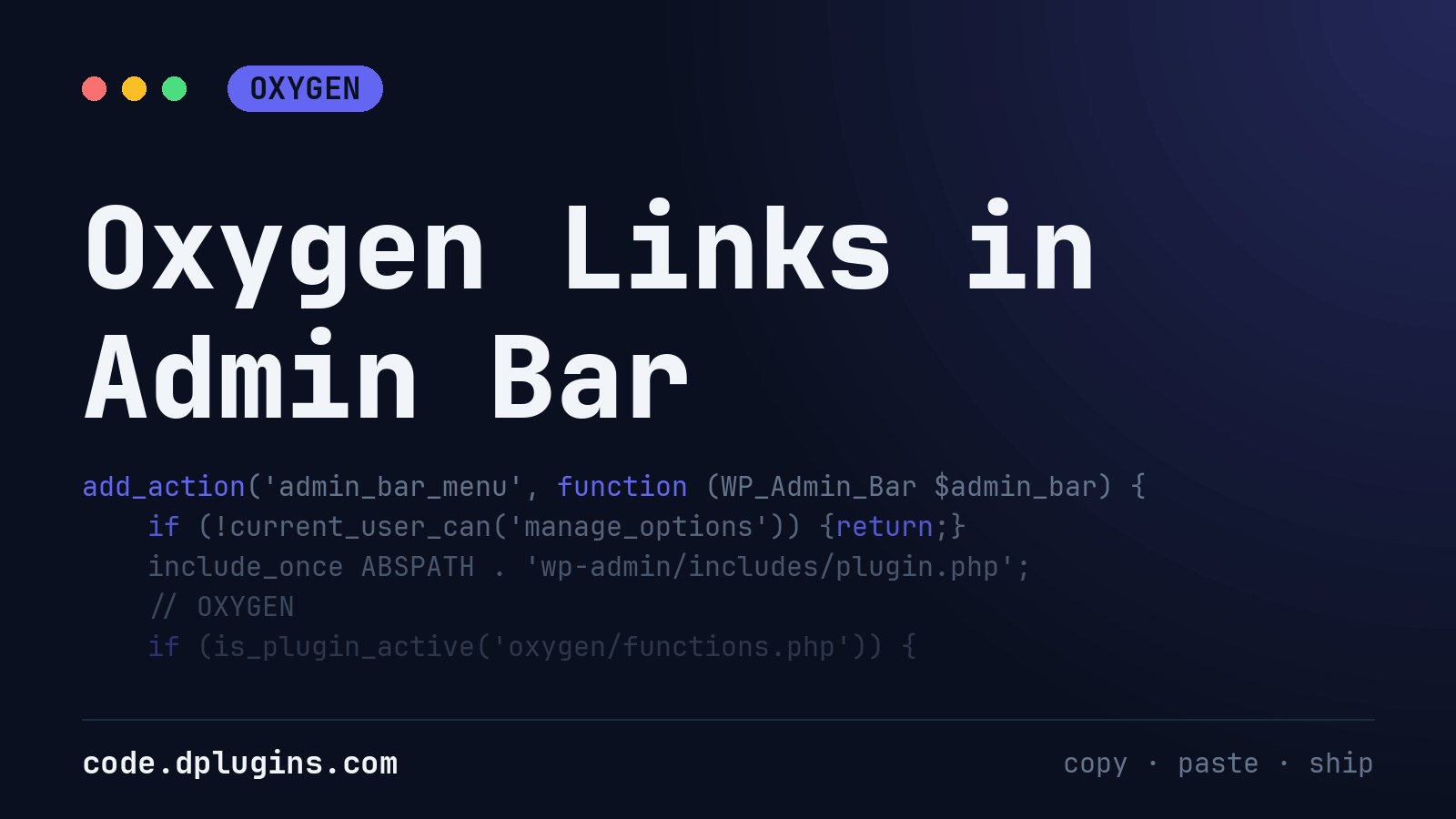
Oxygen Links in Admin Bar
I put this code-snippet to every Oxygen site i develop, because it is faster to go to the settings by admin bar,I use Scripts Organizer to use this as below : Add a code-block with Trigger location set to EVERYWHERE put the code and you are done.
Category: Oxygen -
Change the WordPress Password Protected Message
Change or remove the WordPress password protected message, add a link to request the password, and keep it working on translated sites.
Category: WordPressTags: Password -
Disable WordPress Default Image Sizes
Stop WordPress from creating the medium_large, 1536×1536 and 2048×2048 image sizes for every upload, and keep the sizes you use.
Category: WordPressTags: Image -
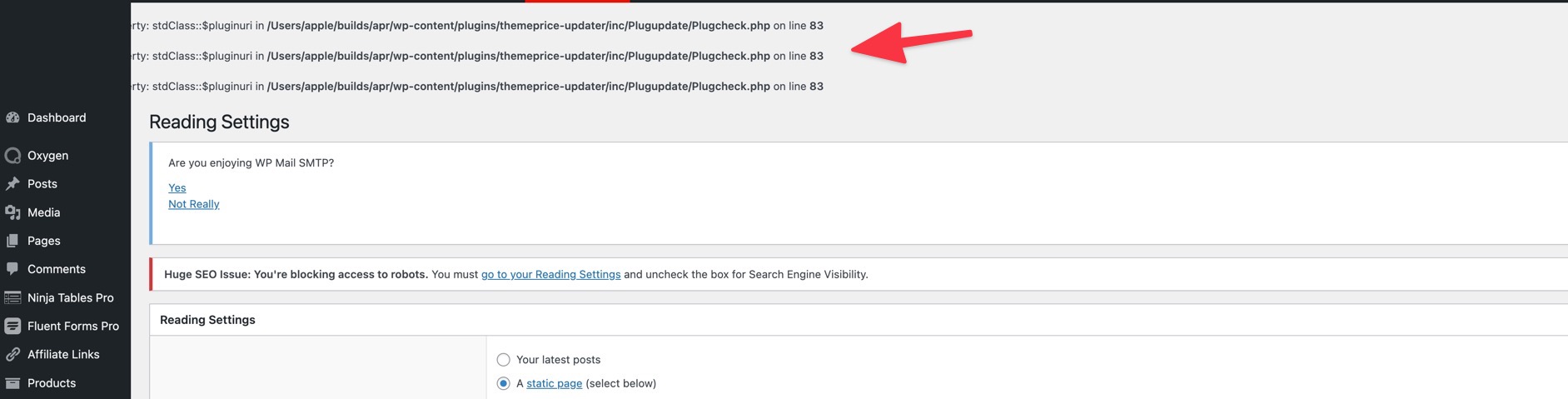
Hide Errors using wp-config file
Sometimes when you are in a development environment like Laravel Valet on your home computer, you may have errors show up. you can use the following code to hide them Edit wp-config.php file and add the following anywhere ini_set(‘display_errors’,’Off’); ini_set(‘error_reporting’, E_ALL ); define(‘WP_DEBUG’, false); define(‘WP_DEBUG_DISPLAY’, false);
Category: WordPressTags: WP Admin -
Adding Extra Required Classes To Oxywind Worker
Use the following code to add extra required classes during Oxywind worker compiling / cache generation when you are ready for production. You may want to do this if you want to use tailwind classes in your HTML code outside of oxygen elsewhere in wordpress or a 3rd party / custom plugin. This will save…
-
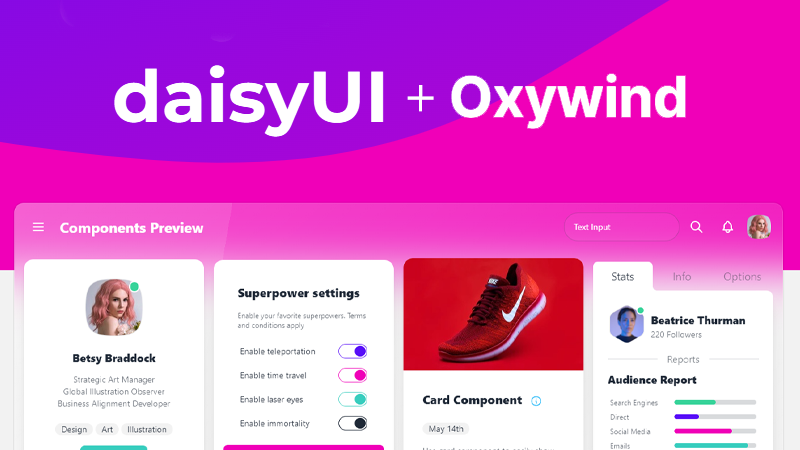
Add daisyUI to Oxywind
Setup daisyUI CDN Ready For Development Add the following code to use the full daisyUI CDN while developing, this includes all daisyUI elements. These will be later purged by the Oxywind worker so only the elements you use will be included in your production site. Add daisyUI To Oxywind Worker Configuration In the Oxywind settings…
-
Free WordPress Cookie Consent with Scripts Organizer
This is taken form Facebook conversation in the Official Oxygen Builder group. Follow up on the conversation.
-

Hide WooCommerce Products With Zero or Empty Price
Hide WooCommerce products with a price of 0 or no price from the shop, categories, search and product shortcodes, with one small snippet.
Category: WooCommerce -
Hide Oxygen Composite Elements
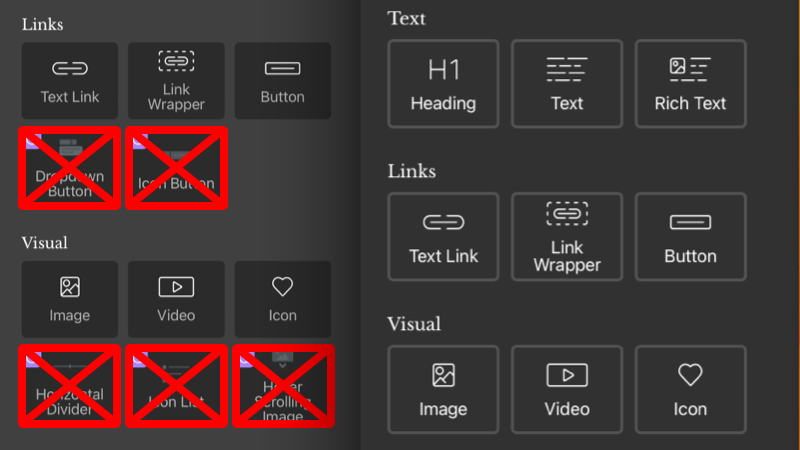
if you do not use it. Keep add elements sidebar clean. Solution to hide If you are using Scripts Organizer download code snippet Solution to Disabled Thanks to Suppa Mike for providing second solution.
Category: OxygenTags: composite elemenets -
Show WordPress Taxonomy Terms as Links With a Limit
A WordPress shortcode that shows the terms of any taxonomy as links, limited to a number you choose, with escaped output and no PHP warnings.
Category: WordPress


3rd party plugins actions admin archive block-themes block editor Blocks block theme build capabilities Category core CPT CSS Custom Post custom post types development filters full site editing gutenberg hook Image img load styles maintenance media mu-plugin Must Have npm Oxygen performance php plugins scripts organizer security settings api single product Taxonomy theme.json Tips updates WooCommerce wordpress wp-cli WP Admin