

Tested WordPress code snippets – page 3
Copy-paste snippets for blocks, block themes, security, performance, Tailwind CSS, PHP and React. New snippets every Monday, Wednesday and Friday, each one run in a real WordPress before it is published.
-
WordPress Export Custom Post Type to CSV Without Plugin
Add an Export CSV button to any WordPress post type list screen, with nonce and capability checks, terms, meta and formula-injection protection.
Category: WordPress -
Custom Block Bindings Source for Post Data in WordPress
Register a WordPress Block Bindings source that fills core Paragraph, Heading and Button blocks with a post’s last-updated date and author.
-
Add Categories and Tags to Pages in WordPress
Add categories and tags to WordPress pages and list those pages in the category and tag archives, next to your posts.
Category: WordPress -

Esbuild setup with SCSS
Files structure The project is organized with a very simple file structure. At the root, there is a build.js file which is the script that runs esbuild and compiles both the JavaScript and SCSS into production-ready code. The dist folder is where the compiled files end up — inside you’ll find main.min.js for the bundled…
Category: EsbuildTags: scss -
Publish NPM with GitHub push
github yaml location This will push code to NPM after you craete tag with v Example: v1.0.1 NPM_AUTH_TOKEN esbuild.js package.json example
Category: GitHub -
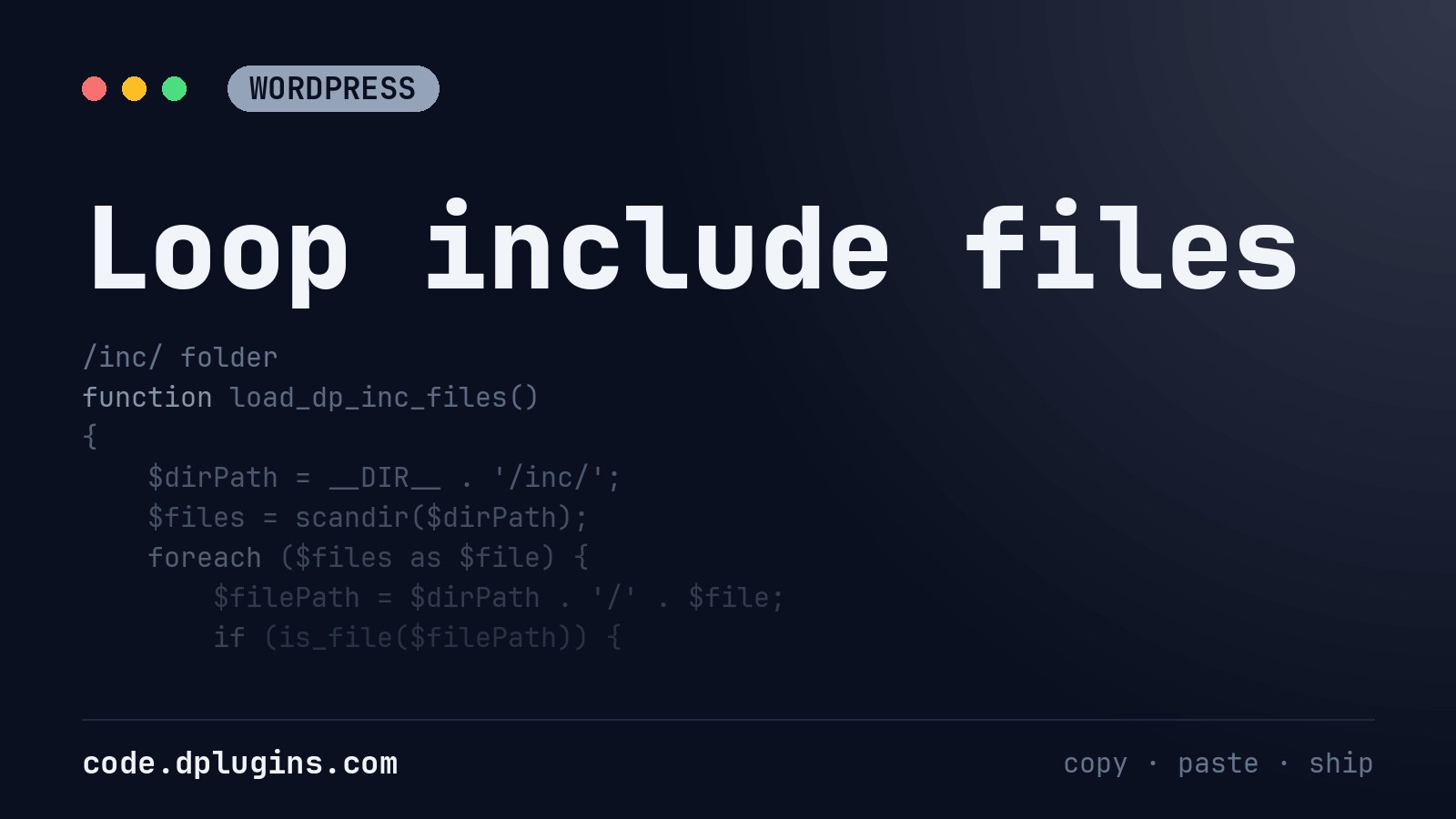
Loop include files
Instead of adding one by one you can include all files inside /inc/ folder If you need to load only php files
Category: WordPress -
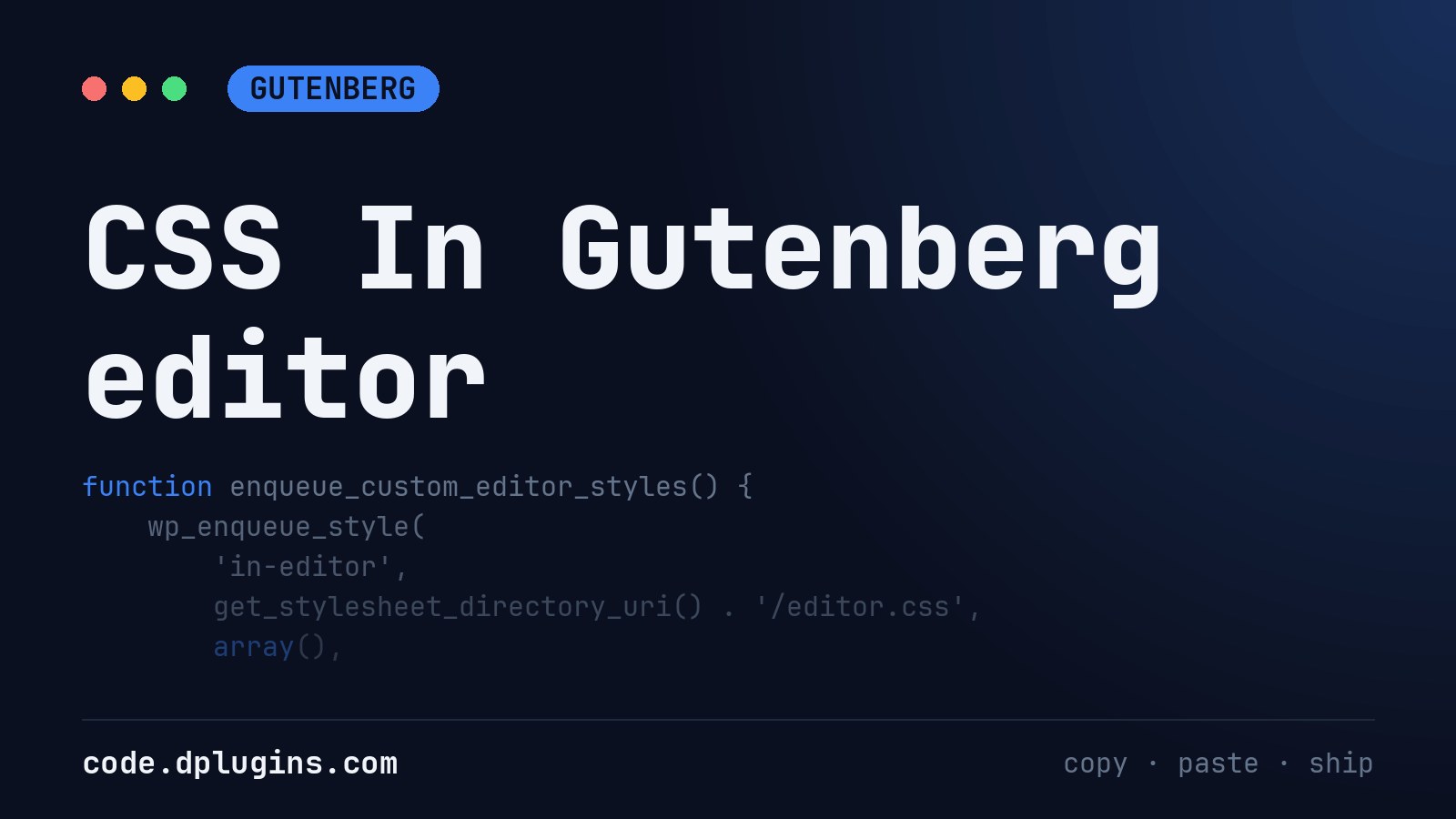
CSS In Gutenberg editor
CSS Needs minimum selector Load CSS in Editor Load CSS in Theme (Front End)
Category: Gutenberg -
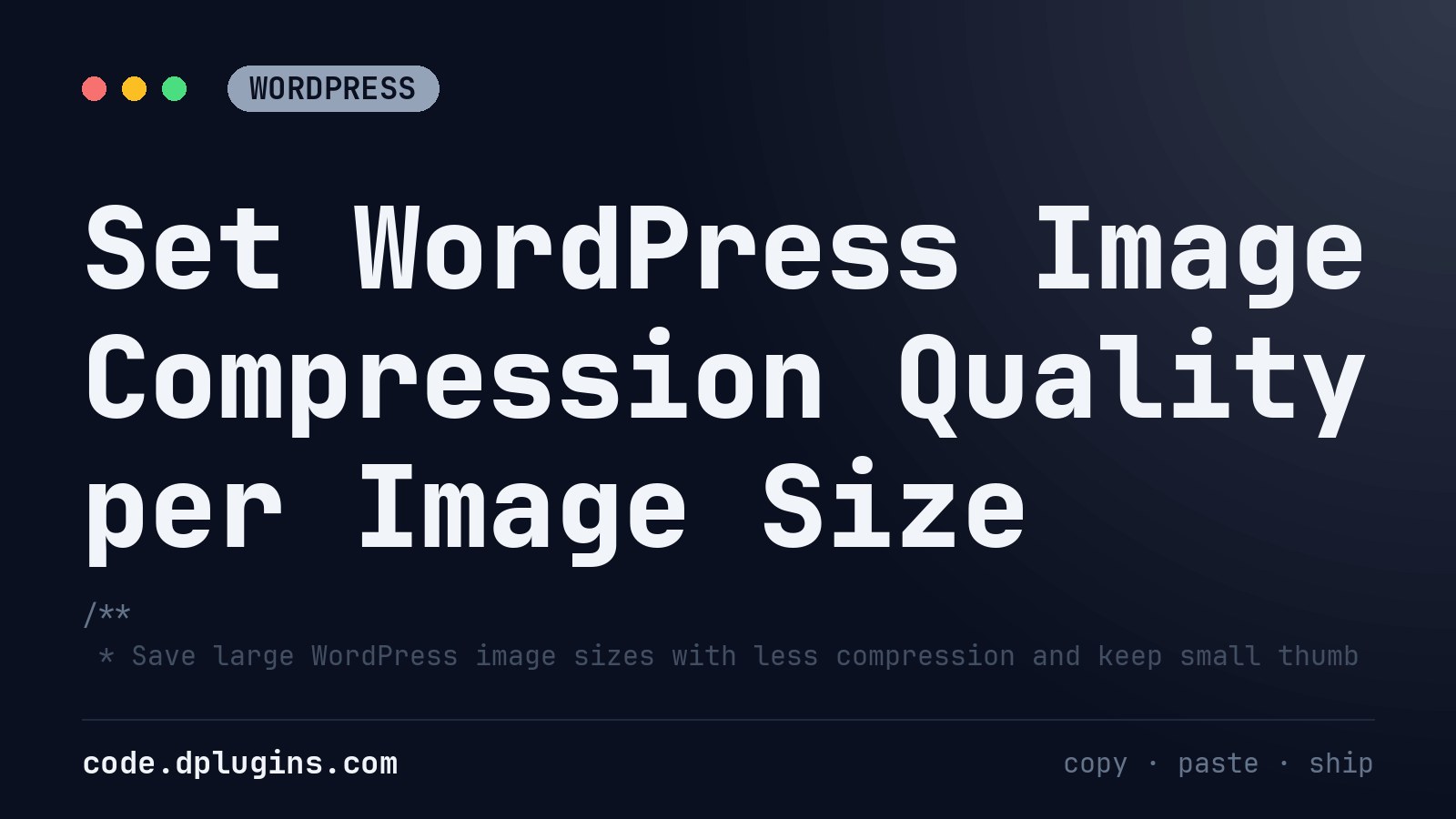
Set WordPress Image Compression Quality per Image Size
Save large WordPress image sizes at quality 100 and keep thumbnails at the default 82, with the wp_editor_set_quality filter.
Category: WordPress -
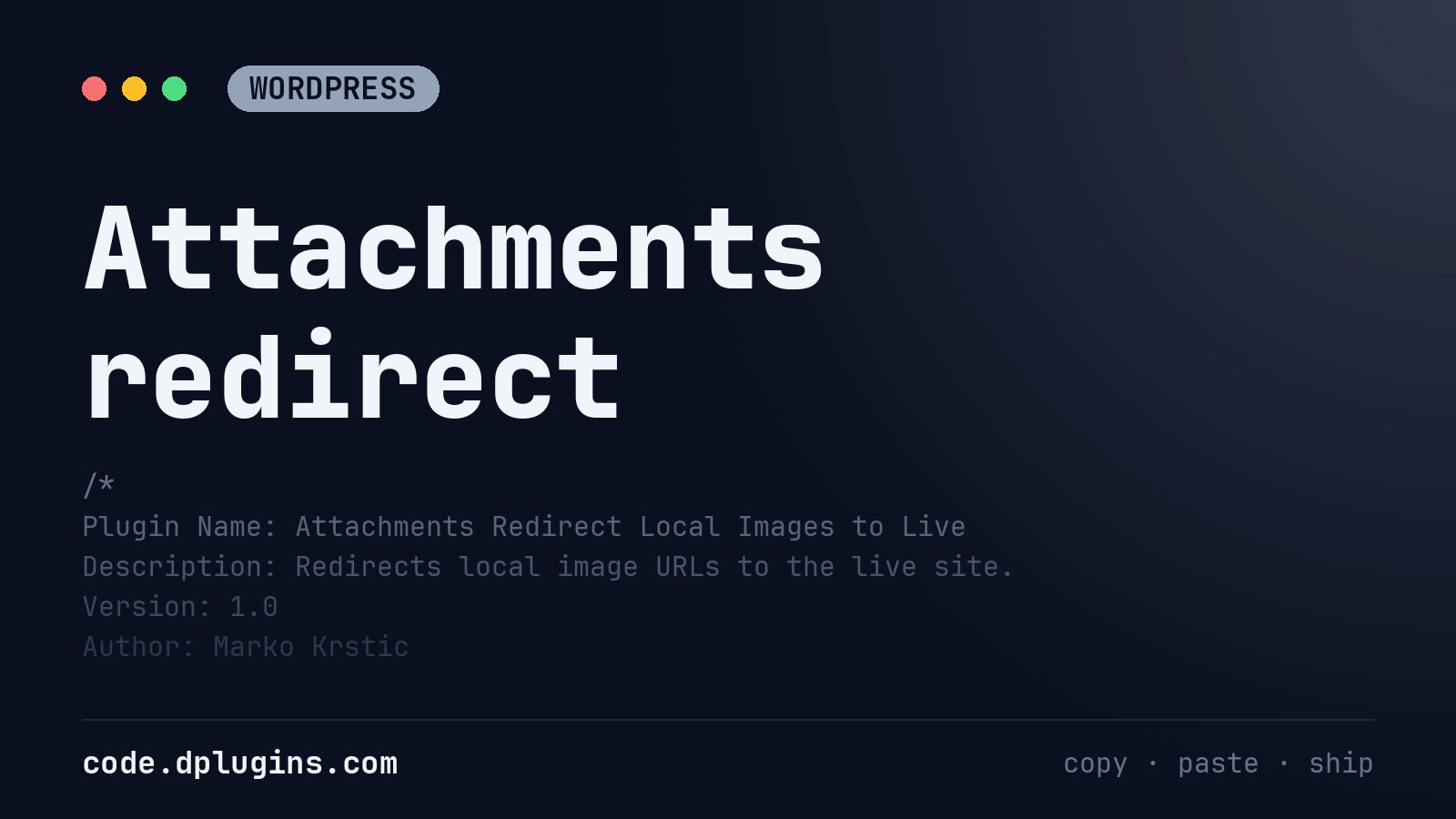
Attachments redirect
This is part of DevKit but I would like to share code snippet as well What This WordPress Plugin Does This plugin is designed for people who work on a WordPress site locally (for development or testing) but want all the images and media files to load from the live production site instead of the…
Category: WordPress -
Use github pages to push to the server
YOURSERVER = Example (ftp.markokrstic.com) Navigate to the settings > Secrets Add your secrets Get more actions examples https://github.com/marketplace/actions/sftp-deploy
Category: GitHub -
Show the Server Port in the WordPress Footer
Print the server port and http/https in the WordPress footer, visible to administrators only, escaped and safe to leave on while debugging.
Category: WordPressTags: port -
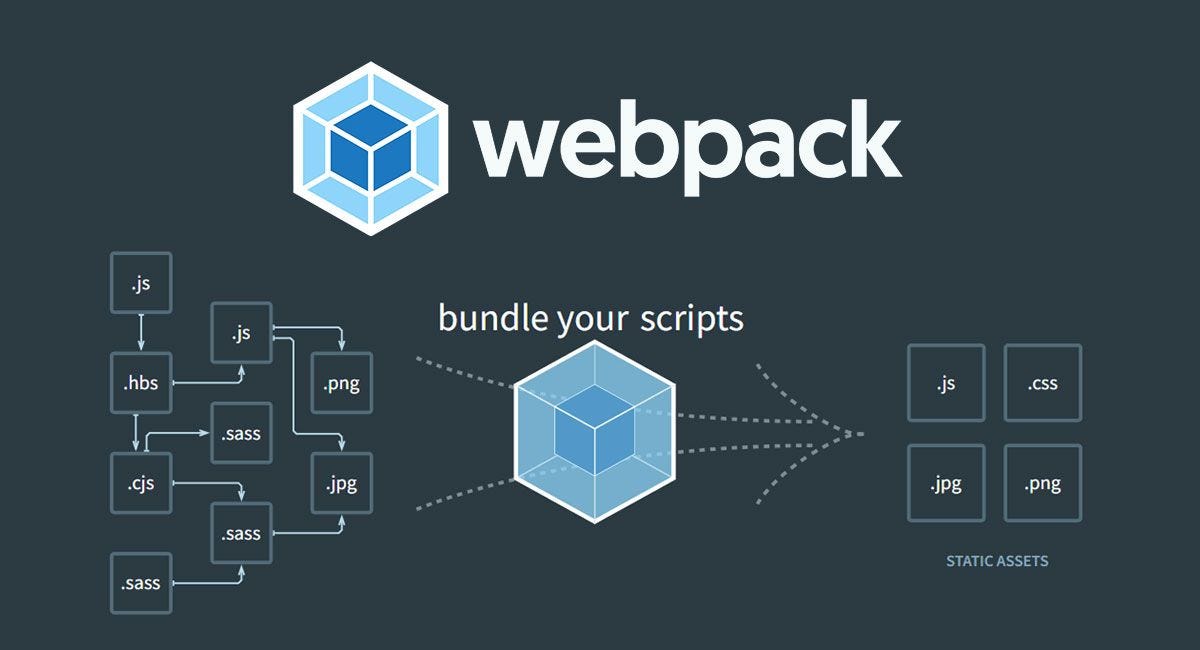
WP Scripts Custom Config
Code Snippet Creating a custom webpack configuration file for @WordPress/Scripts Create “webpack.config.js” in the plugn root
Category: Gutenberg -
Gutenberg Blocks Development – Live Reload
As I never menaged to set up WordPress/Scripts –hot I prefer to use Browser Sync Install NPM After instaling NPX Create block run: Then in the package.json update scripts section Replace ‘dev-wordpress.local’ with your local websute URL
Category: Gutenberg -
GitHub Action to create a release
With this workflow in place, creating a new release is as simple as pushing a version tag to your repository. The GitHub Action takes care of everything else for you. It checks out your code, sets up Node.js (using the latest LTS version), and installs your project’s dependencies if a package.json file is present. Once…
Category: GitHub -
Delete GitHub repository history
Deleting the .git folder may cause problems in your git repository. If you want to delete all your commit history but keep the code in its current state, it is very safe to do it as in the following: Checkout/create orphan branch (this branch won’t show in git branch command): Add all the files to…
Category: GitHub -
Developer Notes Page in the WordPress Admin
Add a private Dev Notes page to the WordPress admin for administrators: rich text, tables, images, autosave and an HTML view, no plugin.
Category: WordPress -
Display Side Editor in Hybrid Theme
Place this in function.php or use Scripts Organizer Code Snippet. We’ll let WordPress think it’s a block theme so the Editor shows up, but we’ll override template loading to use PHP templates like index.php. In your functions.php, override the block template resolution like this: This forces WordPress to always use index.php for rendering the front-end…
Category: Gutenberg -
Disable Default Block Patterns in WordPress
Disable the default WordPress core block patterns and the Pattern Directory patterns so the inserter only shows your theme’s own patterns.
Category: Gutenberg -
WordPress Countdown Timer Shortcode With Tailwind CSS
A WordPress countdown timer shortcode: days, hours, minutes and seconds to a date in your site’s timezone, styled with Tailwind CSS classes.
Category: WordPress

3rd party plugins actions admin archive block-themes block editor Blocks block styles block theme build Category core CPT CSS custom post types debugging development full site editing gutenberg hook hooks Image javascript load styles Must Have npm Oxygen performance php plugins repeater rest api scripts organizer security settings api single product tailwind Taxonomy theme.json Tips updates WooCommerce wordpress wp-cli WP Admin