

Tested WordPress code snippets – page 9
Copy-paste snippets for blocks, block themes, security, performance, Tailwind CSS, PHP and React. New snippets every Monday, Wednesday and Friday, each one run in a real WordPress before it is published.
-
Change WordPress Widget Title From h2 to h4
Change the WordPress widget title tag from h2 to h4 (or any heading) for every sidebar, keeping the theme’s classes and the title text as they are.
Category: WordPress -
Remove the Archive Title Prefix in WordPress
Remove “Category:”, “Tag:”, “Archives:” and the other prefixes from WordPress archive titles with one filter, in classic and block themes.
Category: WordPress -
Color WordPress Admin Menu Items
Color chosen WordPress admin menu items with your own background and text colours, so the screens you use daily stand out in the sidebar.
Category: WordPressTags: WP Admin -
Add Categories to a Custom Post Type in WordPress
Give a WordPress custom post type the normal Categories and Tags and show those posts on category and tag archives, with or without Custom Post Type UI.
Category: WordPress -
Rotate the Logo on Scroll in WordPress
Rotate your WordPress site logo as the visitor scrolls, with a few lines of plain JavaScript that respect reduced-motion settings.
Category: JavaScript -
Add Taxonomy Columns to WordPress Admin Post Lists
Show any taxonomy as a column in WordPress admin post lists, including custom post types, with one config array and no placeholders.
Category: WordPress -
Make WordPress Posts Hierarchical with a Parent Option
Give WordPress posts or custom post types a Parent field like pages, with register_post_type_args, safe for post types registered without supports.
Category: WordPress -
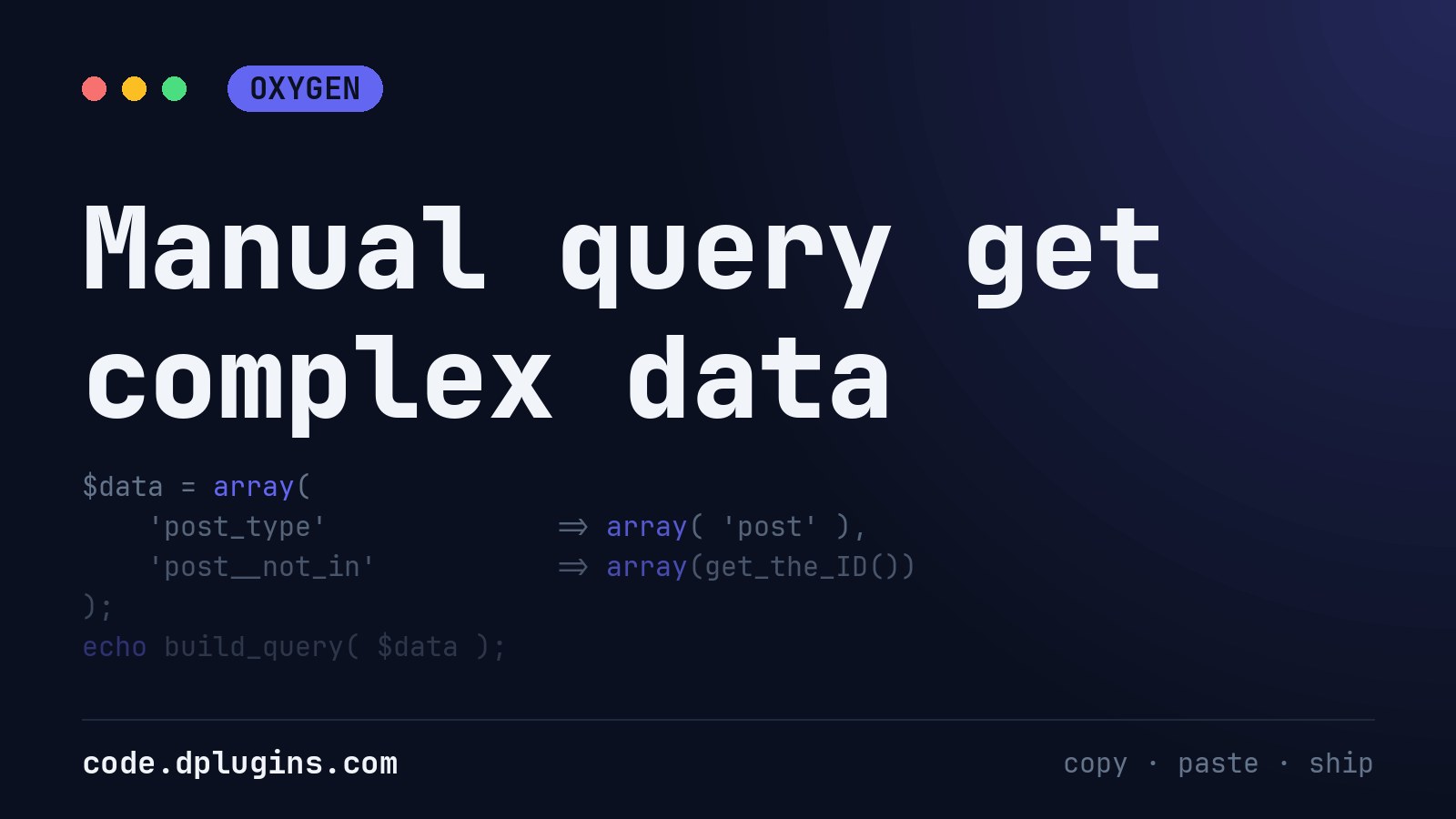
Manual query get complex data
Paste this into code block to get that data. Paste that data into Query of Easy posts or Repeater. With this, you can put in query data from ACF Pro as well Credits to: https://wpdevdesign.com/how-to-generate-the-query-string-for-easy-posts-in-oxygen/
Category: Oxygen -
Change the default loop with CodeBlock
Place it above Repeater or East Posts
-
Change the Main Loop Order in WordPress With pre_get_posts
Change the order of the WordPress blog and archive loop, for example oldest posts first, with pre_get_posts and without touching templates.
Category: WordPress -
Add prev and next post with title and thumb in the same category
This one is work in progress
Category: WordPress -
WordPress Previous and Next Post Links With Thumbnails
Show WordPress previous and next post links with the title and featured image under a single post, with escaped output and no errors on the first post.
Category: WordPress -
Hide Flickity Slider Dots With Only One Slide in WordPress
Hide the Flickity slider page dots in WordPress when there is only one slide, with one CSS rule that works with Flickity v2 and v3.
Category: CSS -
Images are not sharp enough when they are scaled down
Oxygen adding class to images by default “.ct-image”. To target all the images use img tag or .ct-image. If you want to play with more options there are some couple of more settings:
-
Remove WordPress default image compression
Stop WordPress compressing resized images at quality 82: set your own JPEG and WebP quality with the wp_editor_set_quality filter.
Category: WordPress -
Limit WordPress Search Results to Specific Post Types
Limit WordPress search results to the post types you choose, such as posts and pages, without touching admin, REST or custom queries.
Category: WordPress -
Stretch an Image to the Edge of the Page in WordPress
Stretch an image from inside its WordPress content column to the left or right edge of the page, with a small CSS and JavaScript snippet.
Category: JavaScript -
Run JavaScript on Load and Resize in WordPress
Run JavaScript on page load and window resize in WordPress without jQuery: measure an element and hand its size to CSS as a variable.
Category: JavaScript



3rd party plugins actions admin archive block-themes block editor Blocks block theme build capabilities Category core CPT CSS Custom Post custom post types development filters full site editing gutenberg hook Image img load styles maintenance media mu-plugin Must Have npm Oxygen performance php plugins scripts organizer security settings api single product Taxonomy theme.json Tips updates WooCommerce wordpress wp-cli WP Admin