

Gutenberg snippets
Gutenberg block editor snippets: block.json, dynamic blocks, block bindings, variations, filters and patterns.
-
Show WordPress Navigation Sub-Menus Expanded by Default
Show WordPress Navigation block sub-menus expanded by default on desktop with one block style, no JavaScript. Pick it in the editor’s Styles panel.
-
Build Gutenberg Block Styles for WordPress Headings
Register and style your own Gutenberg block styles for the WordPress Heading block, so editors get extra headline looks in the Styles panel.
-
Restore Classic Widgets in WordPress Without a Plugin
Restore the classic widgets screen in WordPress without the Classic Widgets plugin: one filter turns off the block-based widget editor.
-
Disable Gutenberg for Specific Post Types in WordPress
Turn off the Gutenberg block editor for chosen post types in WordPress and use the classic editor for them, while posts and pages keep blocks.
-
Custom Block Bindings Source for Post Data in WordPress
Register a WordPress Block Bindings source that fills core Paragraph, Heading and Button blocks with a post’s last-updated date and author.
-
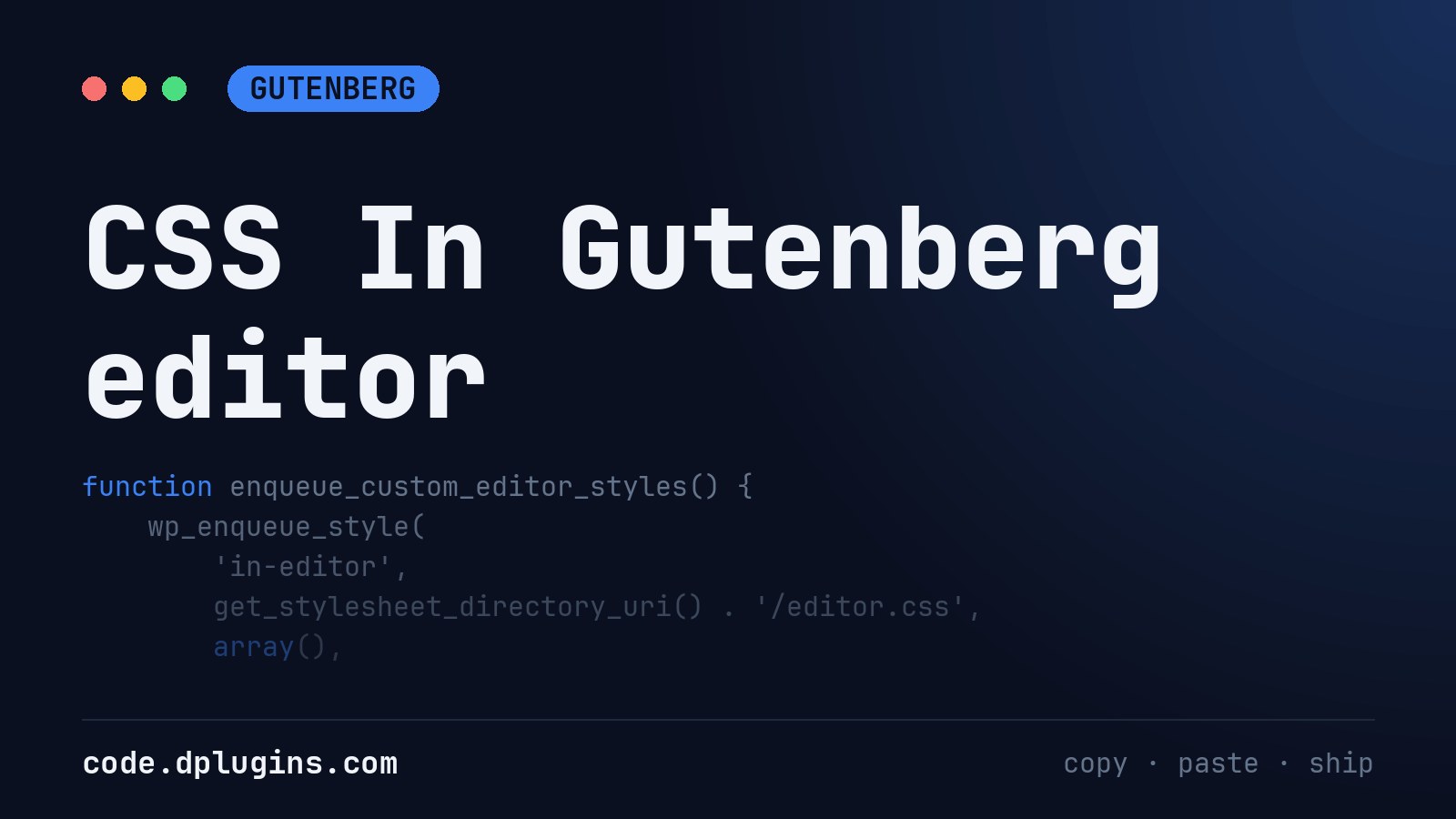
CSS In Gutenberg editor
CSS Needs minimum selector Load CSS in Editor Load CSS in Theme (Front End)
Category: Gutenberg -
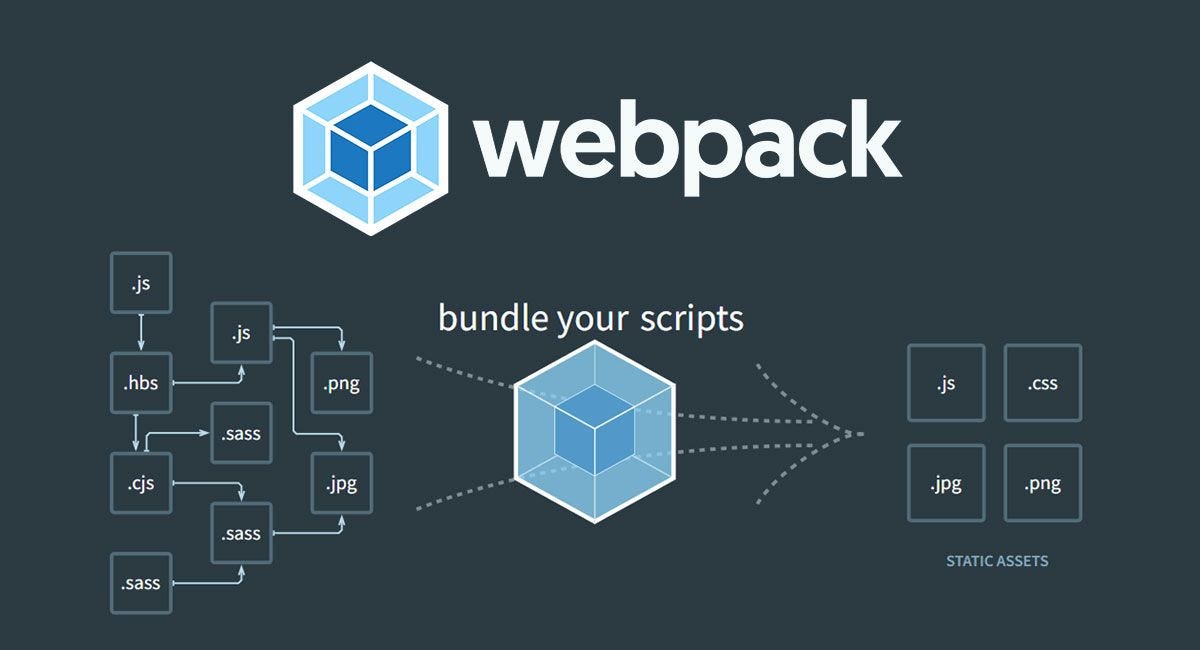
WP Scripts Custom Config
Code Snippet Creating a custom webpack configuration file for @WordPress/Scripts Create “webpack.config.js” in the plugn root
Category: Gutenberg -
Gutenberg Blocks Development – Live Reload
As I never menaged to set up WordPress/Scripts –hot I prefer to use Browser Sync Install NPM After instaling NPX Create block run: Then in the package.json update scripts section Replace ‘dev-wordpress.local’ with your local websute URL
Category: Gutenberg -
Display Side Editor in Hybrid Theme
Place this in function.php or use Scripts Organizer Code Snippet. We’ll let WordPress think it’s a block theme so the Editor shows up, but we’ll override template loading to use PHP templates like index.php. In your functions.php, override the block template resolution like this: This forces WordPress to always use index.php for rendering the front-end…
Category: Gutenberg -
Disable Default Block Patterns in WordPress
Disable the default WordPress core block patterns and the Pattern Directory patterns so the inserter only shows your theme’s own patterns.
Category: Gutenberg -
Load Gutenberg Component Styles on a WordPress Settings Page
Make @wordpress/components on a WordPress plugin settings page look like in the block editor by loading the core component styles on that page only.
Category: Gutenberg -
Load Scripts Organizer CSS/SCSS inside Gutenberg editor
Load the CSS of Scripts Organizer CSS or SCSS code blocks into the WordPress Gutenberg editor, so the editor canvas matches your site.

3rd party plugins actions admin admin bar archive block-themes block editor Blocks caching capabilities core CSS custom post types development filters full site editing gutenberg hook hooks Image img load styles maintenance media mu-plugin Must Have npm Oxygen performance php plugins rest api scripts organizer security single product theme.json Tips transients updates users WooCommerce wordpress wp-cli wp-cron WP Admin