

WordPress snippets – page 5
WordPress code snippets for hooks, custom post types, the REST API, WP_Query, admin screens and more. Copy, paste and adapt.
-
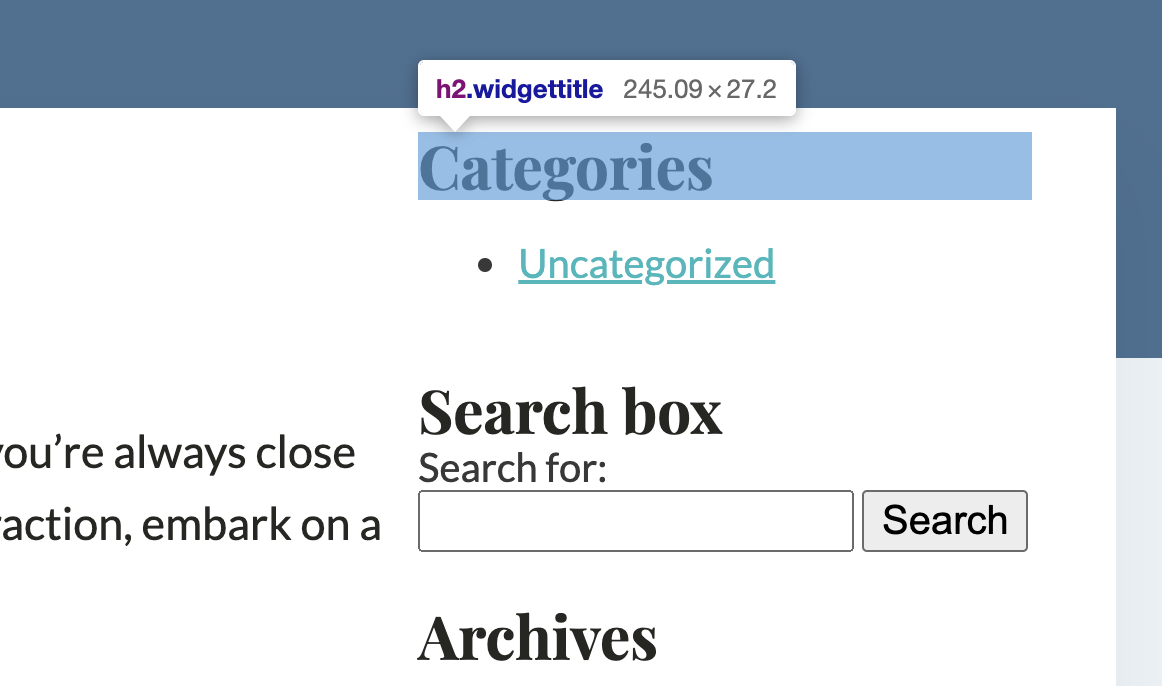
Widget Title change h2 to h4
WordPress Widgets by default have titles as h2 tag. if you need to change them to something else it is easy to change ti with WordPress filter. Add Code Snippet Open Scripts Organizer Hit Add new. Scripts Organizer Settings Trigger Location: EverywhereScript Location: PHP
Category: WordPress -

Remove the “Archive” prefix
If you are using archive pages you will get prefixes such as “Archive:”, “Category:”. Easiest way to remove them is to use WP Filter. Add Code Snippet Open Scripts Organizer Hit Add new. Scripts Organizer Settings Trigger Location: EverywhereScript Location: PHP
Category: WordPress -
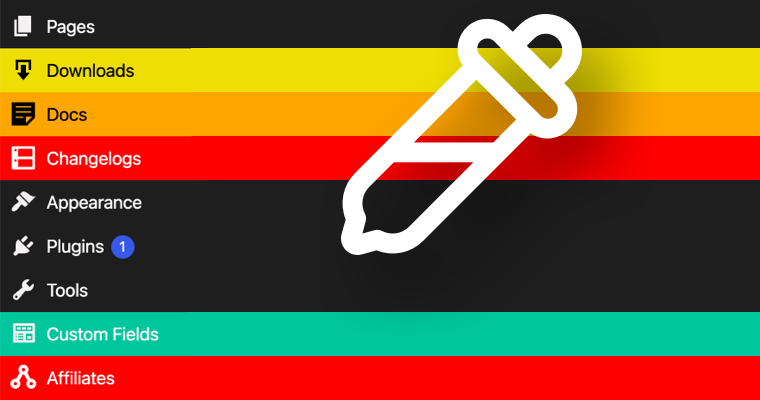
Color Admin Menu Items
The easiest way to organize Admin Menu is to add specific colors to it.I personally like to color items I use daily. Code Snippet Add Code Snippet Open Scripts Organizer Hit Add new. Scripts Organizer Settings Trigger Location: EverywhereScript Location: PHP How to find plugin target to write CSS? Hover over item you want to find info and…
Category: WordPressTags: WP Admin -

Attach Category to Custom Post type
By the default if you create Custom Post Type attaching Category to it is not possible. On the line: array( ‘post’, ‘resource_libraries’ ), replace “resource_libraries” slug to your custom post type slug. Code Snippet Add Code Snippet Open Scripts Organizer Hit Add new. Scripts Organizer Settings Trigger Location: EverywhereScript Location: PHP
Category: WordPress -

Create admin user programmatically
Sometimes people forget their WordPress admin credentials and email as well so there is no way for them to reset the password to come back in the admin. Following is a little code that you can either add in the functions.php file or set a script in Scripts Organizer and select the PHP option in…
Category: WordPress -
Add Taxonomy to Admin columns
Add this to your functions.php and replace CPT_slug and taxonomy_slug Red is added added column
Category: WordPress -
Add hierarchy option to posts
If you need to have a parent option for any post custom post to organize inside the admin menu or to loop all child post for some post id just add this code snippet to functions.php
Category: WordPress -
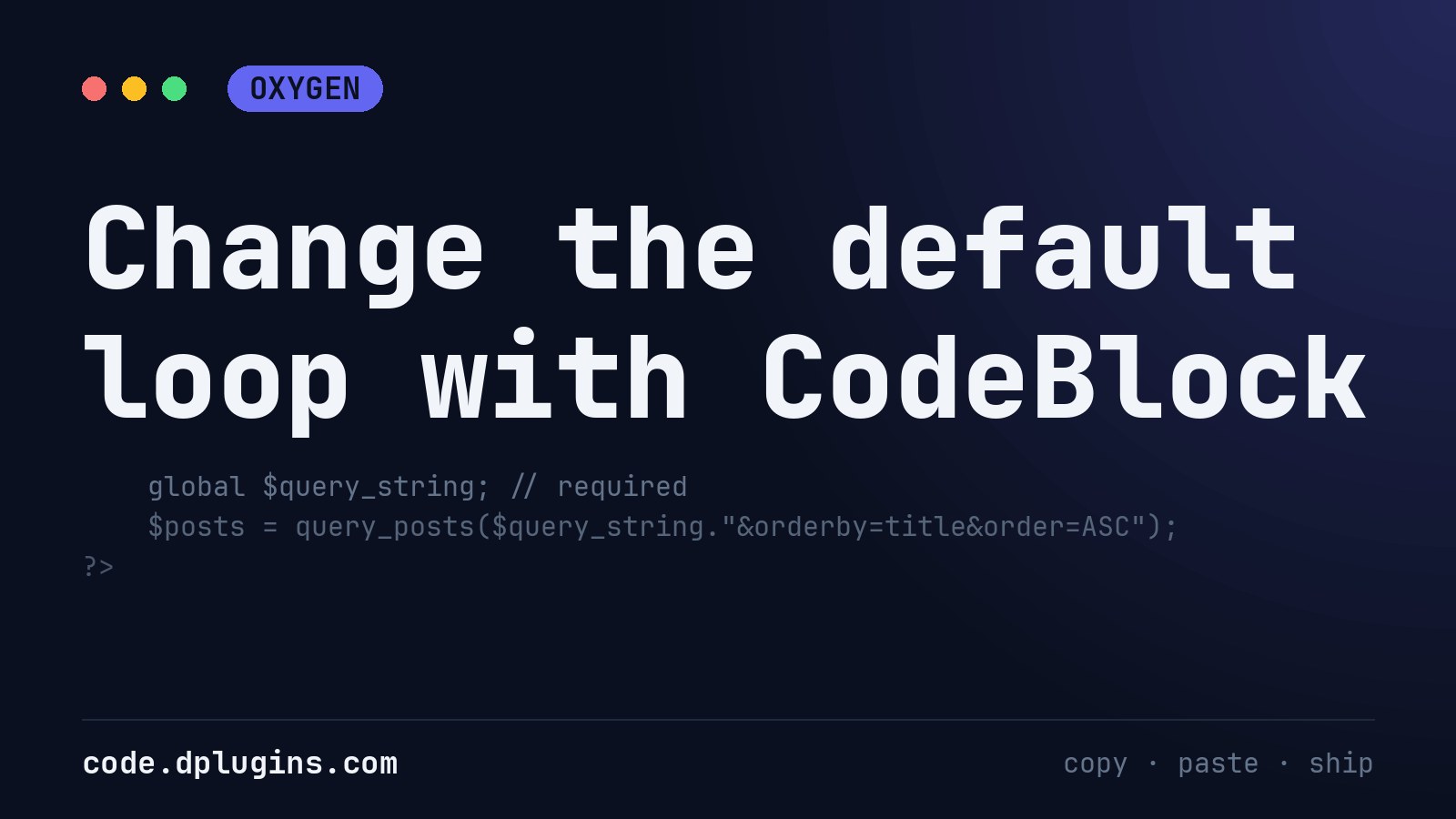
Change the default loop with CodeBlock
Place it above Repeater or East Posts
-
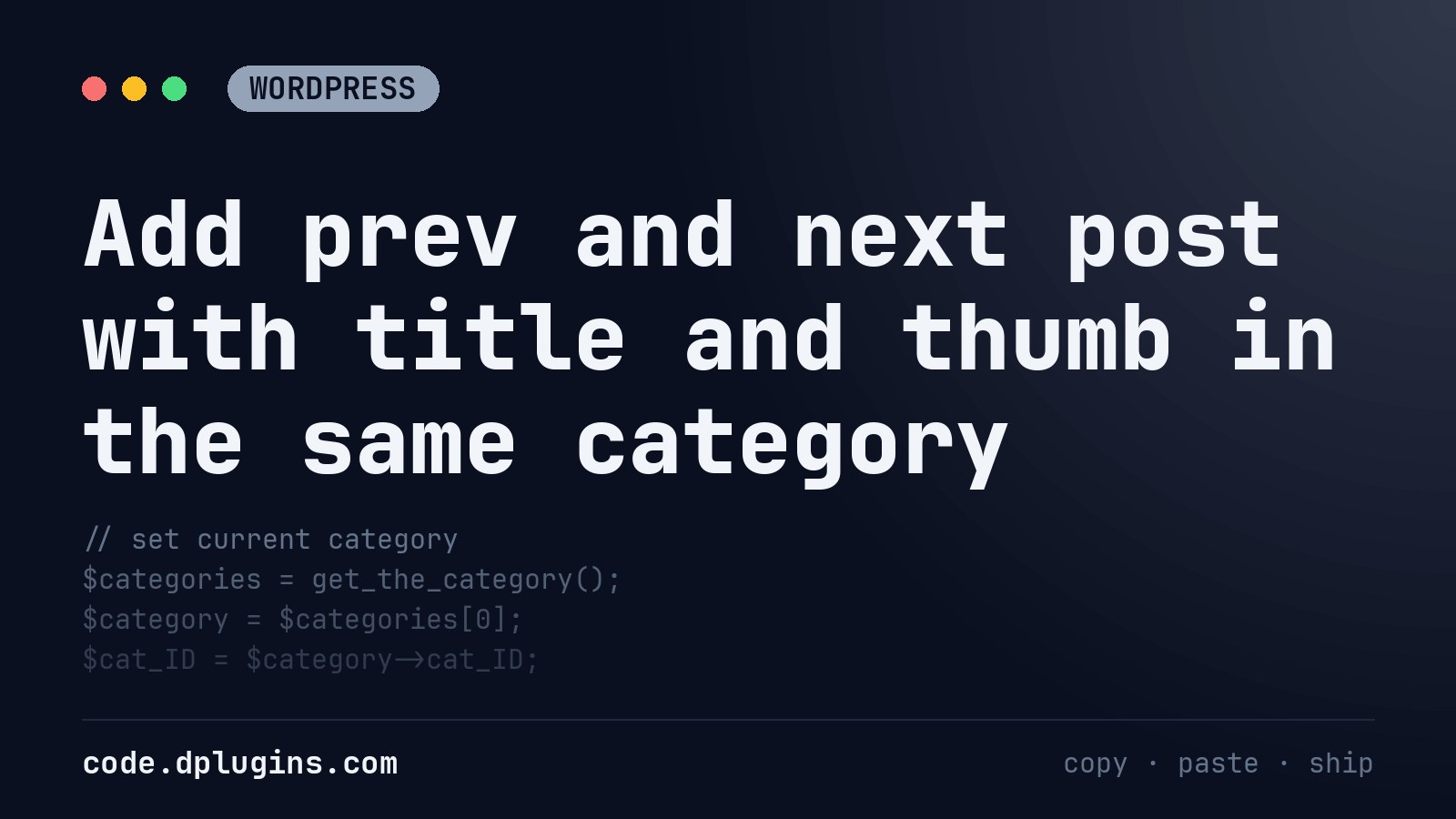
Add prev and next post with title and thumb in the same category
This one is work in progress
Category: WordPress -
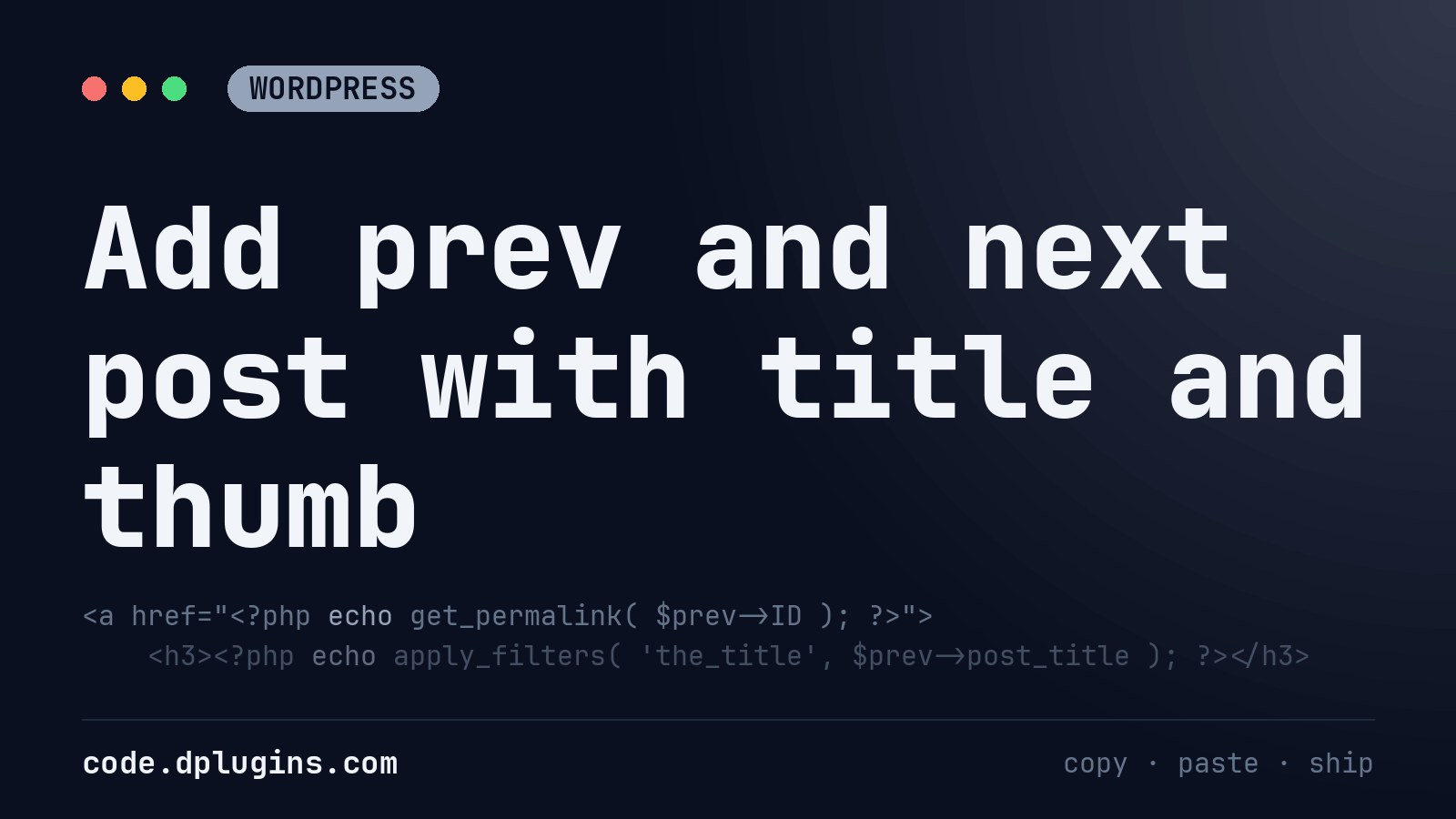
Add prev and next post with title and thumb
Add this in codeblock in single post template Title is wrapped with h3 and thumbnail is having class (‘your-class-name’) that you can change to your needs.
Category: WordPress -
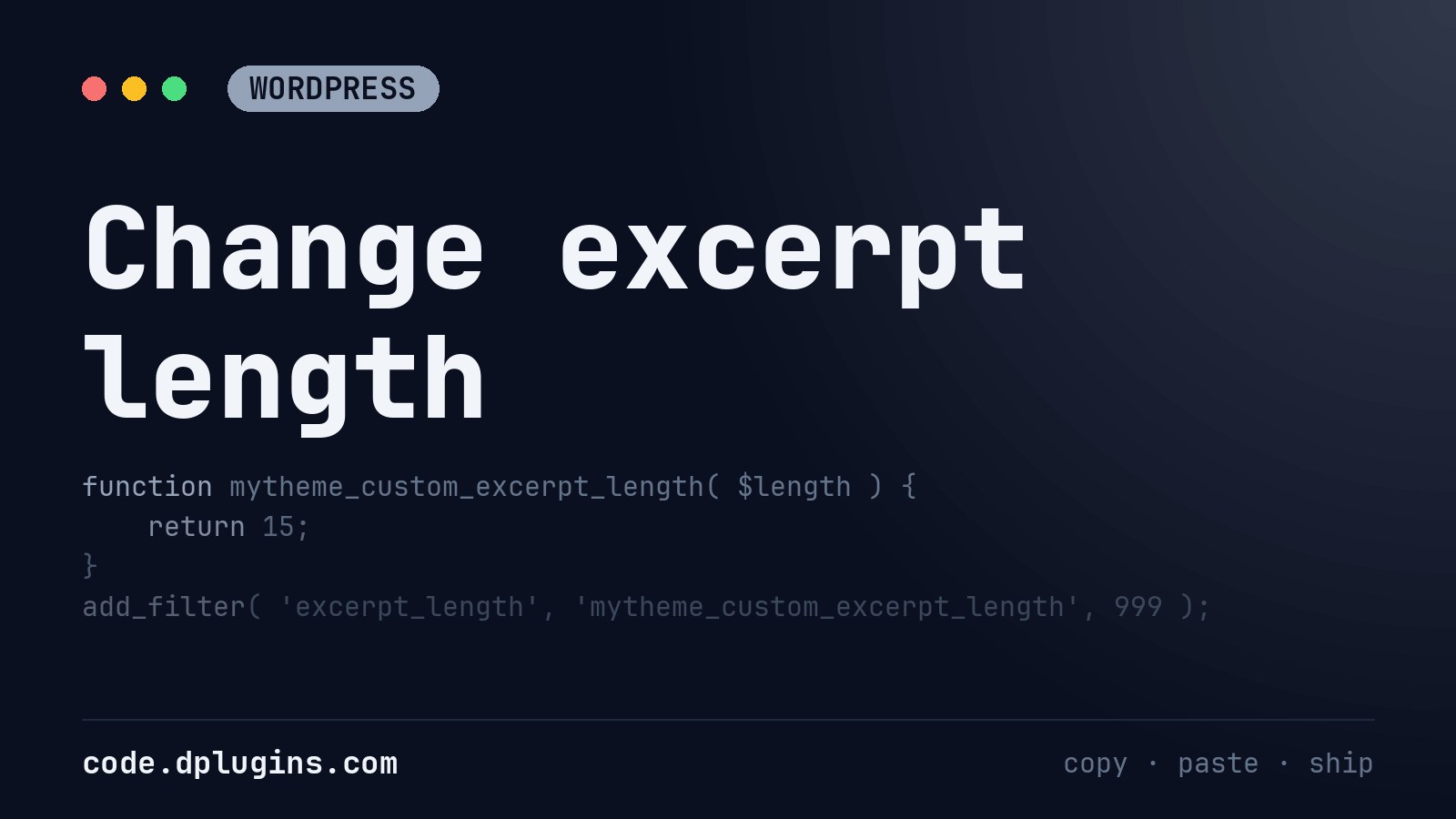
Change excerpt length
Paste this into custom plugin’s functions.php return 15 means 15 words excerpt text being eclipsed. More on WordPress.org
Category: WordPress -
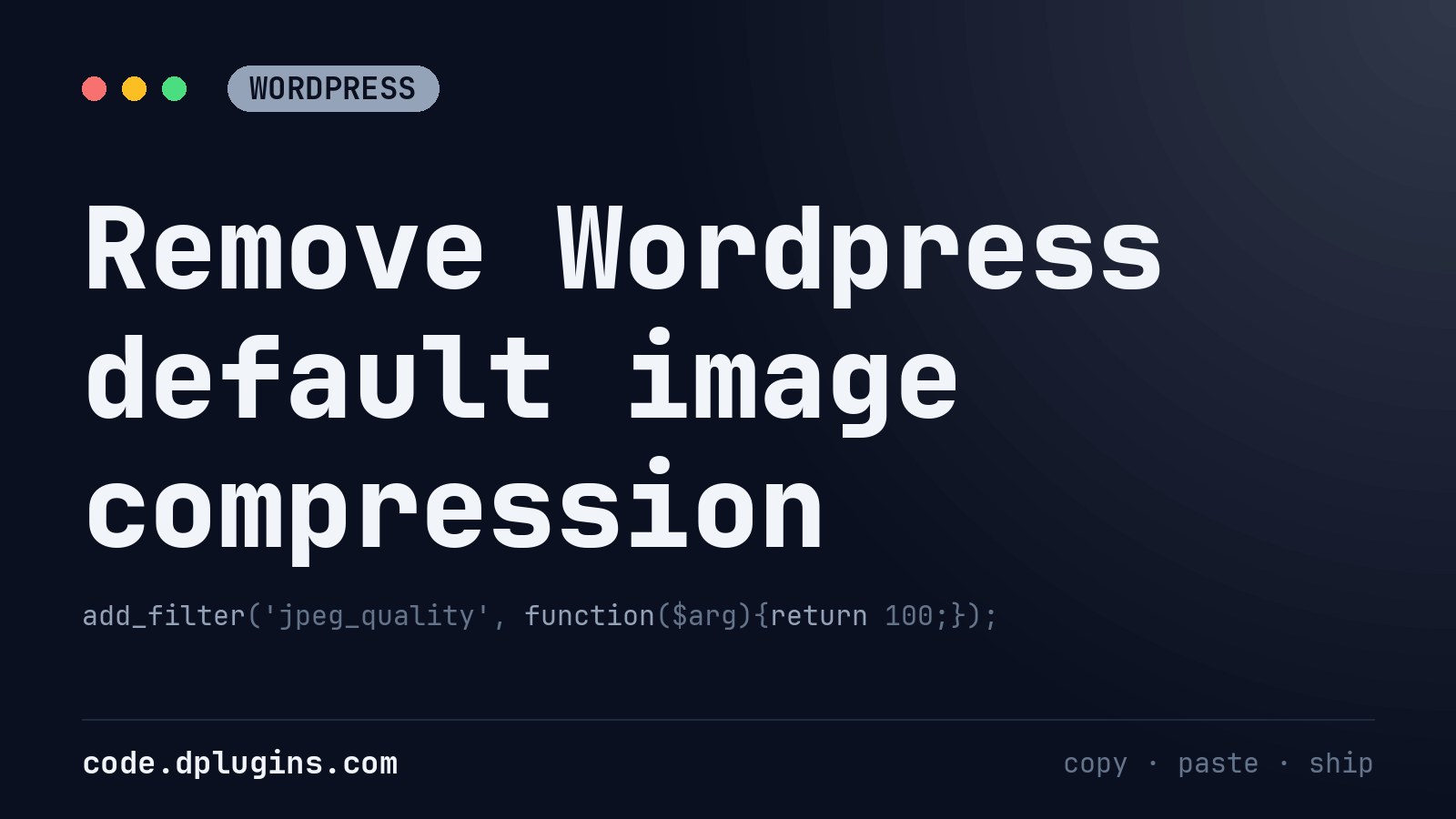
Remove WordPress default image compression
By default, WordPress compresses your images for better performance. Every time you upload a JPEG image in WordPress, it would automatically compress the image to 90% quality. All you need to do is paste the following code in your custom plugin’s functions.php When you do make these image quality changes, you want to make sure…
Category: WordPress -
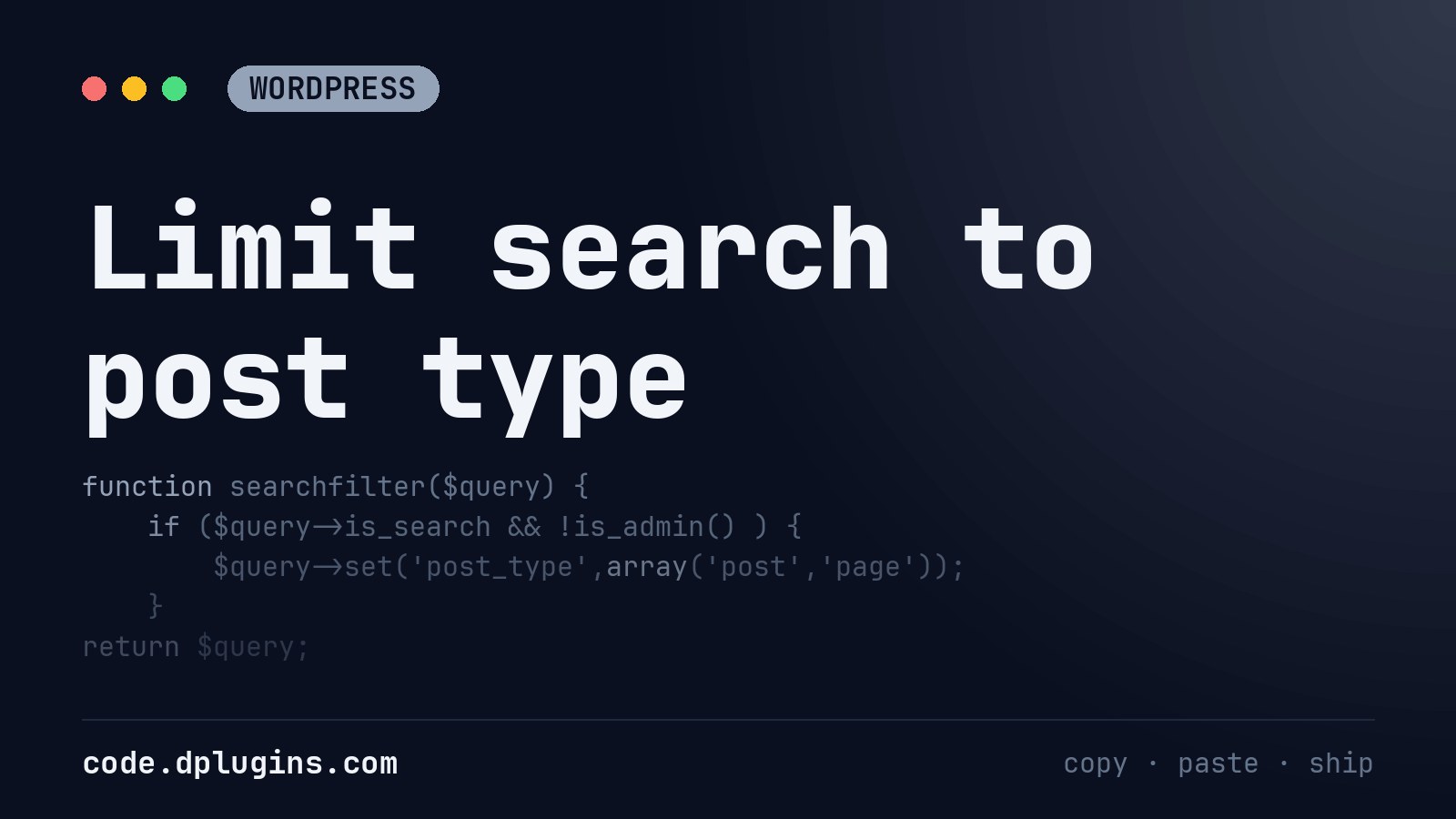
Limit search to post type
If you need to display only certain post type ( page, post, custom post) you need to add this to function.php On line 4 change what post type you need. Source: https://www.wpbeginner.com/wp-tutorials/how-to-limit-search-results-for-specific-post-types-in-wordpress/
Category: WordPress -

Display Taxonomy in post loop in ACF Relationship field
Product cat is category name for WooCommerce products category. Thanks, Hammad Wali for sharing this useful code!
-
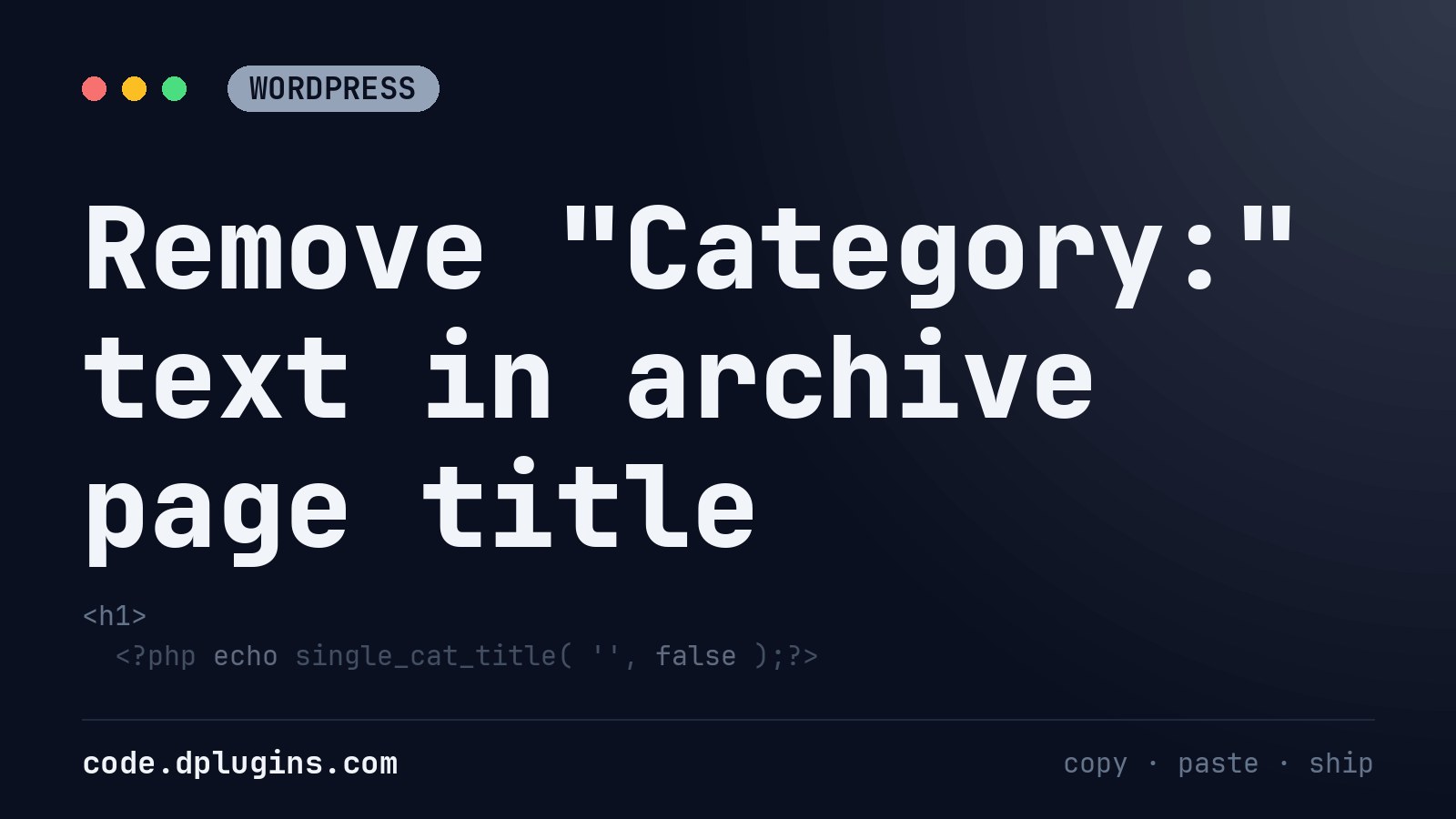
Remove “Category:” text in archive page title
The result will be just Category name Default is: Category: Category name If you want to change “Category:” use this: Thanks, Hammad Wali for sharing this useful code!
Category: WordPress -
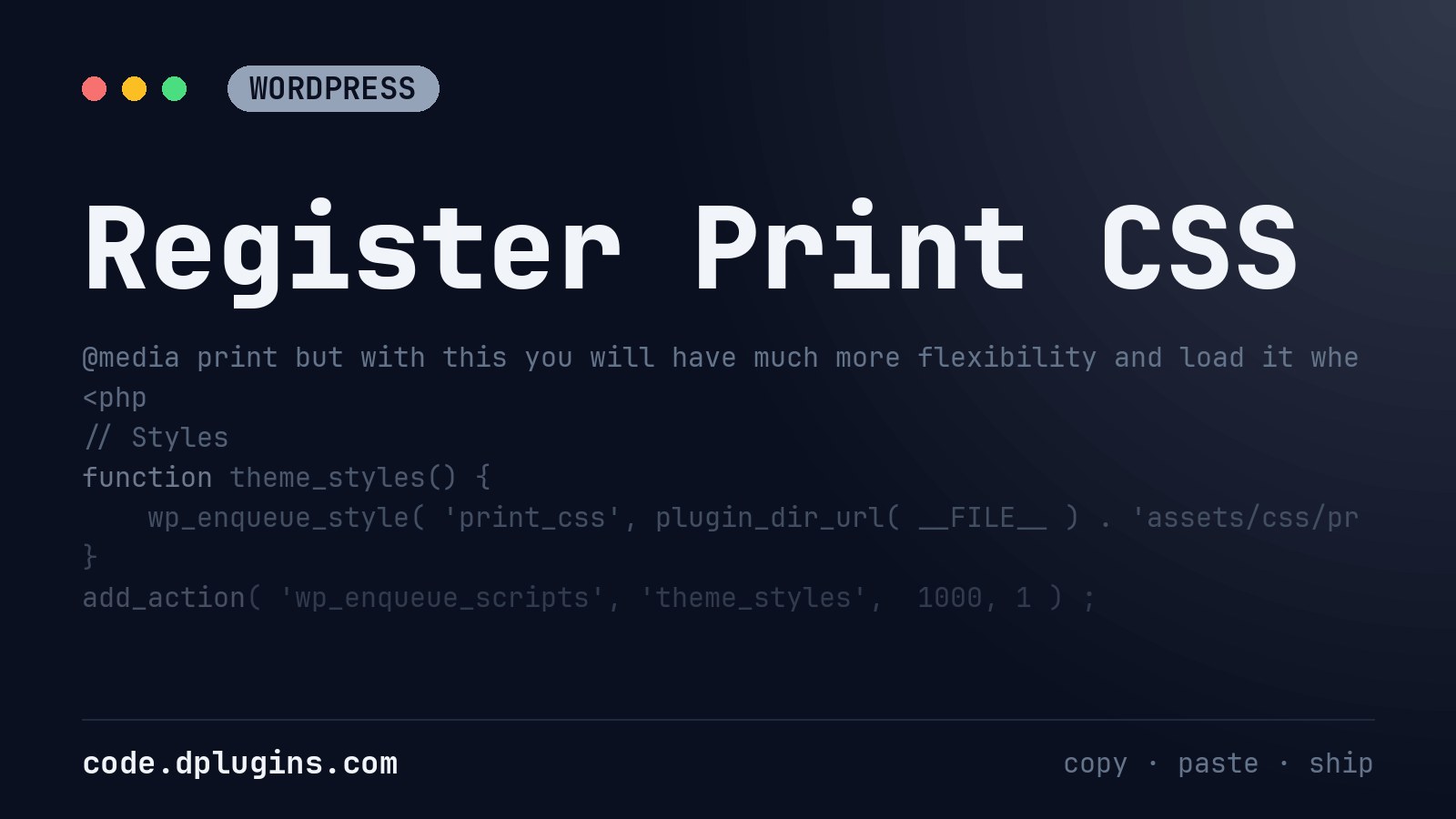
Register Print CSS
after the file path add array, version and then print An entire block stored in function.php should look like this. You can always add it as @media print but with this you will have much more flexibility and load it where you need it. More about Print CSS: https://www.sitepoint.com/css-printer-friendly-pages/ https://www.smashingmagazine.com/2018/05/print-stylesheets-in-2018/
Category: WordPress -
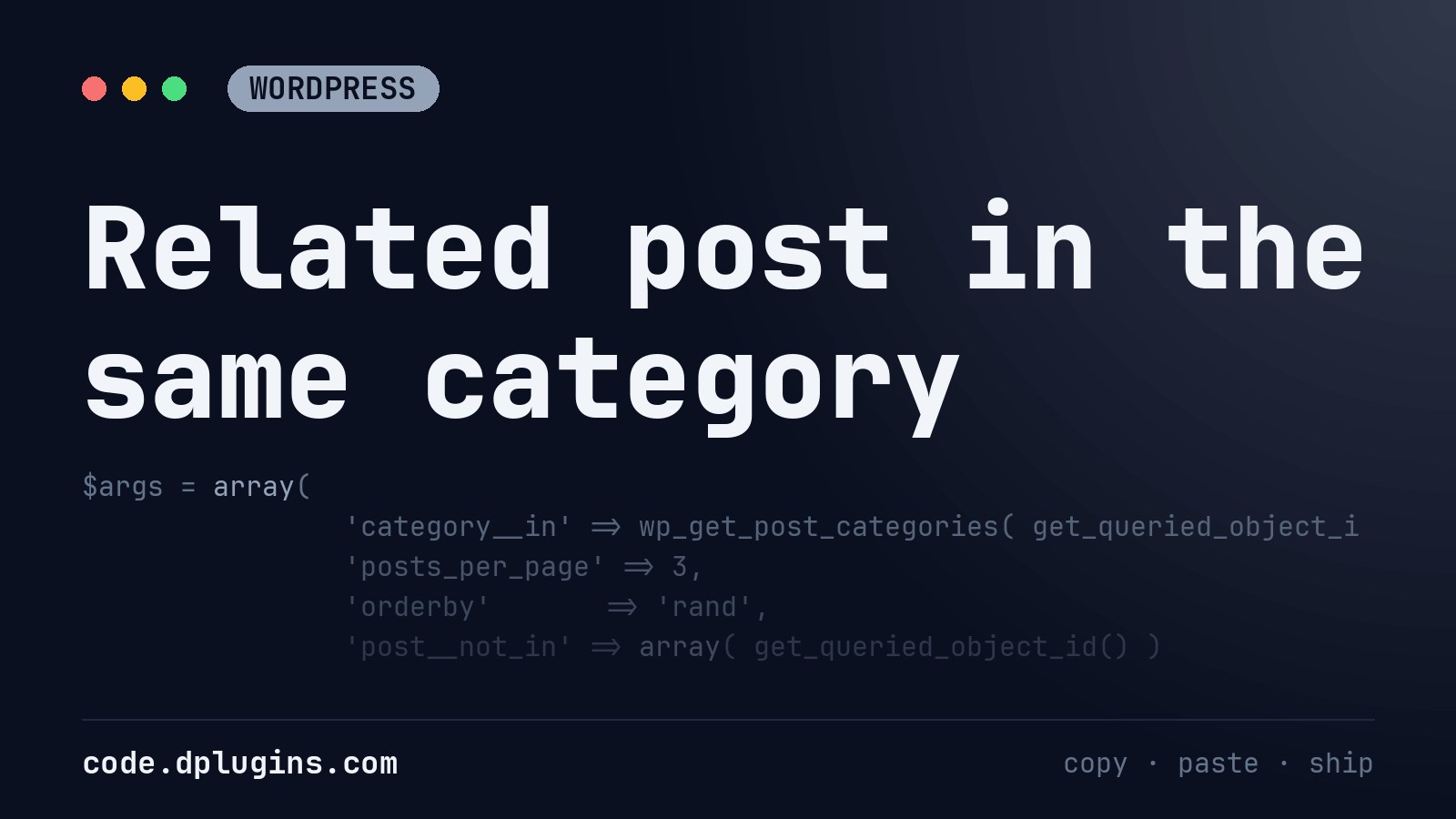
Related post in the same category
This is custom code will loop 3 posts in same categories without a current post with random sorting.
Category: WordPress



![Change WordPress default excerpt […]](https://code.dplugins.com/wp-content/uploads/2020/01/post-143-thumbnail.jpg)
3rd party plugins actions admin archive block-themes Blocks build Category config core CPT CSS csv Custom Post custom post types Developer development export Front End gutenberg hook Image img include js livereload load styles loop Must Have notice npm Oxygen plugins publish release repeater security single product Taxonomy themes Tips webpack WooCommerce wordpress WP Admin