

WordPress snippets – page 2
WordPress code snippets for hooks, custom post types, the REST API, WP_Query, admin screens and more. Copy, paste and adapt.
-
Add Admin Shortcuts to the WordPress Admin Bar
Add a Shortcuts menu to the WordPress admin bar with Plugins, Themes, Updates and New Code Block links, each shown only to users who can use it.
Category: WordPress -
Block Publish Until a Category and Subcategory Are Set
Stop posts from being published until a category and one of its subcategories are checked. Save Draft keeps working, and the editor shows the error.
-
Change the Navigation Overlay Menu Background in WordPress
Give every block theme Navigation overlay (mobile menu) a default background and text color from theme.json, without editing each block or fighting CSS.
-
WordPress set_transient Not Working? Causes and a Fix
Why get_transient() keeps missing in WordPress and your expensive code runs on every load, plus a helper that caches false, empty and long-keyed values.
-
WP CLI List Admin Users, Including Hidden Admins
A custom WP-CLI command that reads every admin account straight from the database and flags admins hidden from the Users screen.
-
WordPress Export Custom Post Type to CSV Without Plugin
Add an Export CSV button to any WordPress post type list screen, with nonce and capability checks, terms, meta and formula-injection protection.
Category: WordPress -
Custom Block Bindings Source for Post Data in WordPress
Register a WordPress Block Bindings source that fills core Paragraph, Heading and Button blocks with a post’s last-updated date and author.
-
Add Categories and Tags to Pages in WordPress
Add categories and tags to WordPress pages and list those pages in the category and tag archives, next to your posts.
Category: WordPress -
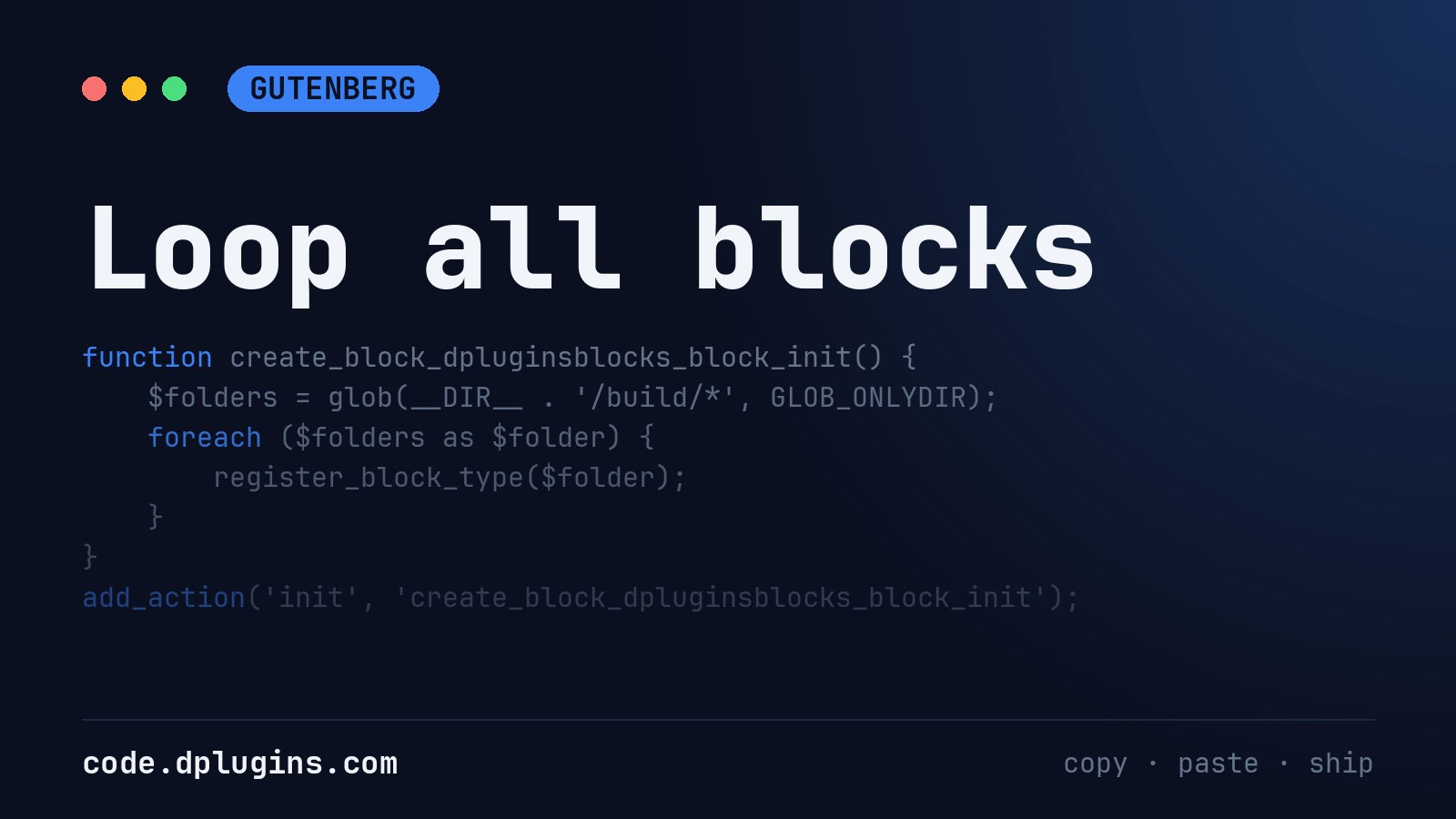
Loop include files
Instead of adding one by one you can include all files inside /inc/ folder If you need to load only php files
Category: WordPress -
Set WordPress Image Compression Quality per Image Size
Save large WordPress image sizes at quality 100 and keep thumbnails at the default 82, with the wp_editor_set_quality filter.
Category: WordPress -
Attachments redirect
This is part of DevKit but I would like to share code snippet as well What This WordPress Plugin Does This plugin is designed for people who work on a WordPress site locally (for development or testing) but want all the images and media files to load from the live production site instead of the…
Category: WordPress -
Show the Server Port in the WordPress Footer
Print the server port and http/https in the WordPress footer, visible to administrators only, escaped and safe to leave on while debugging.
Category: WordPressTags: port -
Developer Notes Page in the WordPress Admin
Add a private Dev Notes page to the WordPress admin for administrators: rich text, tables, images, autosave and an HTML view, no plugin.
Category: WordPress -
WordPress Countdown Timer Shortcode With Tailwind CSS
A WordPress countdown timer shortcode: days, hours, minutes and seconds to a date in your site’s timezone, styled with Tailwind CSS classes.
Category: WordPress -
Restrict WordPress Admin and Login to Your IP Address
Limit WordPress wp-admin and wp-login.php to an IP allowlist with PHP, keep AJAX, REST and cron working, with a wp-config off switch.
Category: WordPress -
Oxygen Template Condition in Scripts Organizer
One of our customer requested a code snippet to write a function which will check that if current post or page has a specific Oxygen template assigned.



3rd party plugins actions admin archive block-themes block editor Blocks block theme build capabilities core CSS Custom Post custom post types Developer development filters Front End full site editing gutenberg hook Image img load styles maintenance media mu-plugin Must Have npm Oxygen performance php plugins scripts organizer security SEO settings api single product theme.json Tips updates WooCommerce wordpress wp-cli WP Admin