

-
Run JavaScript on Load and Resize in WordPress
Run JavaScript on page load and window resize in WordPress without jQuery: measure an element and hand its size to CSS as a variable.
Category: JavaScript -
Display Taxonomy in post loop in ACF Relationship field
Product cat is category name for WooCommerce products category. Thanks, Hammad Wali for sharing this useful code!
-
WordPress Excerpt Without HTML Tags and a Word Limit
Print a WordPress excerpt without HTML tags, shortcodes or a read-more link, cut to a word limit, for cards and templates.
Category: WordPress -
Show the Archive Name Without Category: in WordPress
Print just the WordPress category, tag, taxonomy, post type or author archive name in your archive template, without the Category: prefix.
Category: WordPress -
ACF in Oxygen – PHP Function field
I was banging my head for 2 hours until I got help from Alexander Buzmakov. Function name: get_fieldFunction argument: ACF_fields_slug
-
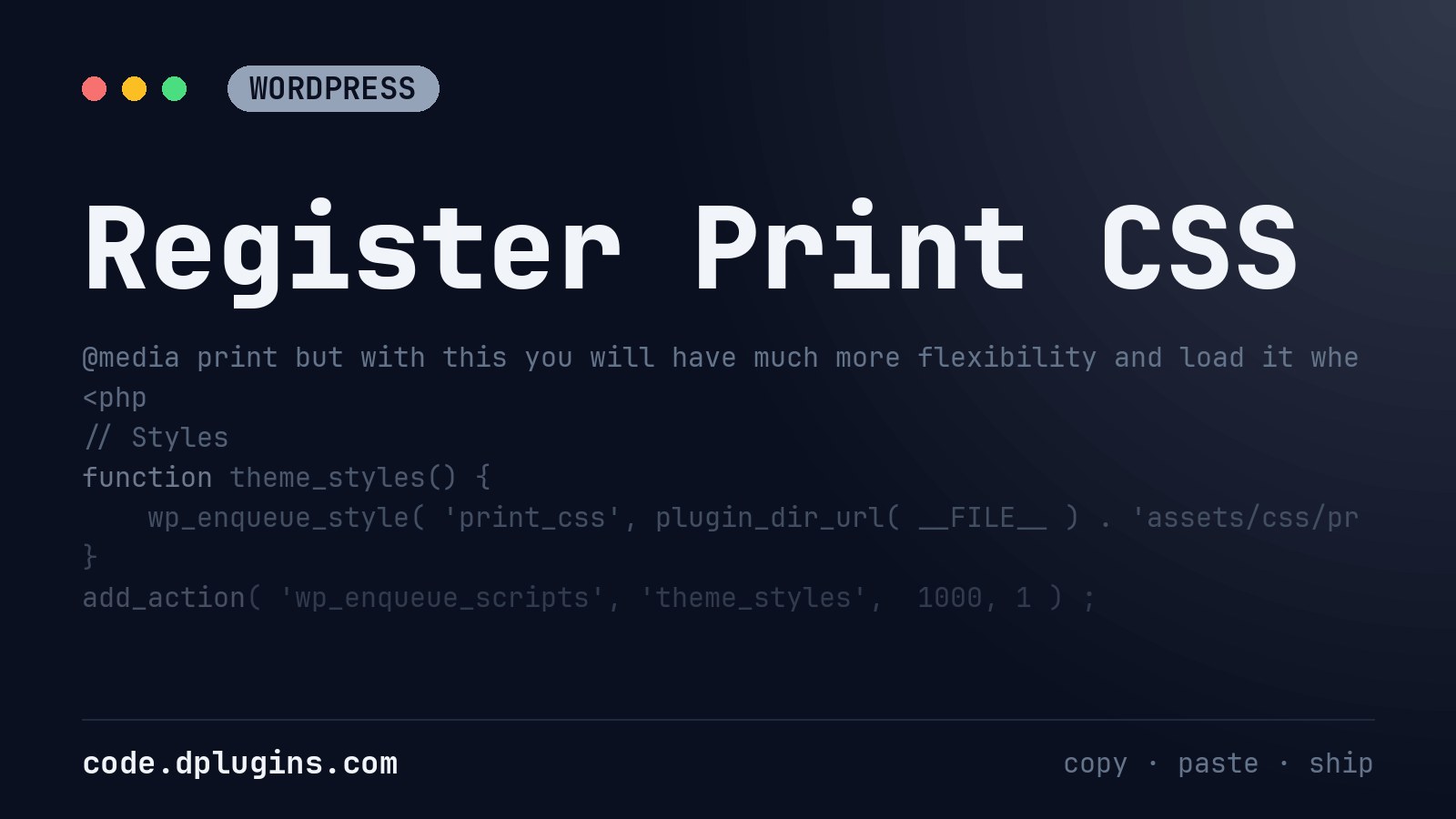
Register Print CSS
after the file path add array, version and then print An entire block stored in function.php should look like this. You can always add it as @media print but with this you will have much more flexibility and load it where you need it. More about Print CSS: https://www.sitepoint.com/css-printer-friendly-pages/ https://www.smashingmagazine.com/2018/05/print-stylesheets-in-2018/
Category: WordPress -
Change the Default Excerpt Length in WordPress
Change the WordPress excerpt length from 55 words to any number, with an optional length per post type, in one small filter.
Category: WordPress -
![Change the WordPress Excerpt […] to a Read More Link](https://code.dplugins.com/wp-content/uploads/2020/01/post-143-thumbnail-1.jpg)
Change the WordPress Excerpt […] to a Read More Link
Replace the […] at the end of WordPress excerpts with an accessible Read more link to the right post, escaped and translatable.
Category: WordPress -
WordPress Related Posts From the Same Category
List WordPress related posts from the same category under a single post, without the current post and without a plugin.
Category: WordPress -
Load script only when you need it
In code block when you are using script add to PHP tab: You need to put path from /wp-content/ and not just plugins folder PHP JavaScript Note: Got this trick from a good friend Alexander Buzmakov. Visit his tutorials oxywp.com.
-
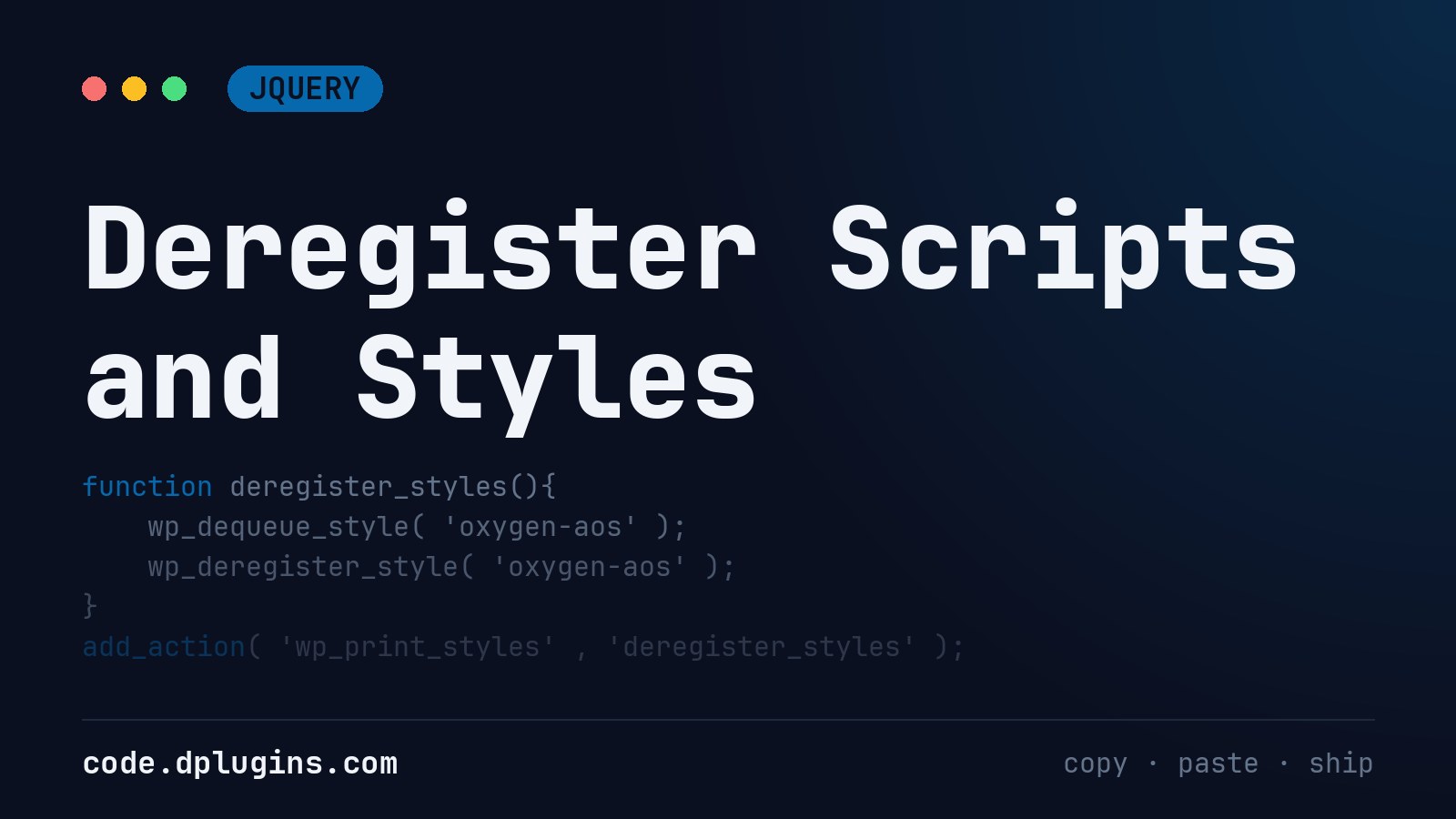
Deregister Scripts and Styles
Put this code to functions.php The easiest way to find all registered scripts and styles is with the plugin MinQueue. If you want to deregister with plugin use Asset Queue Manager
Category: jQuery -
Sublime text hide hidden files from the sidebar
Open preferences by pressing Command + “,” And paste the following snippet Taken from: https://gist.github.com/supawaza/8009192
Category: WordPress -
Show the Current Post’s Categories in WordPress
List the categories of the current WordPress post as escaped links on a single post template, with a class on the primary category.
Category: WordPress -
Show Custom Taxonomy Terms of a Post in WordPress
Show the custom taxonomy terms of the current WordPress post on its single template, as links with a CSS class per term for badges.
Category: WordPress -
Highlight Search Terms in WordPress Search Results
Highlight the search terms in WordPress search results: wraps the words in titles and excerpts in , in classic and block themes.
Category: WordPress -
WordPress Back Button Shortcode With a Fallback Link
A WordPress back button shortcode that returns visitors to the previous page, and opens a fallback URL when they arrived from another site.
Category: JavaScript -
Add and Remove a Class on Scroll in WordPress
Add an is-visible class to WordPress elements while they are on screen and remove it when they leave, with IntersectionObserver and no jQuery.
Category: JavaScript -
List WordPress Categories With an Active Class
List all WordPress categories or custom taxonomy terms as links with a current-cat active class, on archives and on single posts.
Category: WordPress -
Toggle Text on Click in WordPress Without jQuery
Swap an element’s text between two values on each click in WordPress, keyboard accessible and without jQuery.
Category: JavaScript

3rd party plugins actions admin admin bar archive block-themes block editor Blocks block theme build caching capabilities core CSS custom post types development filters gutenberg hook hooks Image img javascript load styles maintenance media Must Have npm Oxygen performance php plugins rest api scripts organizer security single product tailwind theme.json Tips transients updates WooCommerce wordpress wp-cli WP Admin