
Current problem is if you embed youtube in WordPress it’s going to load a bunch of scripts that will dramatically increase a load time.
With this approach scripts and video will be loaded only after user clicks on video thumbnail.
Shortcode usage
To use shortcode wrap “yt” and “id=yourid” in backets []

You don’t need to wrap ID in quotes.
[yt id=0-wlEr669CY]
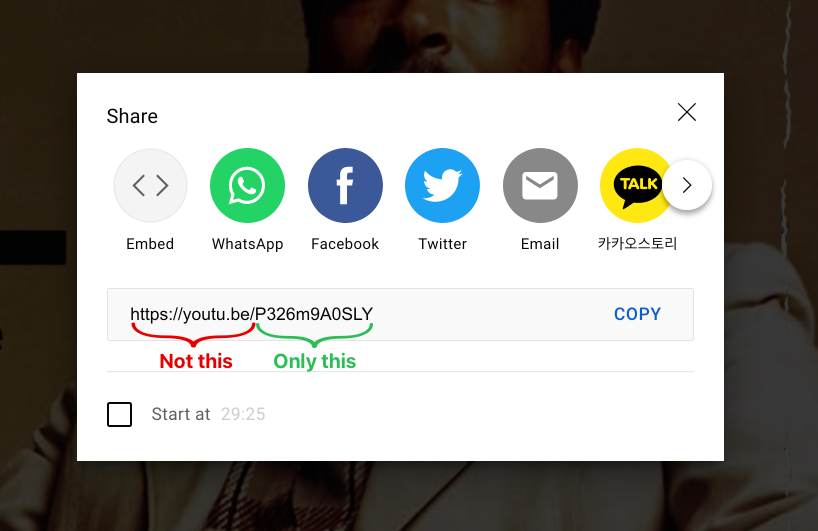
Get YouTube ID
In YouTube Bellow video click share. After you get a popup copy only the code after: https://youtu.be/
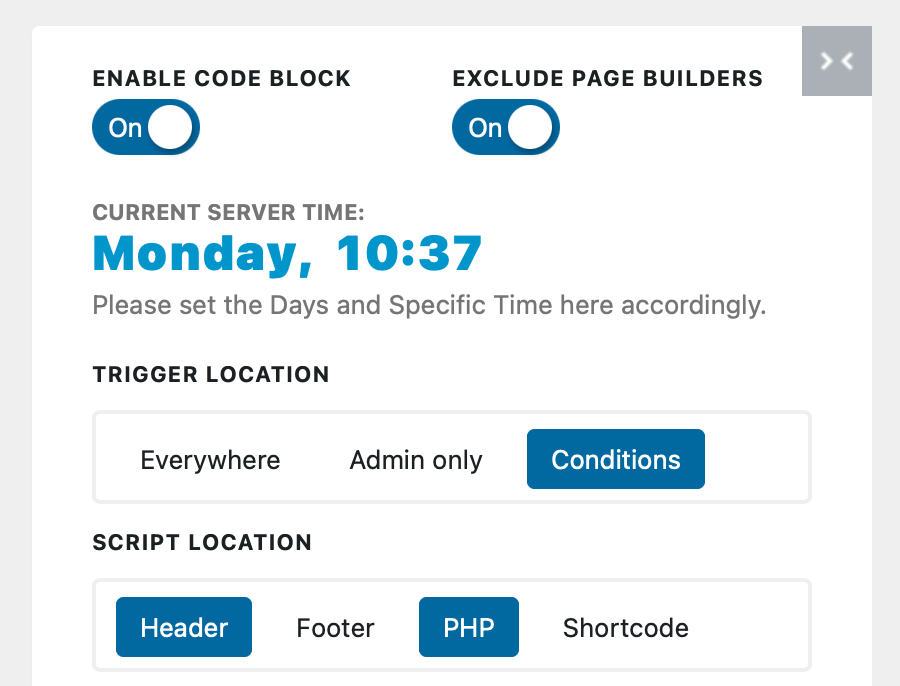
Code Block Settings
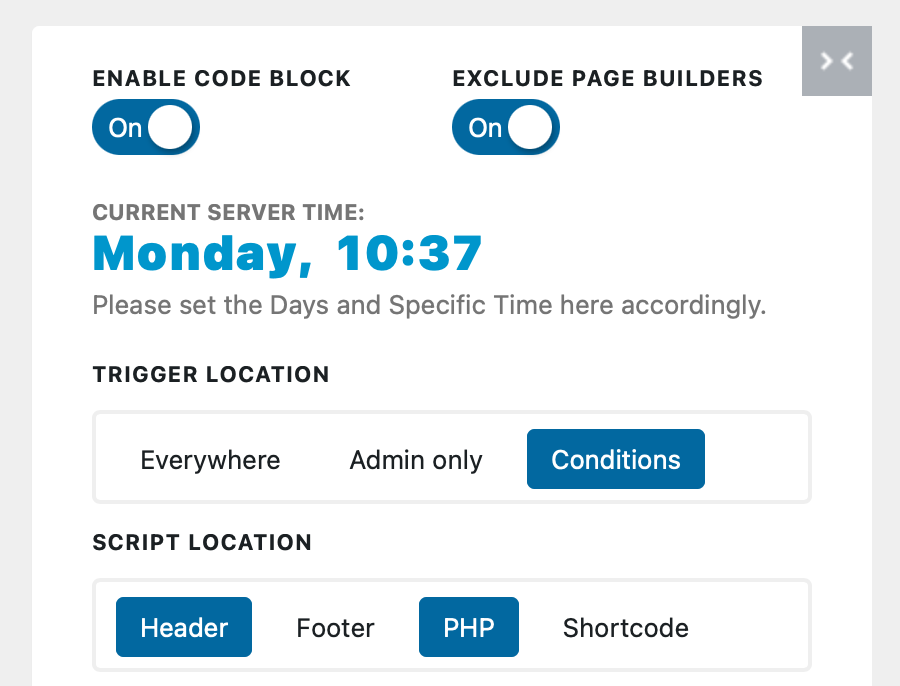
Trigger Location: Conditions
Script Location: PHP and Header > CSS
[edd_restrict id=”423″]
PHP
<?php

function yt_shortcode_function( $atts = array() )
{

    // set up default parameters
    extract(shortcode_atts(array(
        'id'    => 'test'
    ), $atts));

    return '<div class="youtube-video-container"><iframe
                    width="560"
                    height="315"

                    src="https://youtu.be/'. $id .'?autoplay=1"
                    srcdoc="<style>
                            * {
                                padding:0;
                                margin:0;
                                overflow:hidden;
                            }

                            html,body {
                                height:100%;
                            }

                            img,span {
                                position:absolute;
                                width:100%;
                                top:0;
                                bottom:0;
                                margin:auto;
                            }

                            a{
                                display: flex;
                                align-items: center;
                                justify-content: space-around;
                            }

                            span {
                                height: 40px;
                                text-align:center;
                                font:32px sans-serif;
                                color:white;
                                background-color: rgba(0, 0, 0, 0.6);
                                width: 50px;
                                line-height: 1;
                                padding: 0px 5px;
                                border-radius: 5px;
                                display: flex;
                                align-items: center;
                                justify-content: space-around;
                                transition: all 0.3s ease;
                            }
                            span:hover{
                                background-color: rgba(0, 0, 0, 0.9);
                                transform: scale(1.2);
                            }
                    </style>

                <a href=https://www.youtube.com/embed/'. $id .'?autoplay=1>
                <img src=https://img.youtube.com/vi/'. $id .'/hqdefault.jpg >
                    <span>▶</span>
                </a>"

                frameborder="0"
                allow="accelerometer; autoplay; encrypted-media; gyroscope; picture-in-picture"
                allowfullscreen
            ></iframe></div>';
}

add_shortcode('yt', 'yt_shortcode_function');
?>
CSS
This part will give you responsive video to take 100% of parent width.
.youtube-video-container {
  position: relative;
  overflow: hidden;
  width: 100%;
}

.youtube-video-container::after {
  display: block;
  content: "";
  padding-top: 56.25%;
}

.youtube-video-container iframe {
  position: absolute;
  top: 0;
  left: 0;
  width: 100%;
  height: 100%;
}