
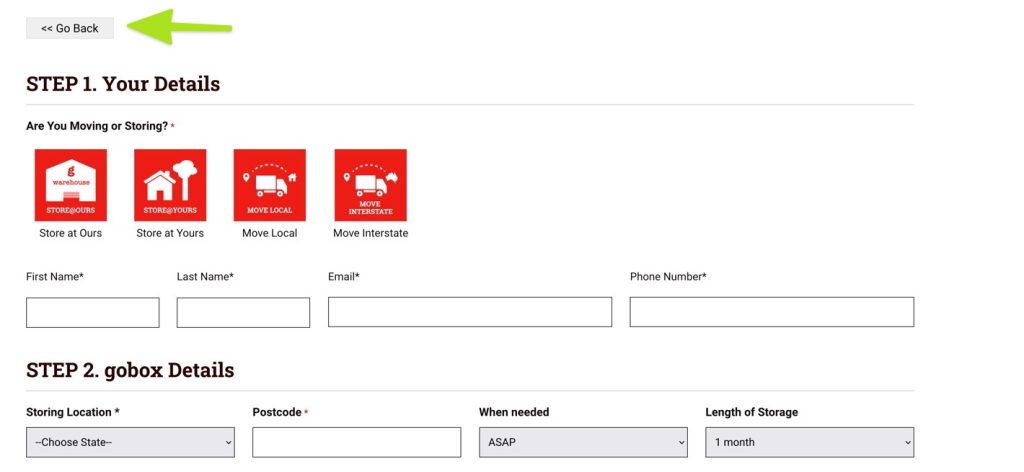
This will allow you to create a button that uses the history states to go back with pure HTML. You will then have to style it to make it look as required. It is useful if you end up on checkout pages or forms that have no headers or footers and wish to give the client a way to go back to where they came from.
This is also useful for 404 pages.
Create a code Block in Oxygen. Paste this into the HTML section. Style using CSS.
<button onclick="history.back()"> Go Back </button>