Put this code to functions.php
function deregister_styles(){
	wp_dequeue_style( 'oxygen-aos' );
	wp_deregister_style( 'oxygen-aos' );
}
add_action( 'wp_print_styles' , 'deregister_styles' );
function deregister_scripts(){
	wp_dequeue_script( 'oxygen-aos' );
	wp_deregister_script( 'oxygen-aos' );
}
add_action( 'wp_print_scripts' , 'deregister_scripts' );
The easiest way to find all registered scripts and styles is with the plugin MinQueue.

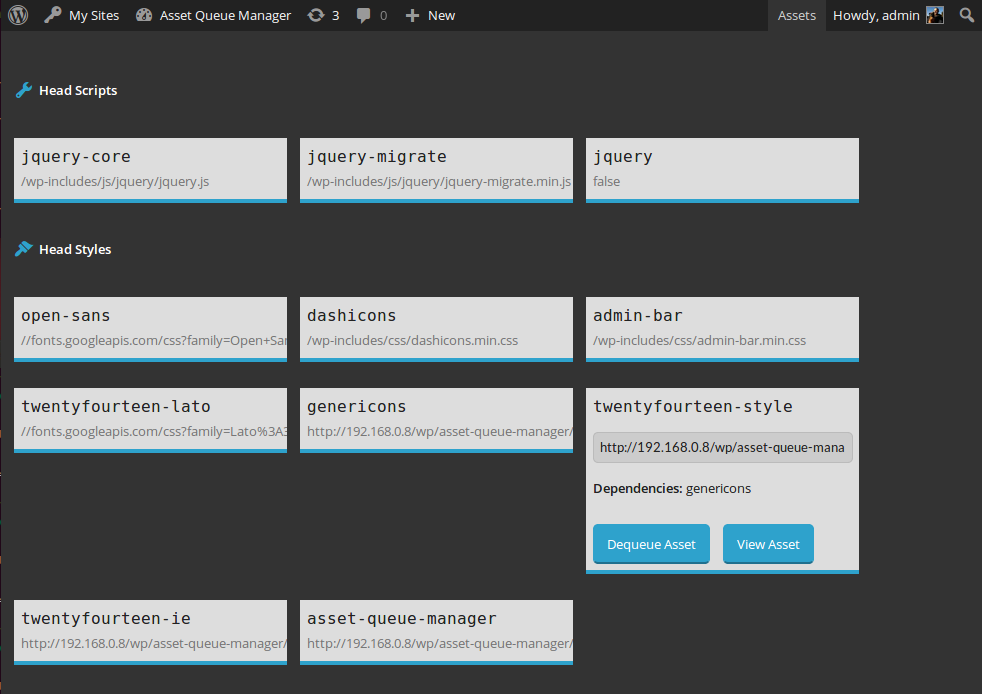
If you want to deregister with plugin use Asset Queue Manager